Workspace & Accessories
Choose accessories and a workspace around practical needs.
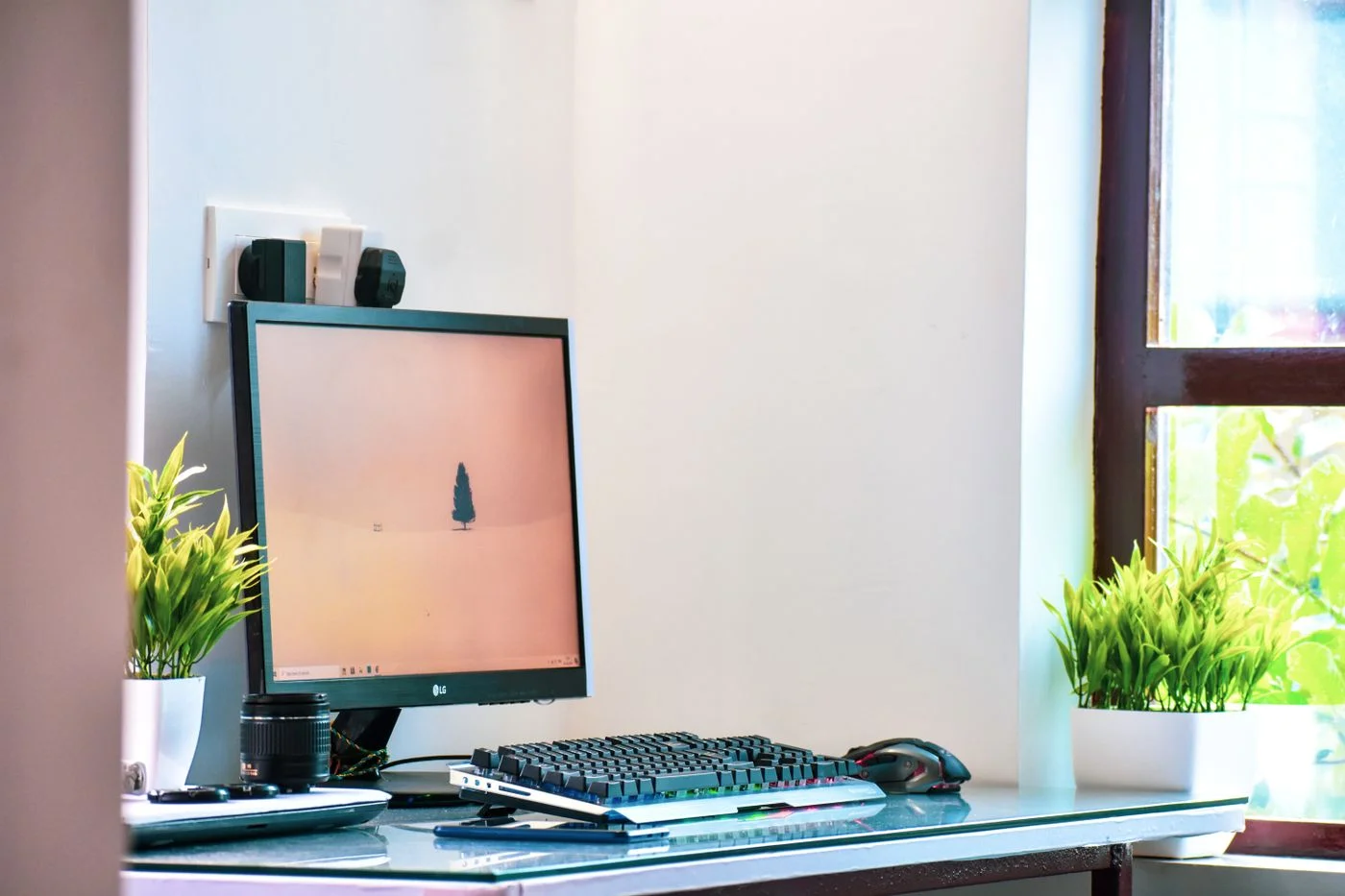
Arrange a small computer desk
A small desk needs clear priorities. Arrange the screen, input devices and papers around the tasks you do most often.
Read the guide ↗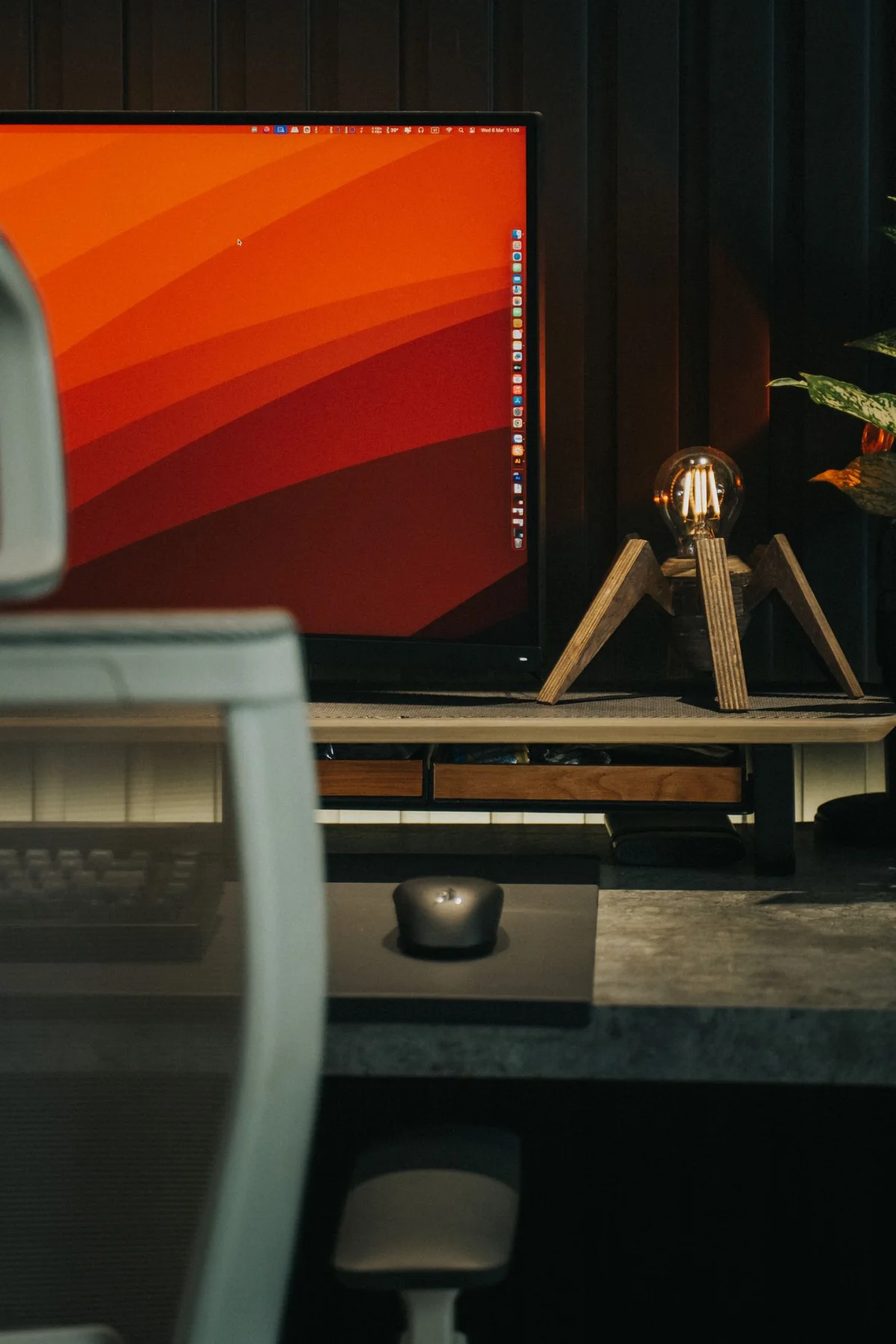
Choose a monitor size for your space
Screen diagonal alone says little about how a monitor will work at your desk. Consider footprint, text display and connections together.
Read the guide ↗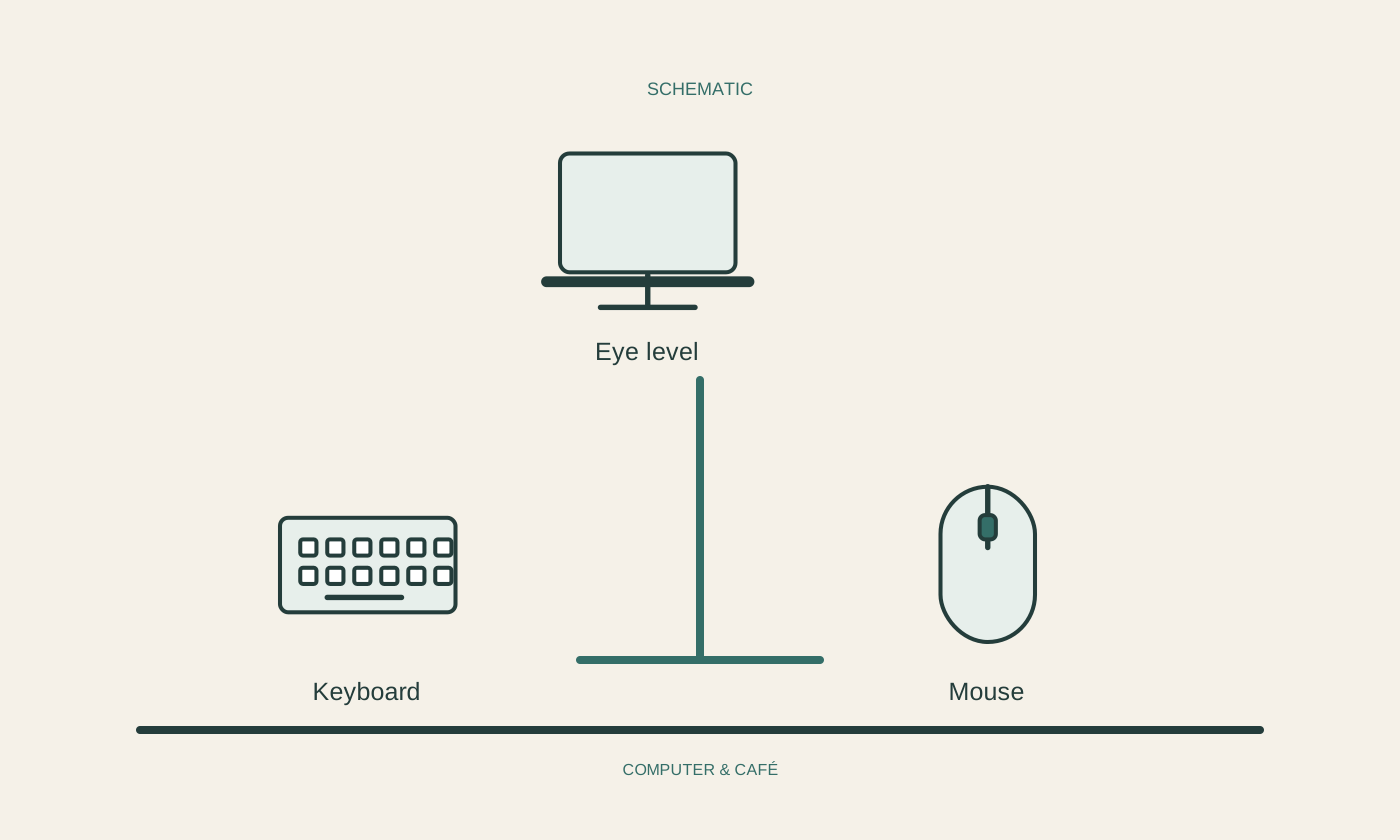
Plan a laptop stand with an external keyboard
A stand changes more than screen height. Plan the keyboard, mouse, cables and ventilation at the same time.
Read the guide ↗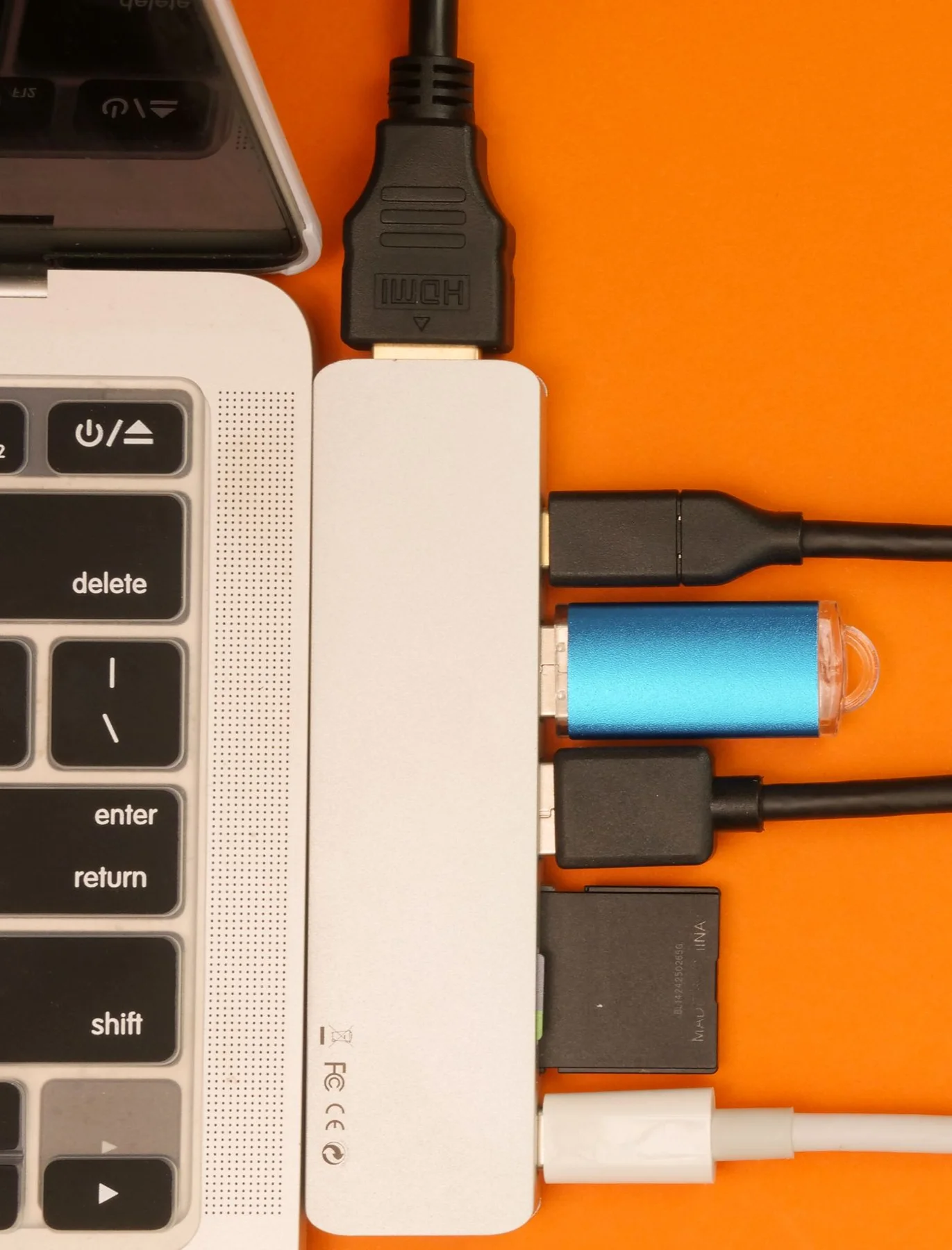
Route desk cables so they remain understandable
Good cable routing remains understandable when a device changes. Start with identification and movement room rather than tight bundles.
Read the guide ↗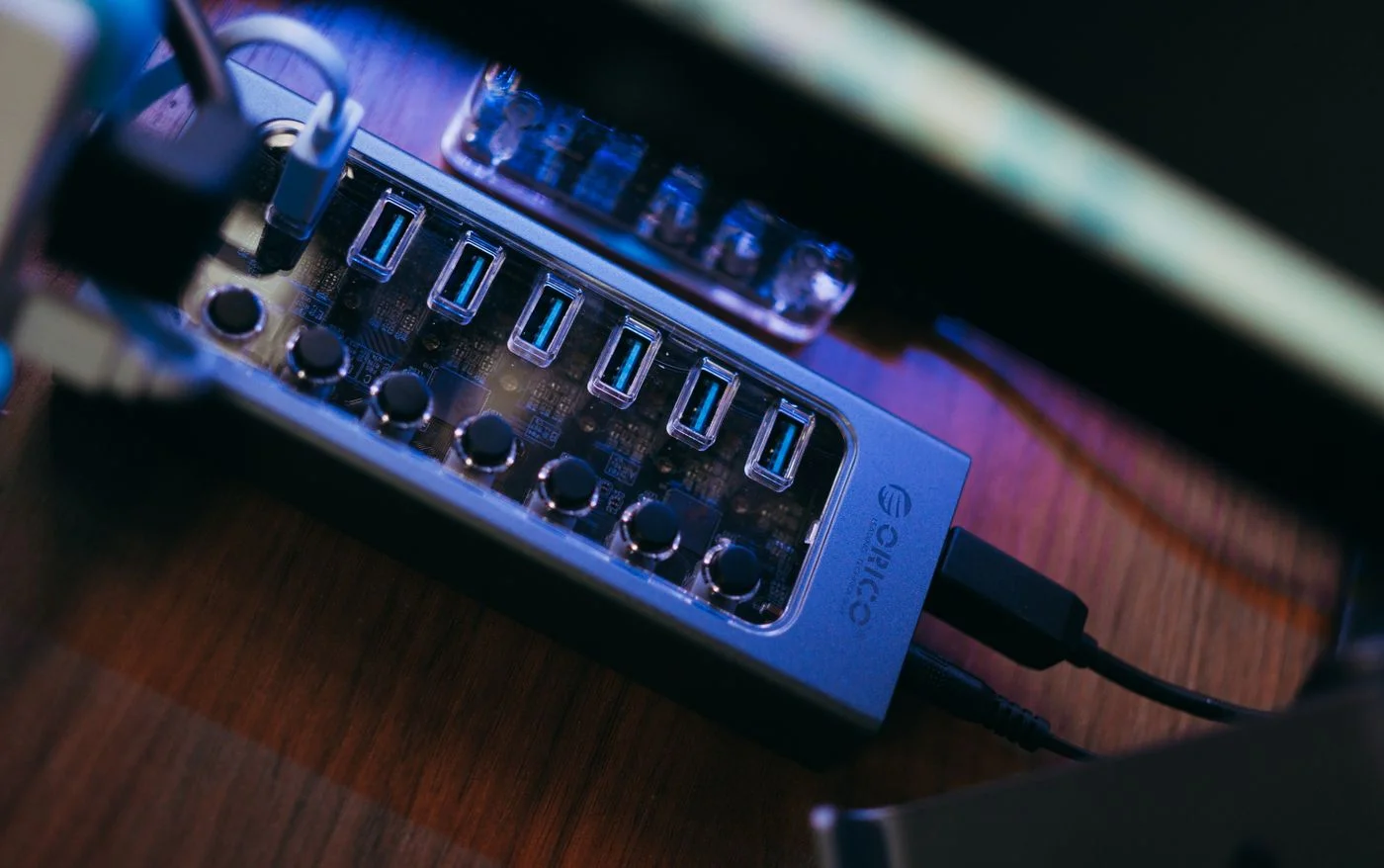
Choose a USB hub by the jobs it must do
A hub needs to connect your actual devices. Port count is only one part of the decision.
Read the guide ↗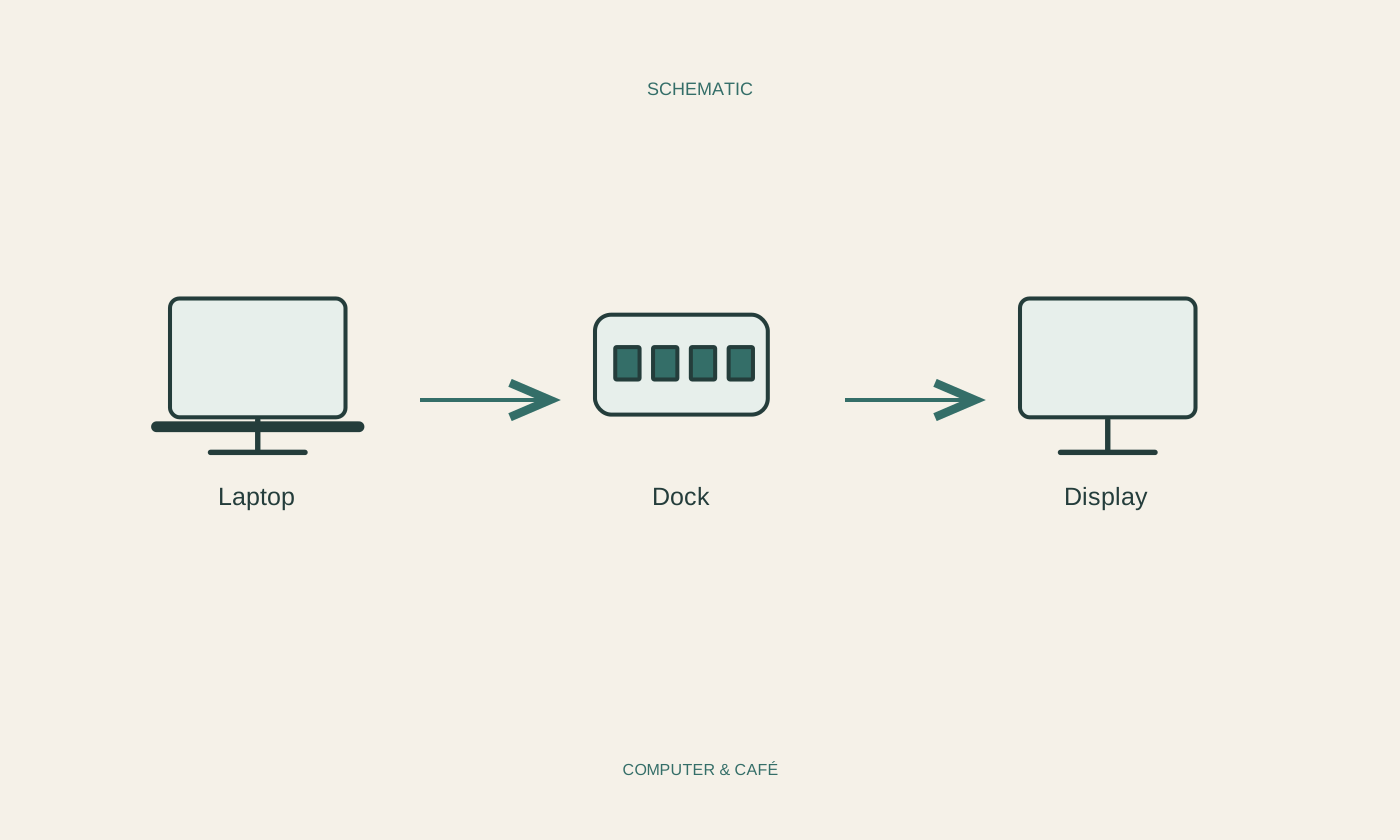
Check a docking station before buying
A dock combines several tasks through one connection. Success depends on the laptop, dock, cable and attached devices together.
Read the guide ↗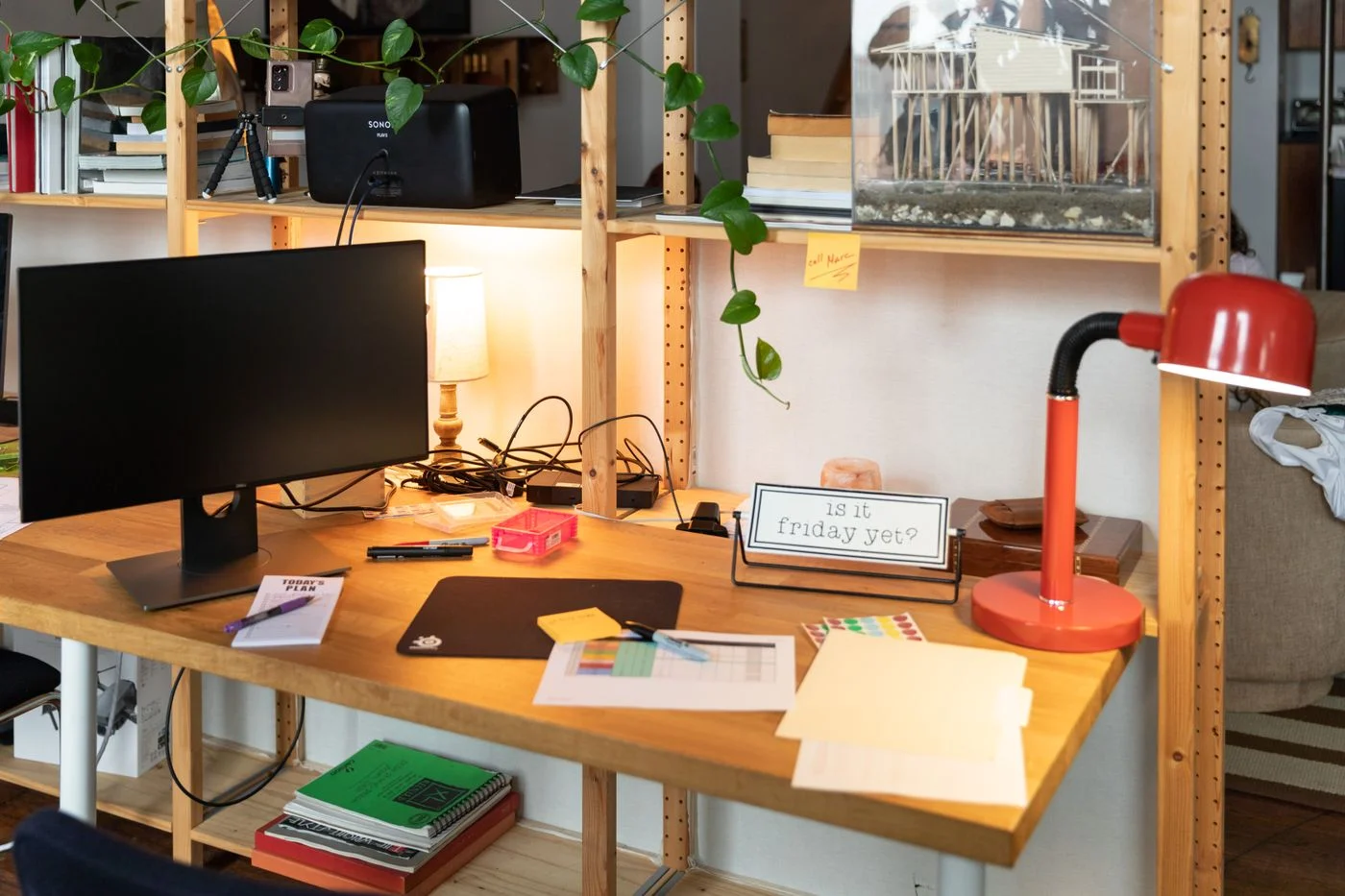
Choose lighting for screen and paper
Screens and paper respond differently to light. Test the arrangement with the materials you actually read.
Read the guide ↗
Choose a headset for clear conversations
For calls, intelligible speech, a suitable connection and comfortable fit matter. A long feature list cannot answer those questions by itself.
Read the guide ↗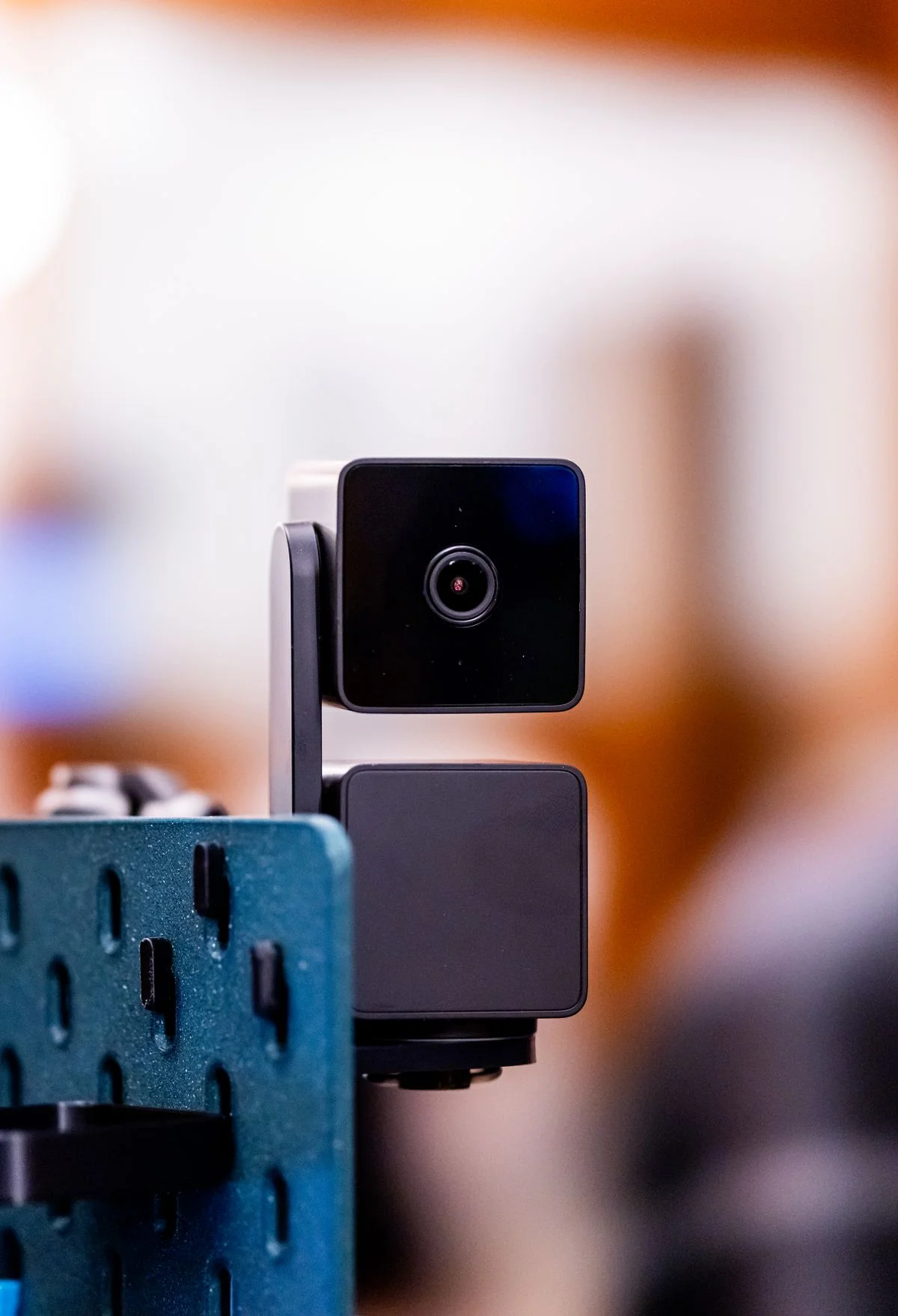
Choose a webcam for your room
A webcam needs to suit the room, distance and mounting position. Check real framing before focusing on a resolution number.
Read the guide ↗
Choose a printer for occasional use
For occasional printing, purchase price is only one consideration. Check documents, supplies and the work required between uses.
Read the guide ↗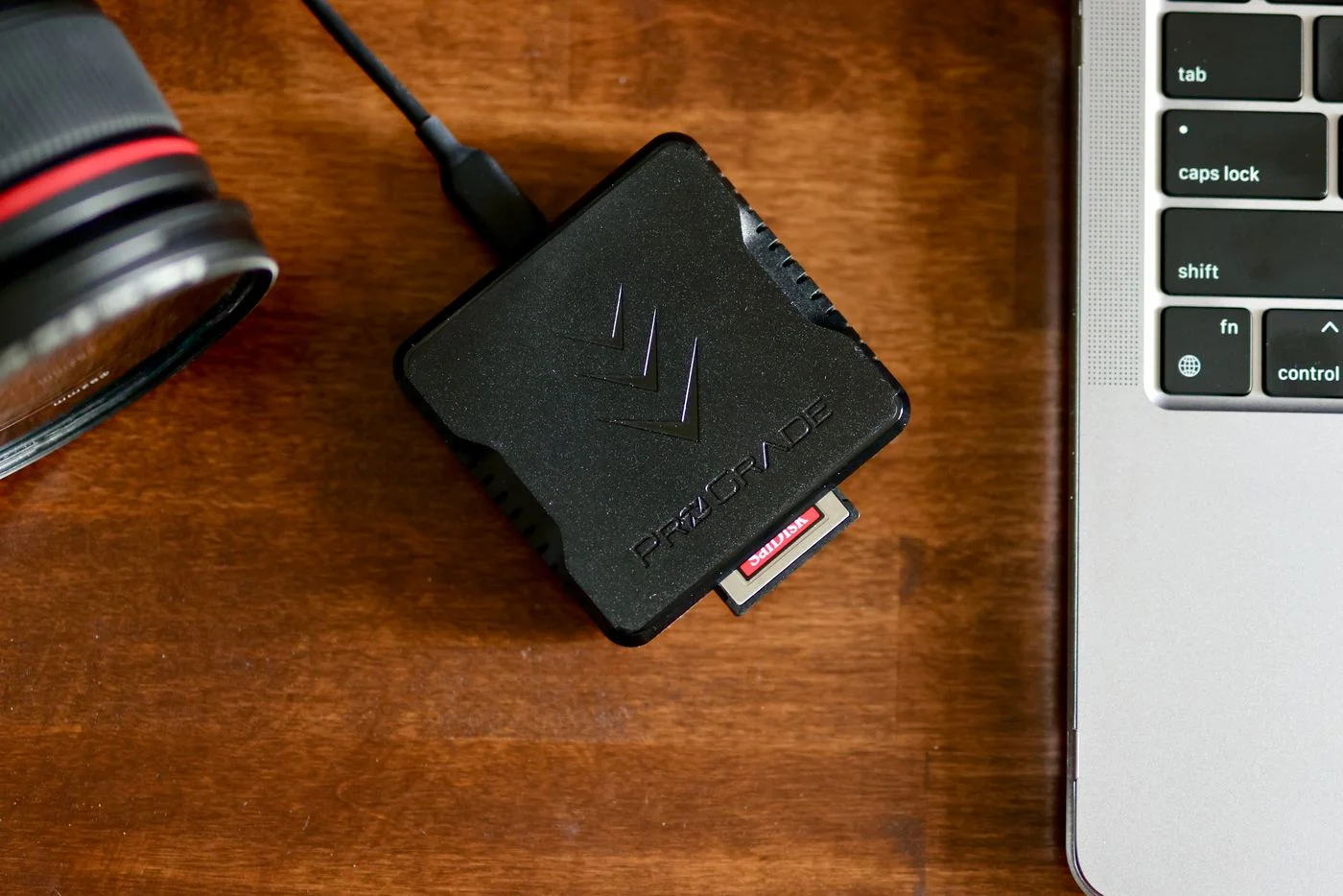
Choose a card reader for your camera
A card reader must suit both the memory card and the computer. Check format and connection before comparing transfer speed.
Read the guide ↗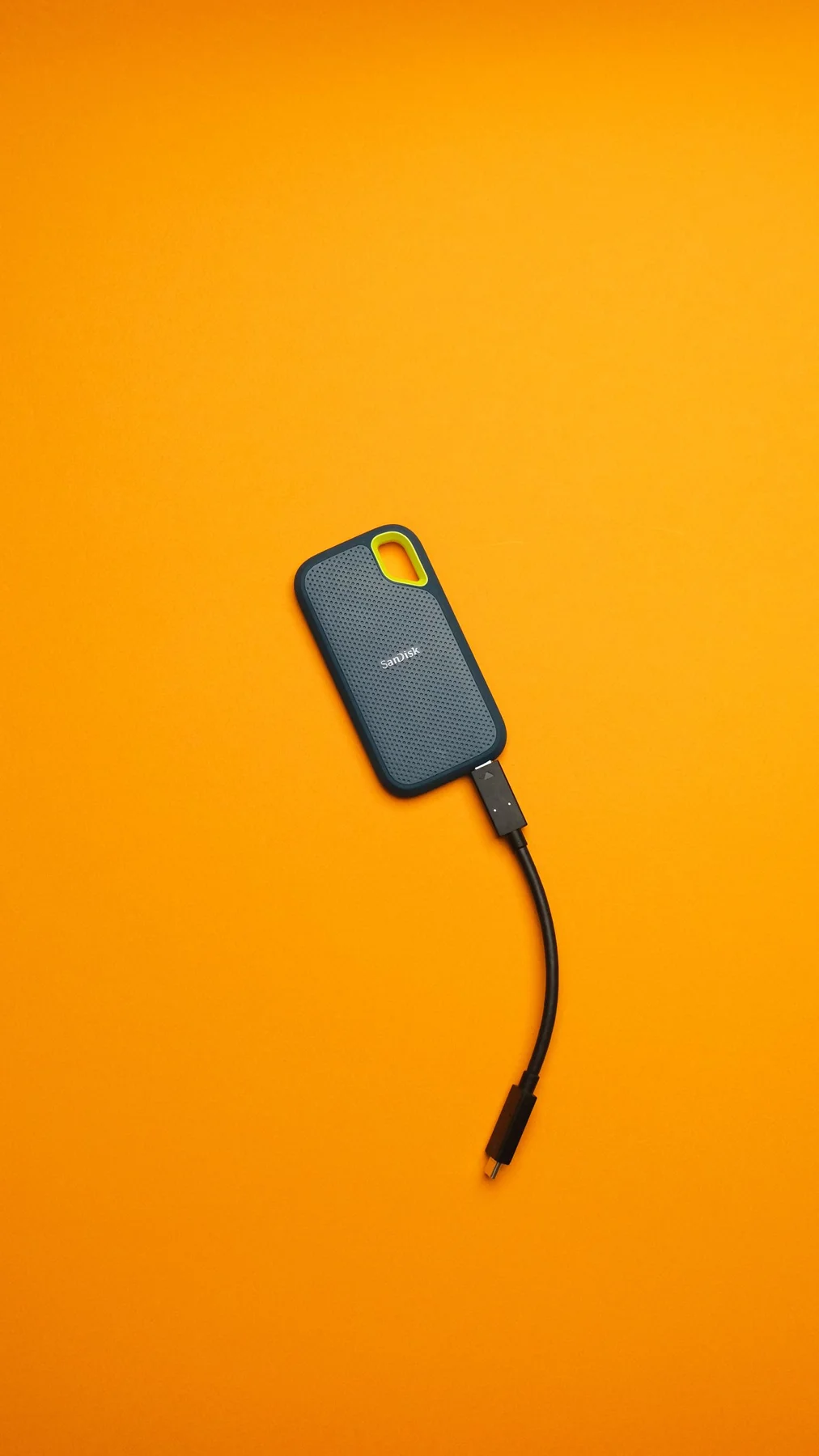
Choose a portable external SSD
A portable SSD should suit the connection, files and travel routine. Check the whole use case rather than capacity and maximum speed alone.
Read the guide ↗
Choose a laptop bag for everyday use
A useful bag needs to do more than fit a laptop. What matters is how you carry the computer together with everything else.
Read the guide ↗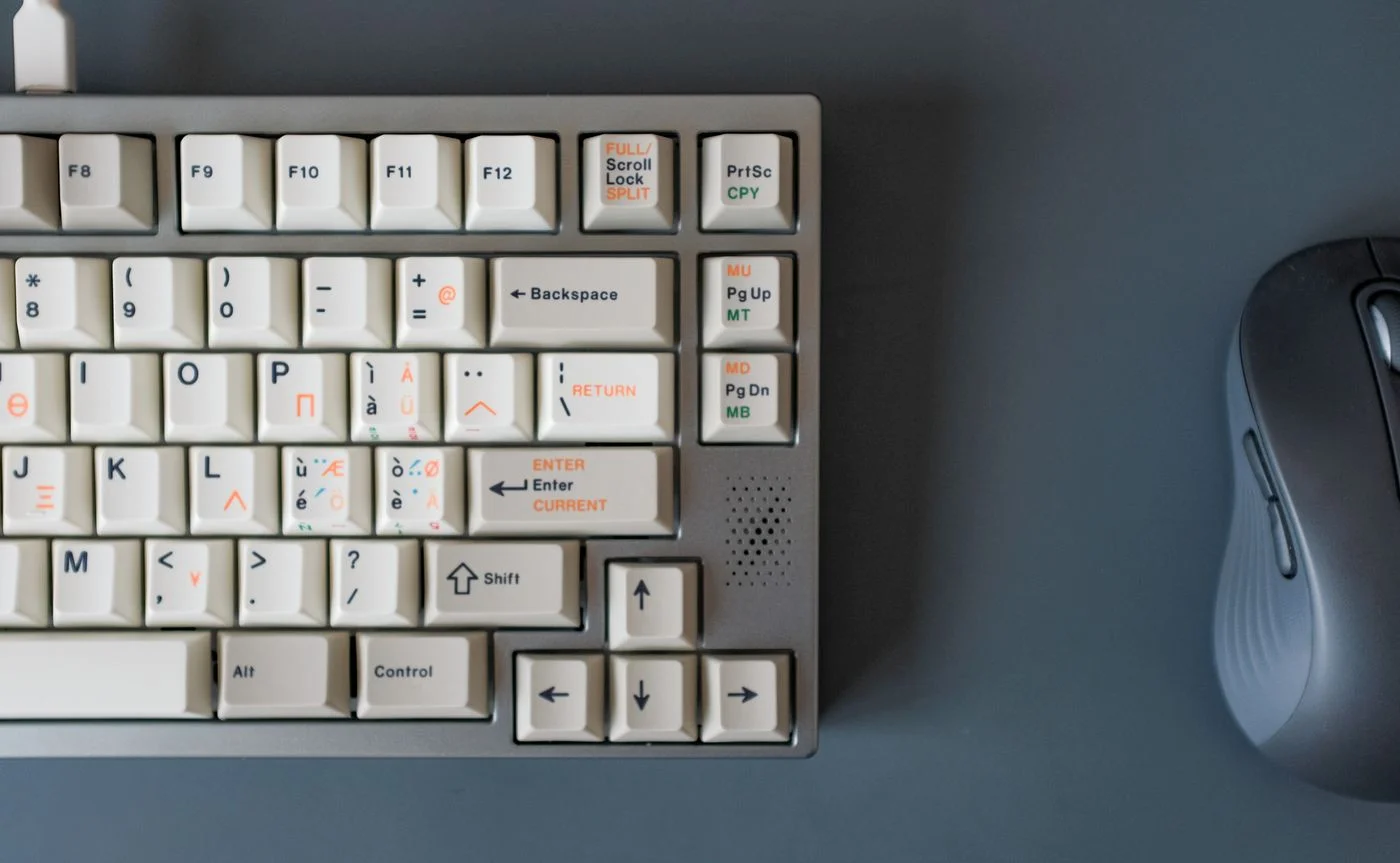
Share a desk with keyboard and mouse
A shared desk works better when each person can reset it easily. That does not require complicated keyboards or mice.
Read the guide ↗
Find a safer place for coffee beside technology
A drink is part of many working days. Giving it a deliberate place keeps it away from the movements, cables and equipment that fill a desk.
Read the guide ↗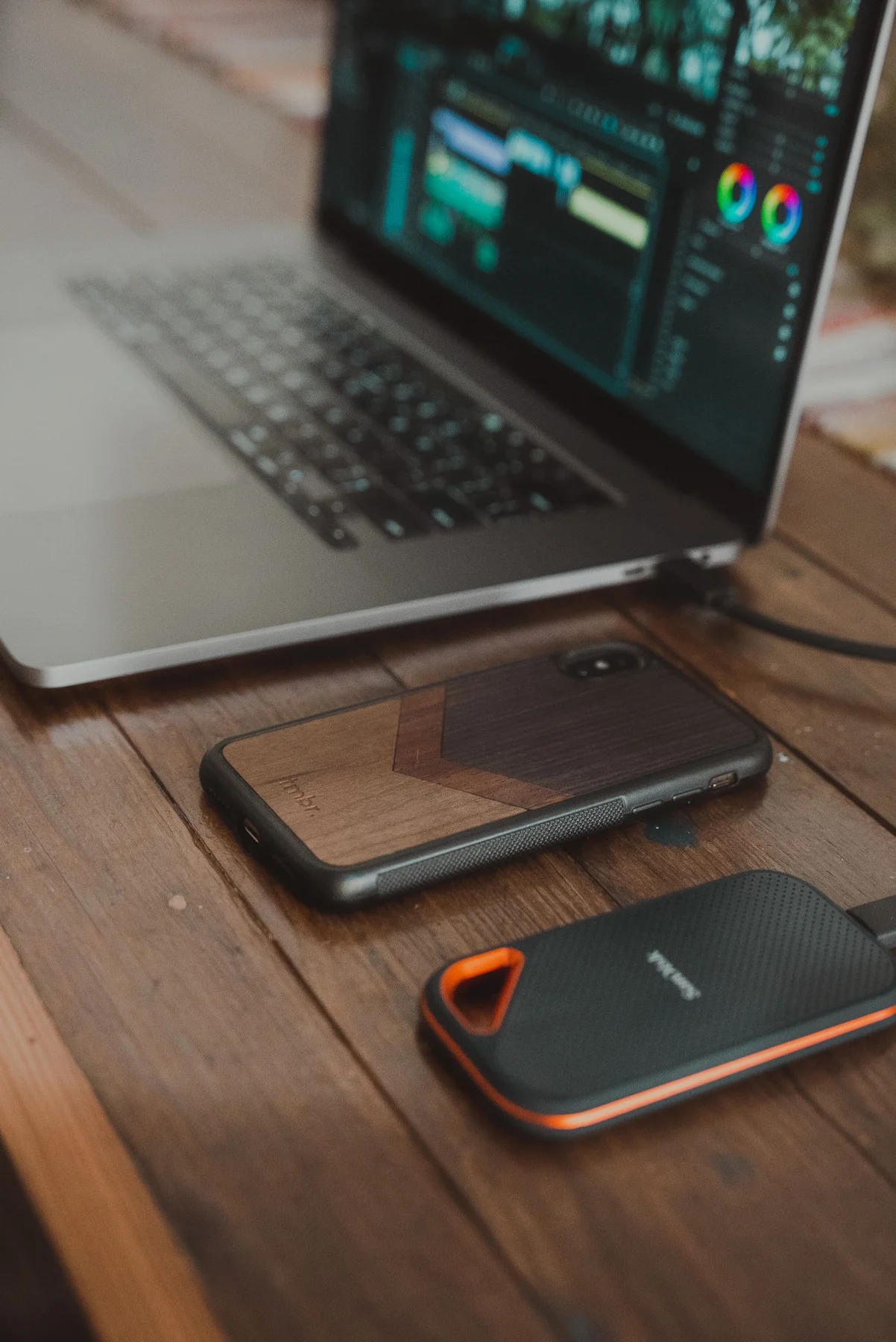
Set up a portable workspace efficiently
A portable workspace should take little attention to unpack and put away. A small, well-chosen kit is often enough.
Read the guide ↗