Identify the card precisely
Read the markings on the memory card and the camera’s instructions. Similar-looking cards can use different formats or have different requirements. Record the exact card type rather than only its storage capacity. A reader with several slots is not automatically compatible with every card that seems approximately the right size for an opening.
Check whether any existing adapter forms part of the intended setup and what limitations its manufacturer lists. Never force a card into place. If shape or orientation is unclear, compare the reader’s markings with its instructions. Selection begins with safe physical and functional compatibility. A high advertised transfer rate offers no benefit when the card you actually use is unsupported or the intended adapter arrangement is unsuitable.
Consider the whole route to the computer
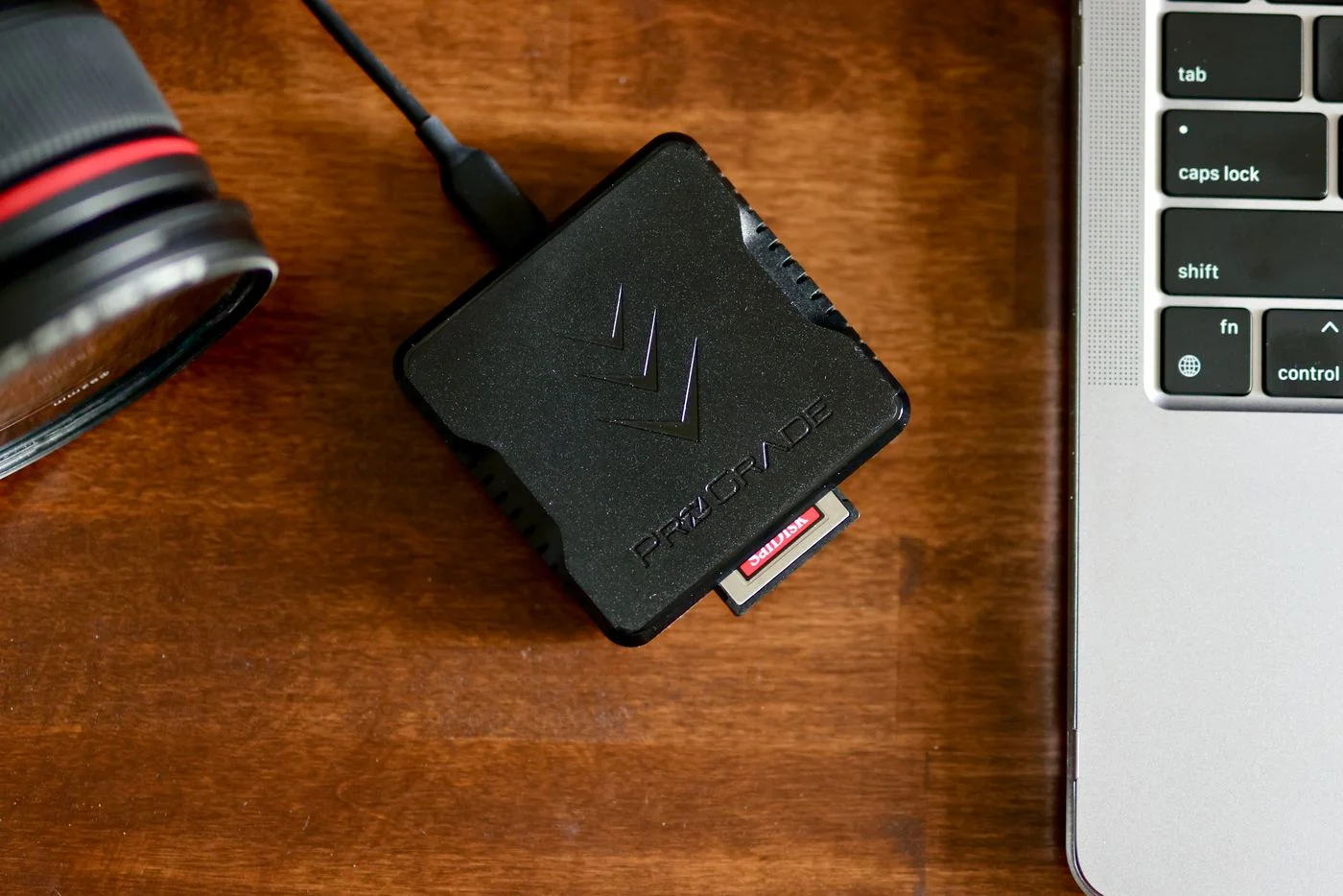
Compare the reader’s computer connection with your device. USB-C initially describes the connector shape, not a particular transfer rate. Read the specifications of reader, computer and any connecting cable or hub together. An additional adapter can affect the actual connection, so judge the whole path rather than one component in isolation.
Consider physical placement too. A very short rigid reader may block neighbouring sockets on a crowded laptop. A small cable can provide movement room, but must support the intended function. Decide whether the reader will mainly stay on a desk or travel. In a bag, protection and easy retrieval matter. At a desk, accessible slots and a route that prevents accidentally knocking the card during transfer are useful priorities.
Judge speed against your own workload
Consider the amount you normally transfer. A handful of holiday photographs creates different timing needs from extensive shooting sessions. Actual transfer performance depends on several components, including card, reader, connection and destination drive. One maximum figure on the packaging therefore does not promise the same result for every copy operation or every combination of equipment.
Compare explicit compatibility information before focusing on the highest number. After purchase, use unimportant files to check that the sequence works reliably. Watch for unexpected interruptions and inspect the copies. For many occasional tasks, a slightly longer but understandable transfer is more useful than a theoretical peak rate through an uncertain connection. One unusually slow operation does not establish a hardware fault by itself.
Copy photographs before deleting anything
First copy photographs into a clearly named folder. Open several pictures, including images from the beginning and end of the sequence and any different formats you need. Check that the intended application can read them. Leave the card unchanged until the transfer has been checked and an appropriate additional backup exists. A completed progress bar is not the entire verification process.
Finish active access and use the intended safe-eject procedure before removing the card or reader. If a card is not recognised, do not immediately format it while needed data may exist only there. Check connection and compatibility using low-stakes comparison material, and obtain suitable help for important unbacked-up photographs. The reader is a transfer tool; it replaces neither inspection of the pictures nor independent backup.
Match card format and computer connection, then check copied photographs before clearing anything from the card.