Everyday Software
Use everyday applications for the tasks you actually need to do.
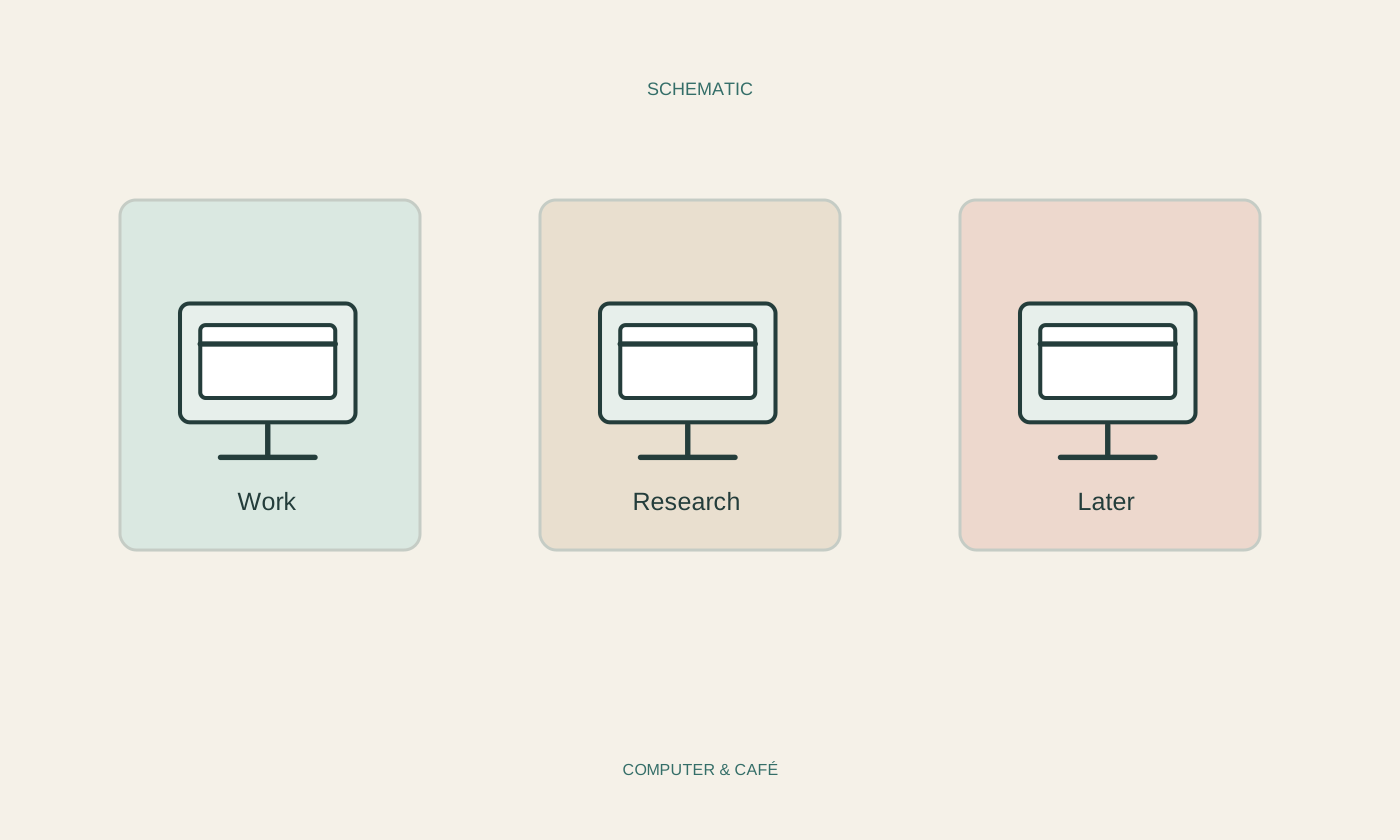
Keep browser tabs manageable
A crowded tab bar often represents unfinished decisions. Separate current work, later reading and pages worth keeping.
Read the guide ↗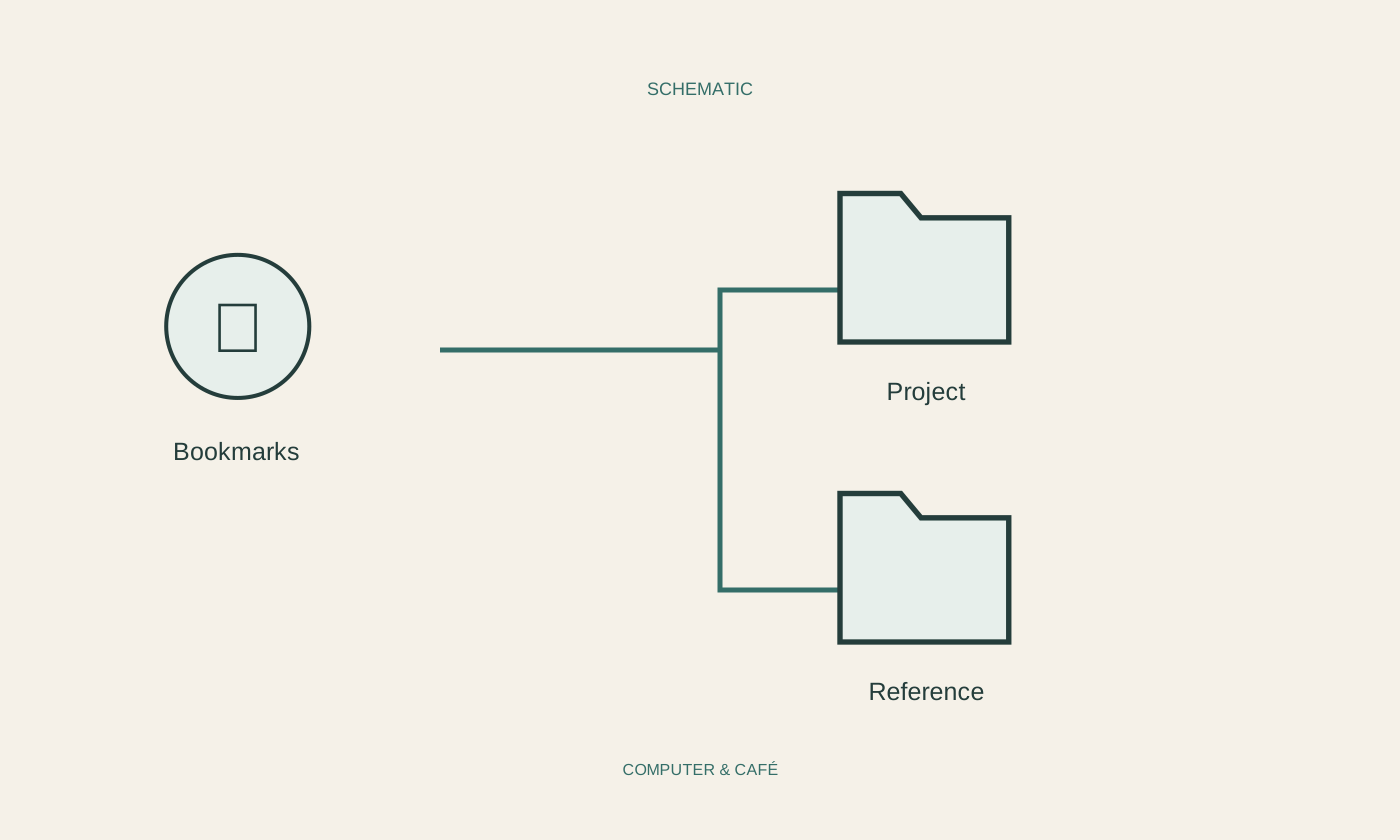
Build a useful collection of bookmarks
A useful bookmark collection is small enough to revisit. Recognisable names and a few clear purposes matter more than elaborate folders.
Read the guide ↗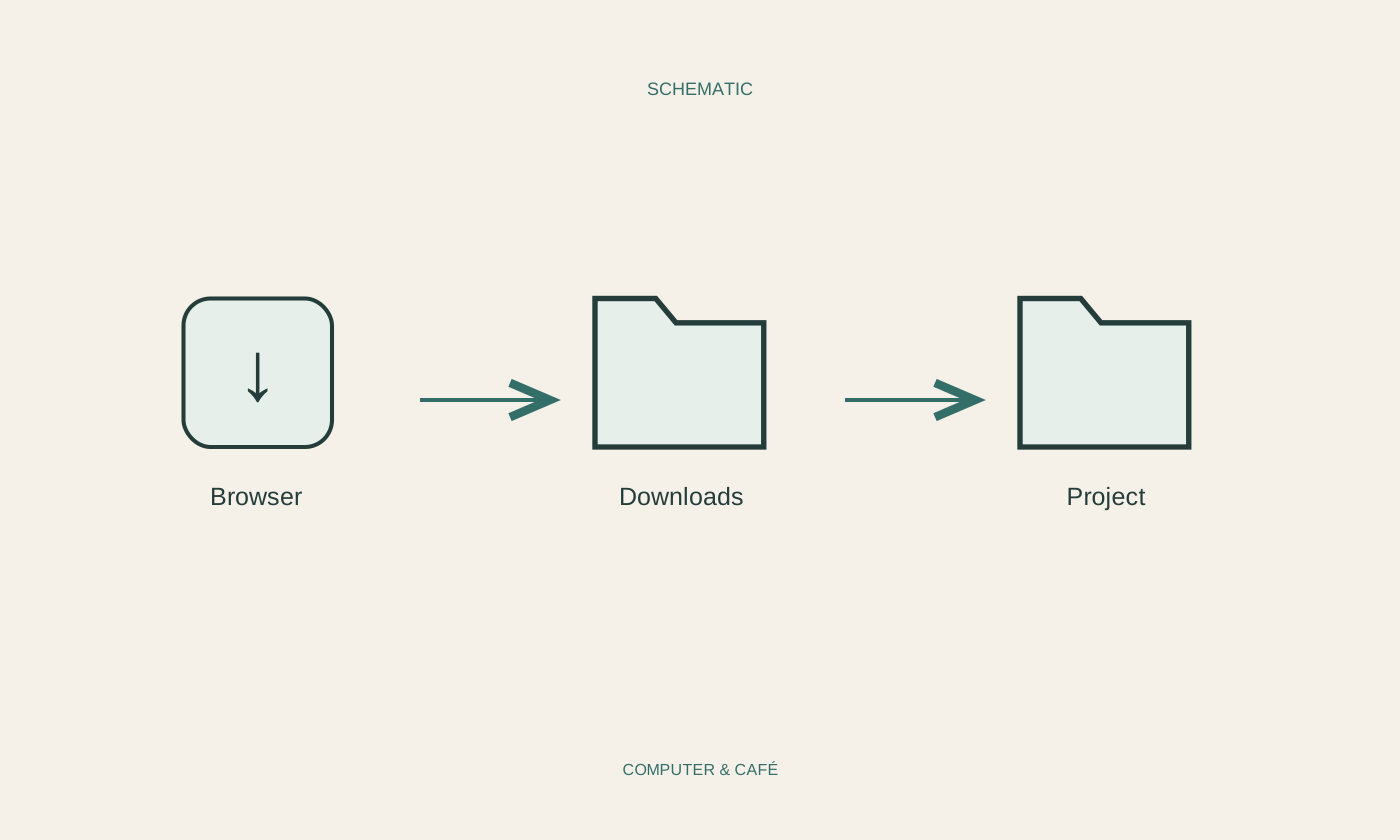
Choose where browser downloads belong
A download is properly handled when you can find it again and understand what it is. Choose deliberately between an inbox folder and a specific destination.
Read the guide ↗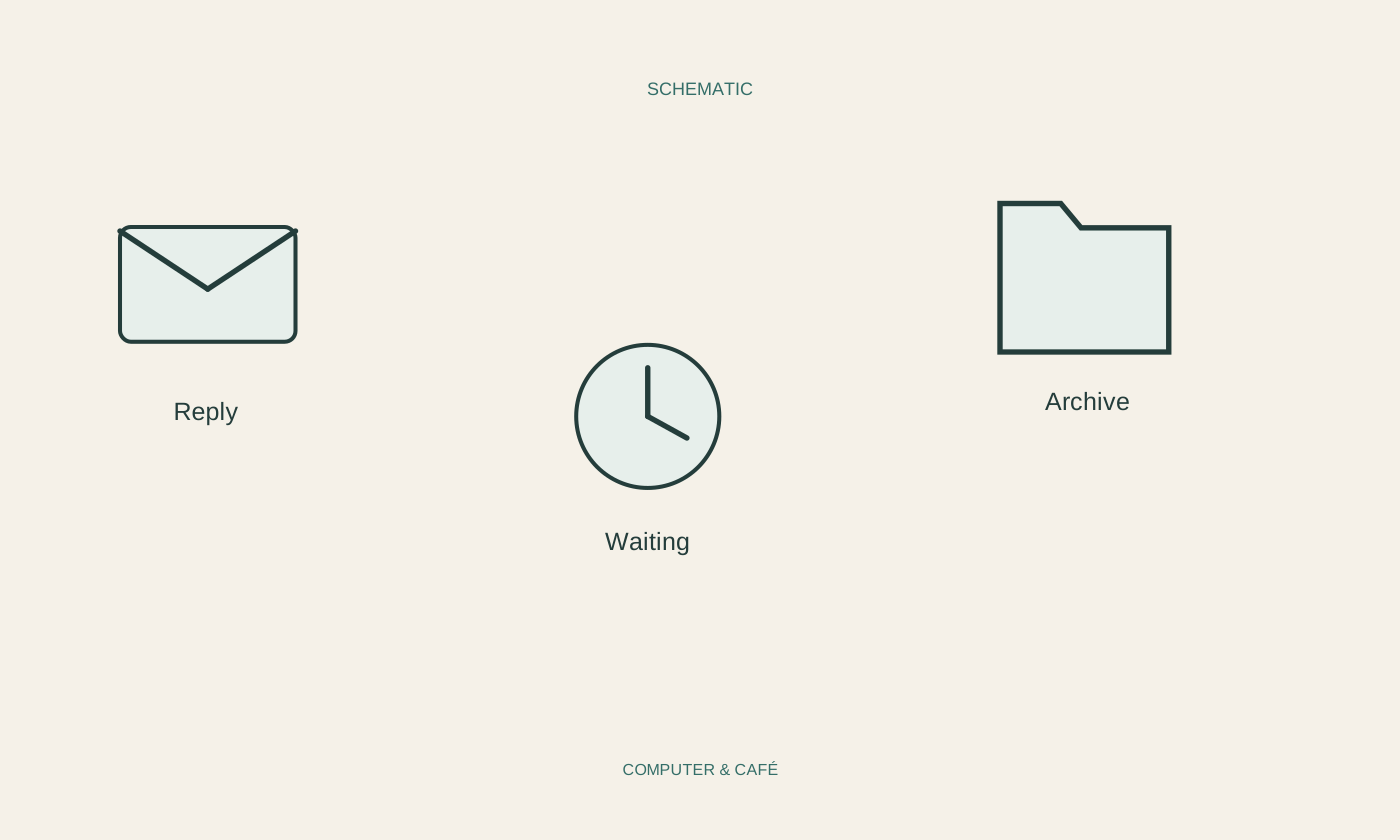
Organise email around what needs doing
An organised inbox should show what needs doing next. A few working states are often more useful than dozens of folders named after senders.
Read the guide ↗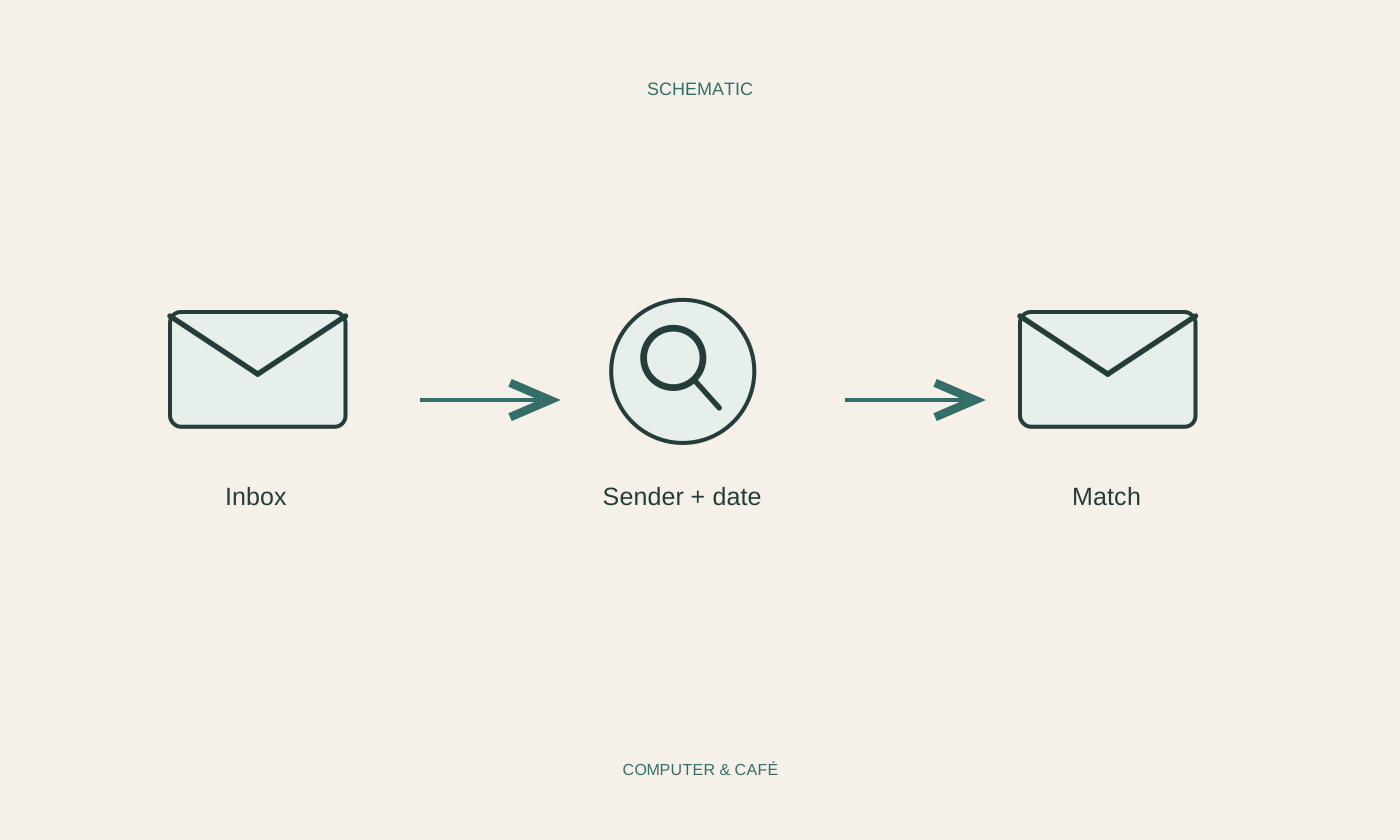
Find an email without endless scrolling
A few reliable clues usually beat endless scrolling. Start with what you remember confidently and narrow the results one step at a time.
Read the guide ↗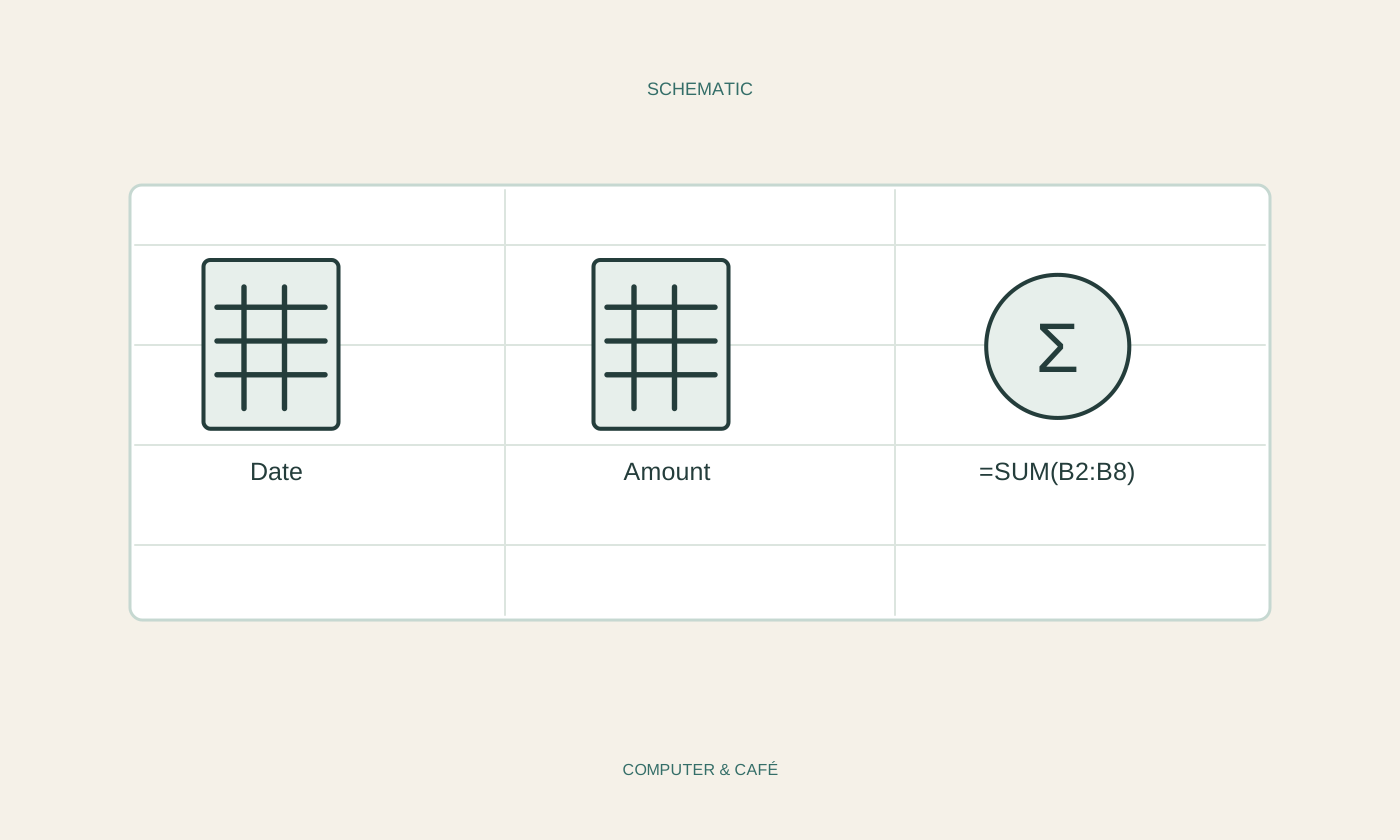
Build a simple spending spreadsheet
A spending sheet needs clear entries before clever features. A few columns are enough to check amounts and support useful comparisons later.
Read the guide ↗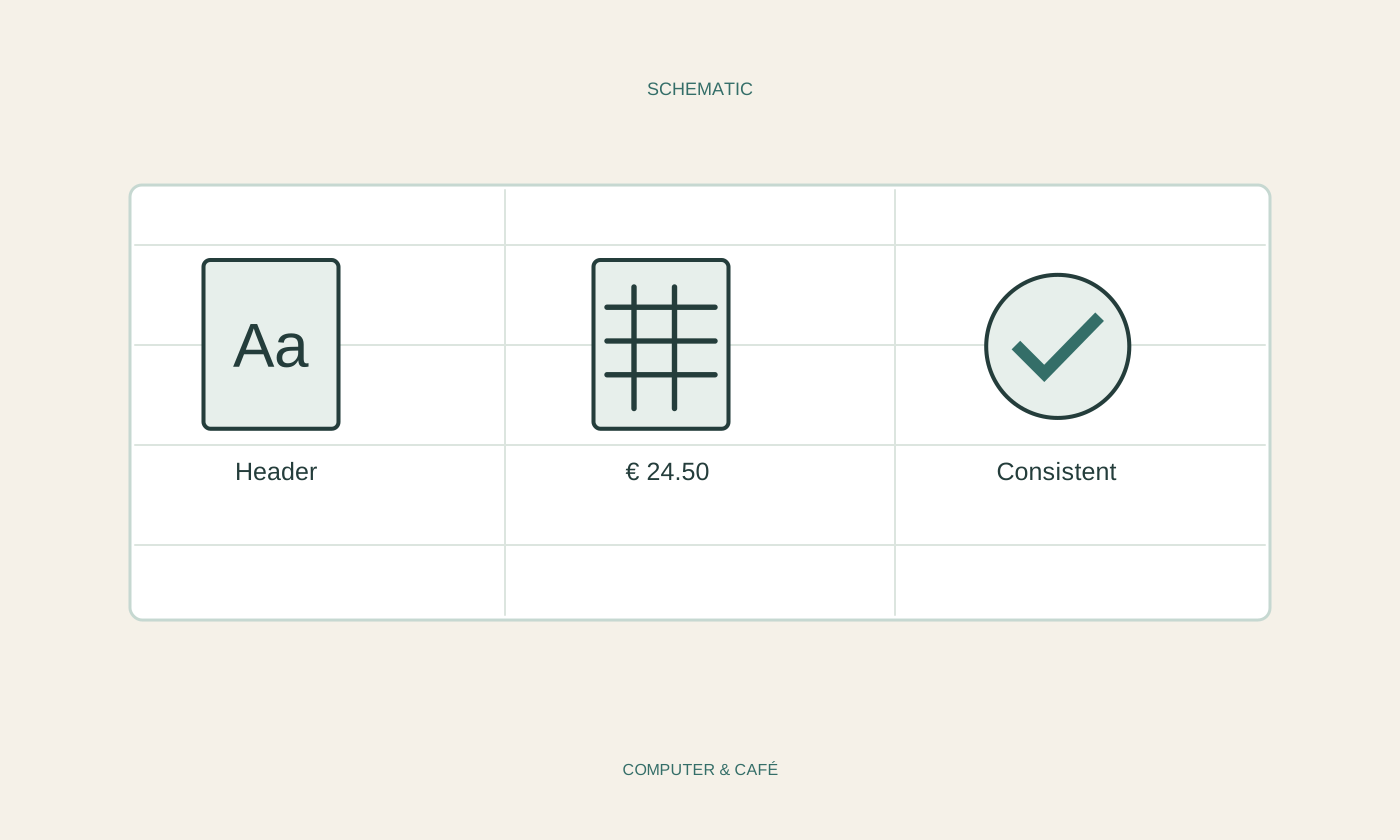
Make a spreadsheet easier to read
A readable spreadsheet makes relationships and units clear. Formatting helps people check the data, but cannot do the checking for them.
Read the guide ↗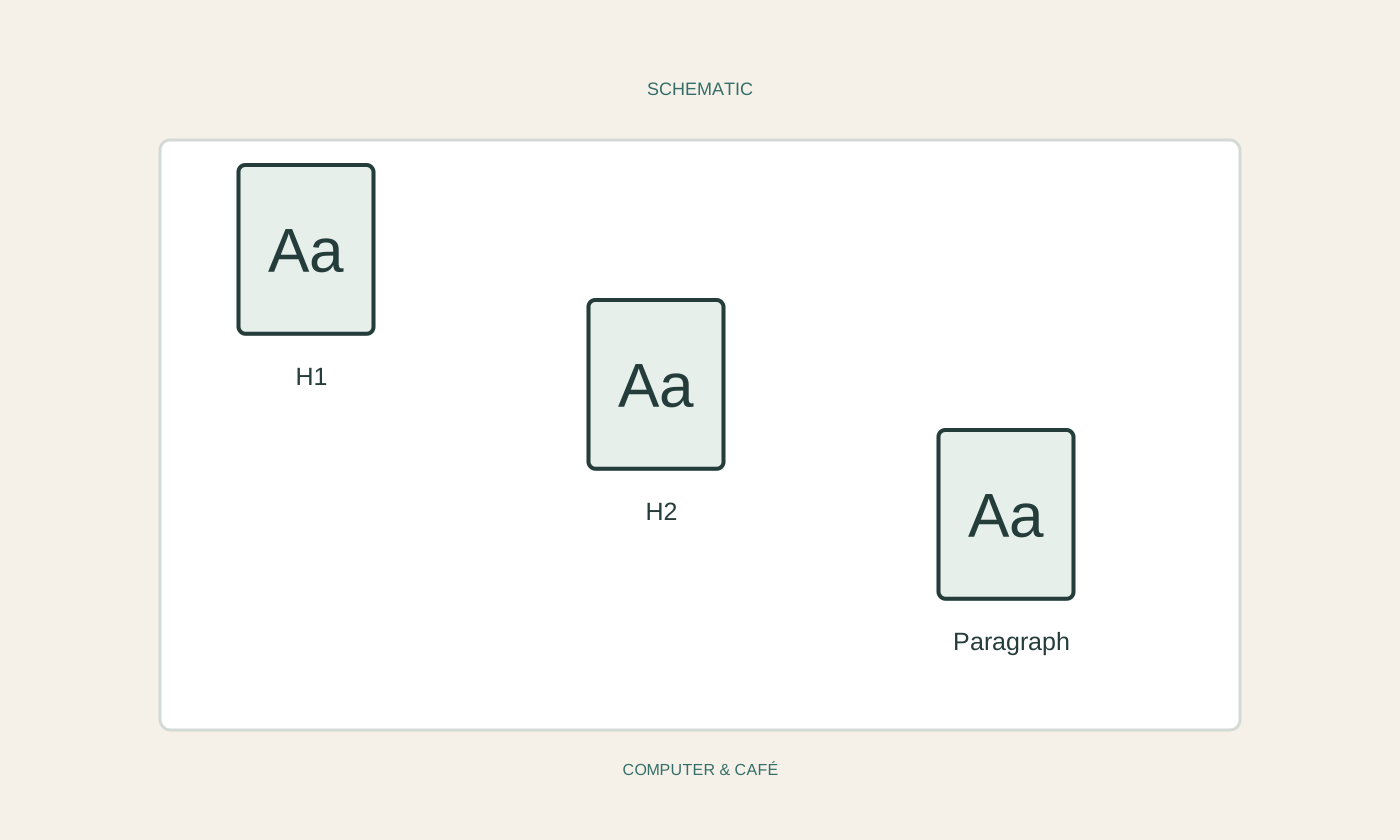
Organise a long document with styles
Styles give a long document a maintainable structure. They reduce repetitive formatting and make changes across many pages easier to control.
Read the guide ↗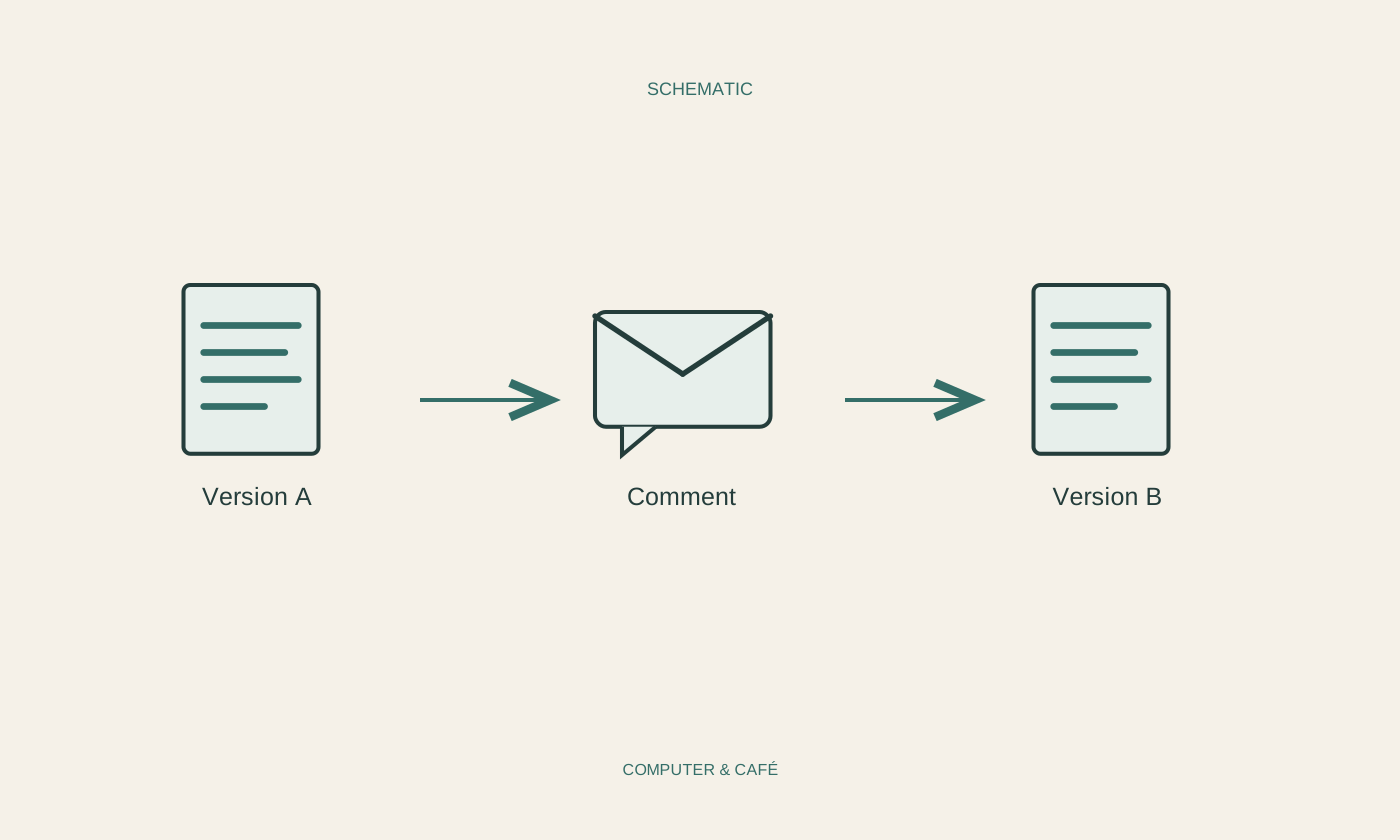
Review a document with another person
Shared editing works best with a clear working version and agreed feedback. Comments, tracked changes and access permissions do different jobs.
Read the guide ↗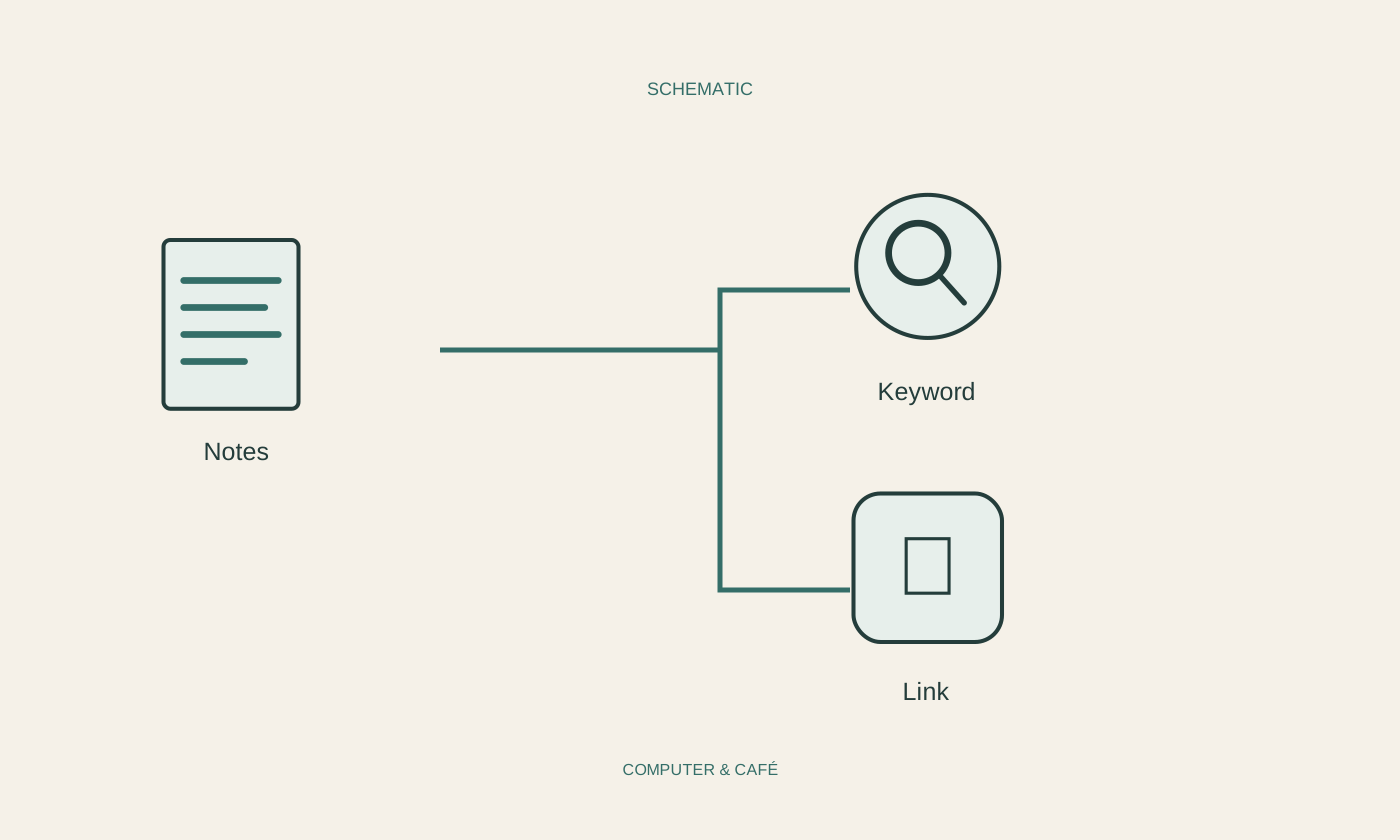
Keep digital notes you can find again
Useful notes still make sense later. A clear title, a little context and a specific next action often matter more than a complicated filing system.
Read the guide ↗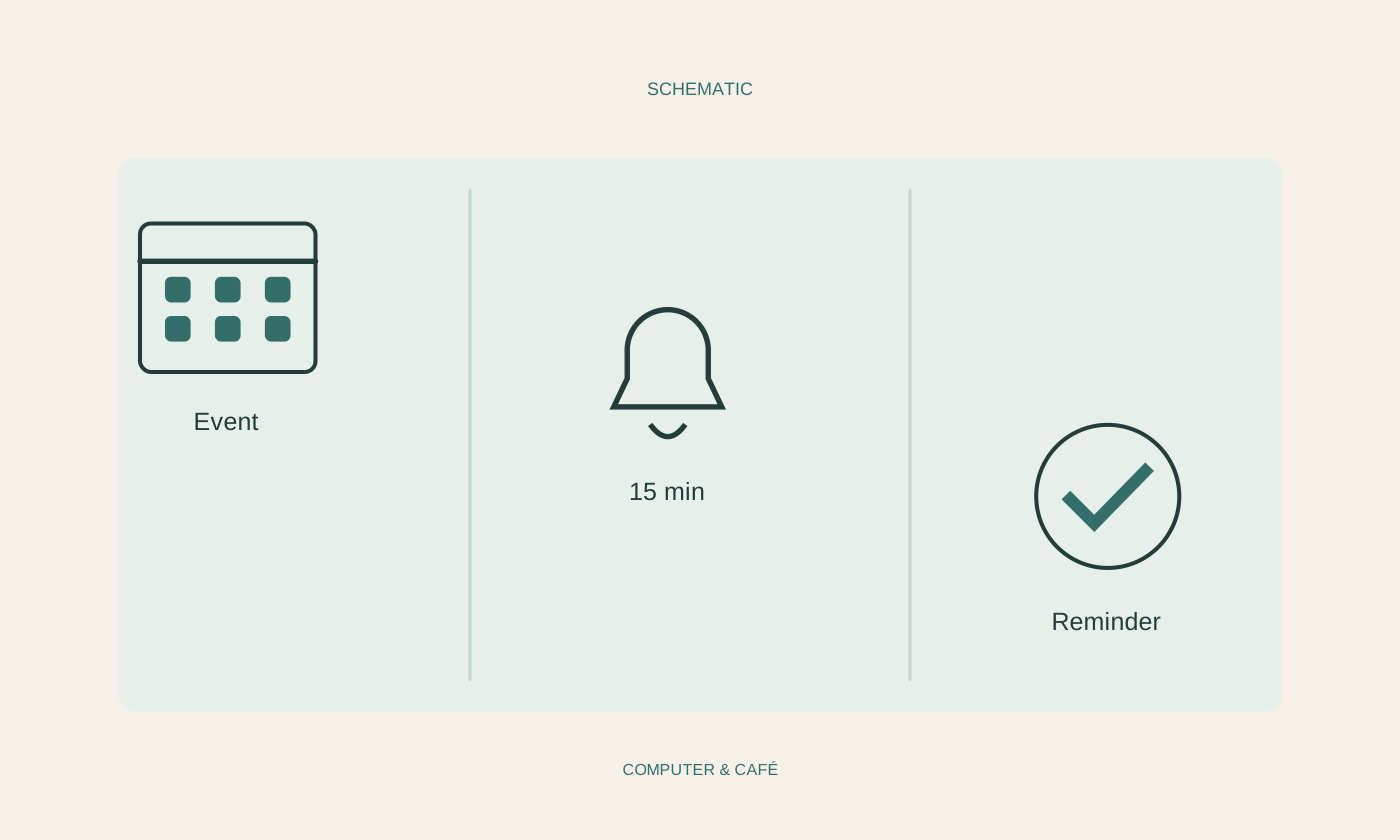
Set calendar reminders that are useful
A reminder is useful when it arrives in time and explains what to do. Match its lead time, event type and delivery route to the appointment.
Read the guide ↗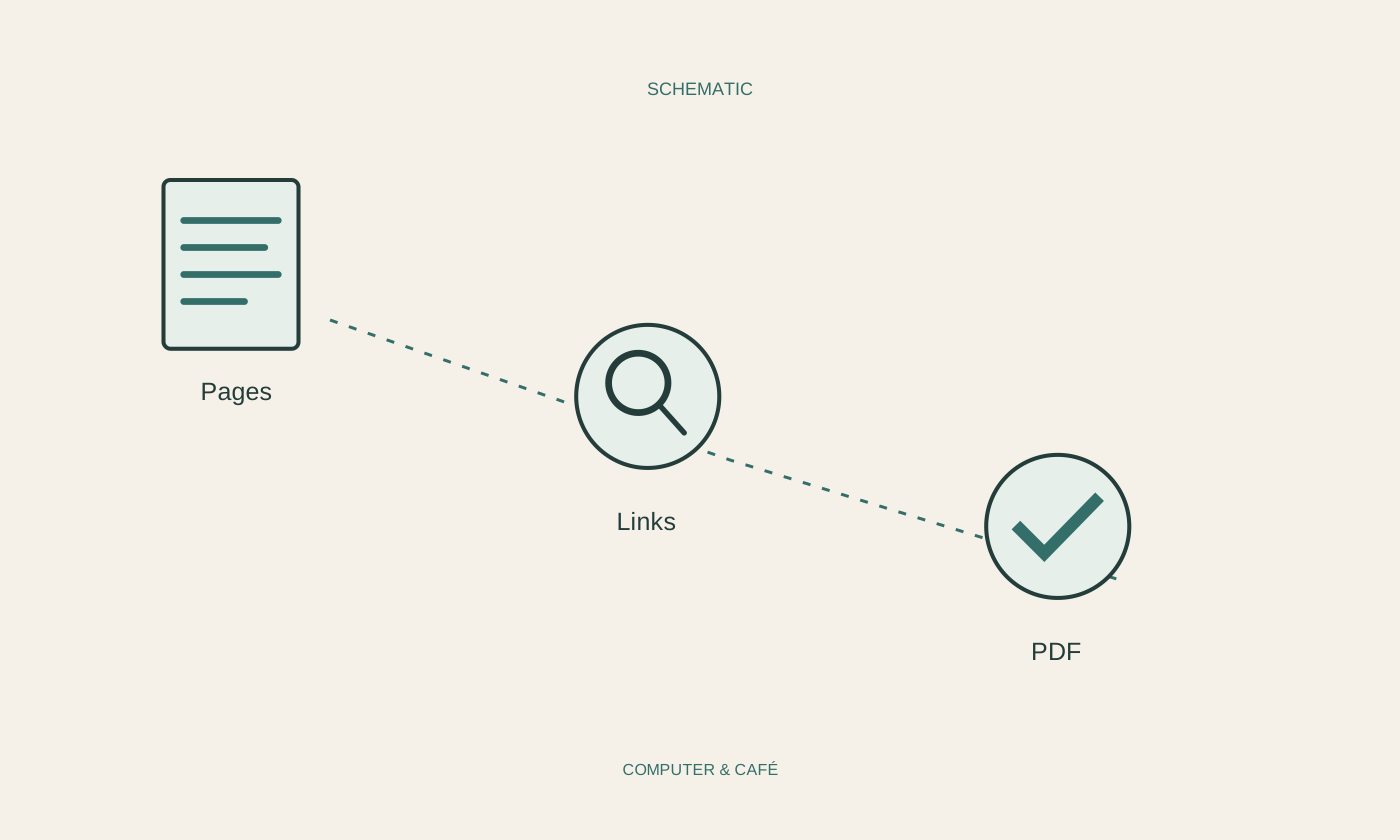
Check a PDF before sending it
A successful export does not make a PDF ready to send. Check the actual file for correct contents, page order and private information.
Read the guide ↗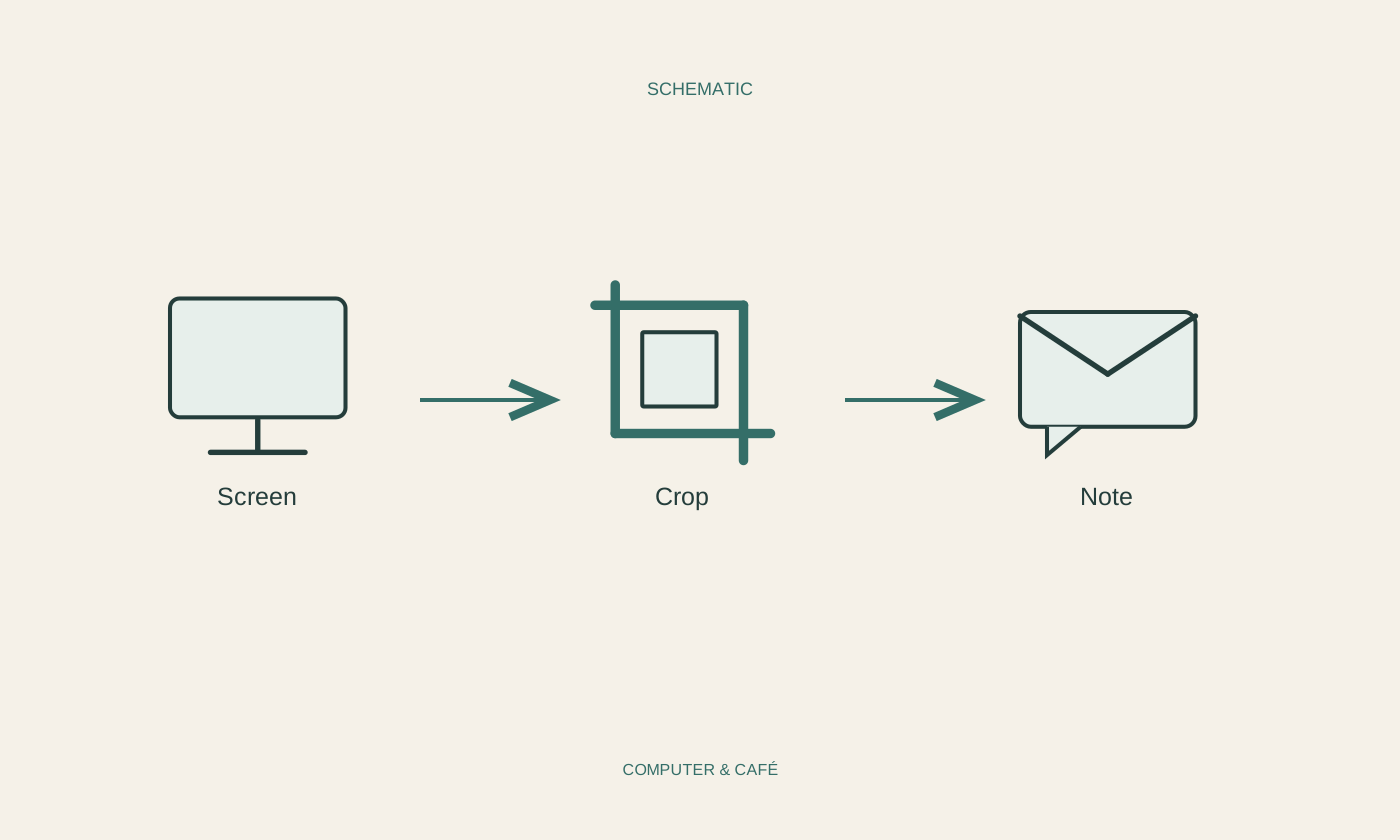
Crop a screenshot to explain a problem
A useful screenshot shows the problem with enough context to understand it. Unrelated screen areas and private information should stay out of the handover.
Read the guide ↗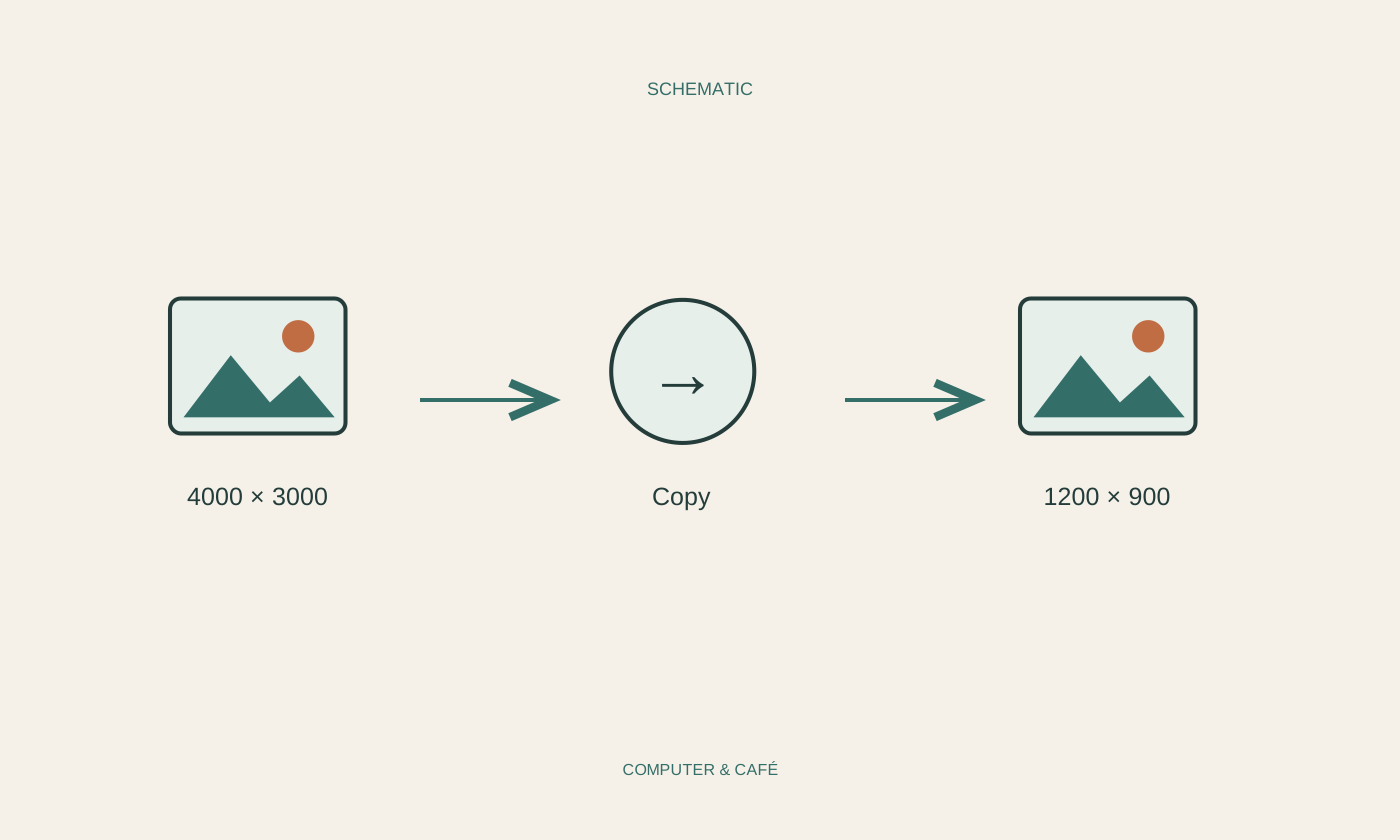
Resize photographs for email
Smaller copies are easier to email. Preserve the originals and choose image dimensions according to what the recipient needs to do.
Read the guide ↗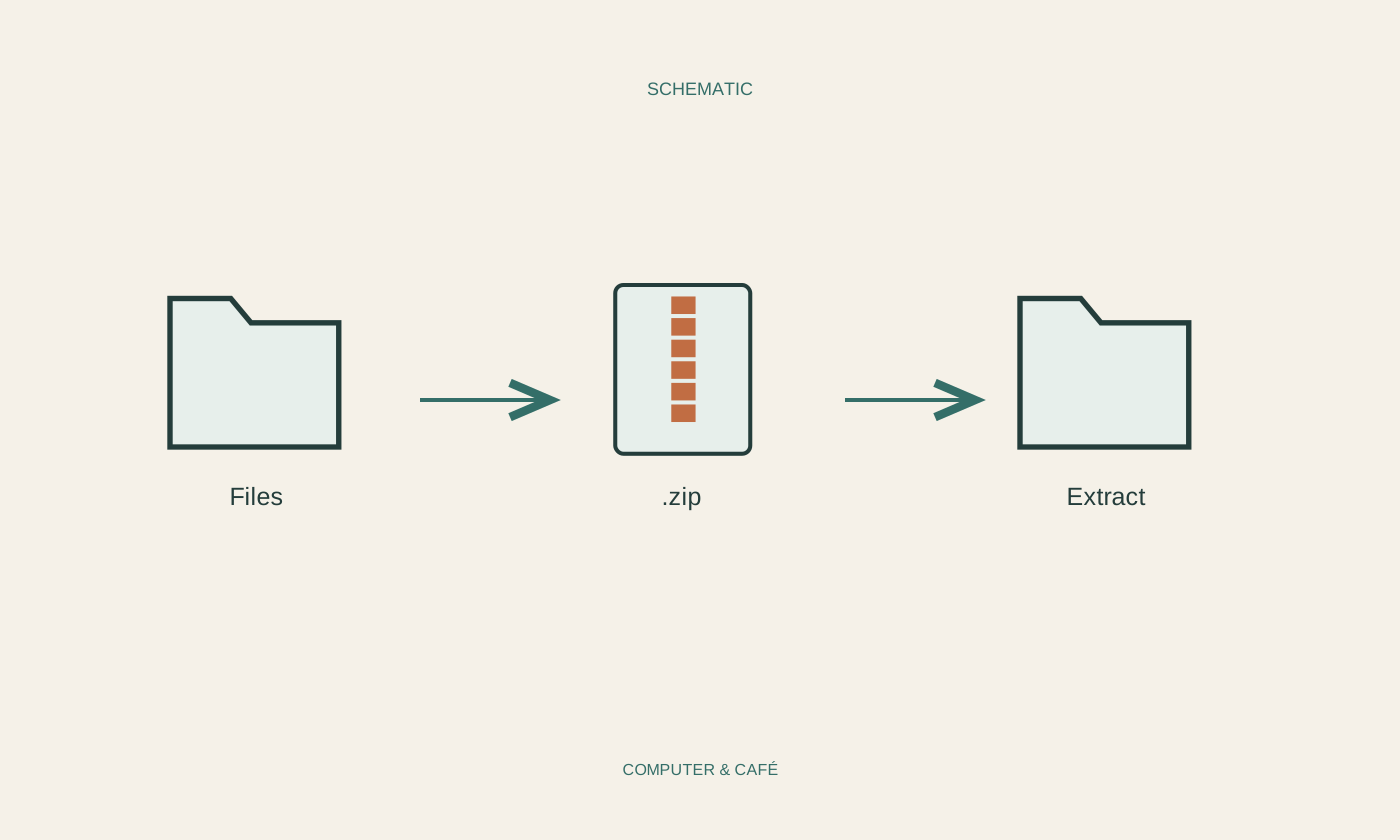
Bundle related files in a ZIP archive
A ZIP archive keeps related files together. A quick check before sending can spare the recipient missing attachments and avoidable questions.
Read the guide ↗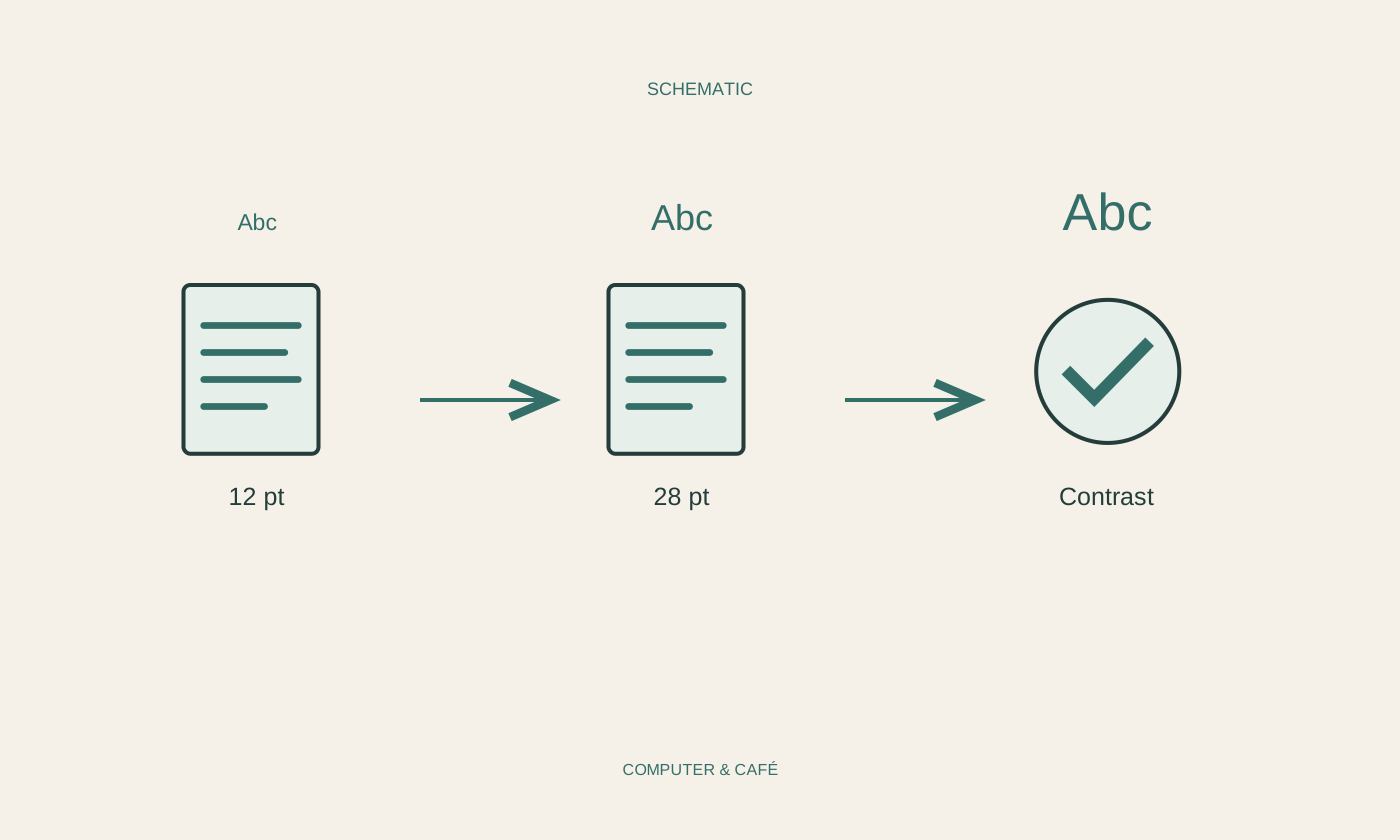
Check a presentation for readability
A slide needs to be understandable where it will actually be shown. Check text, contrast and sequence in a realistic view.
Read the guide ↗
Start a video meeting calmly
A calm start begins before joining. Check access, sound and the visible background so the conversation can take priority.
Read the guide ↗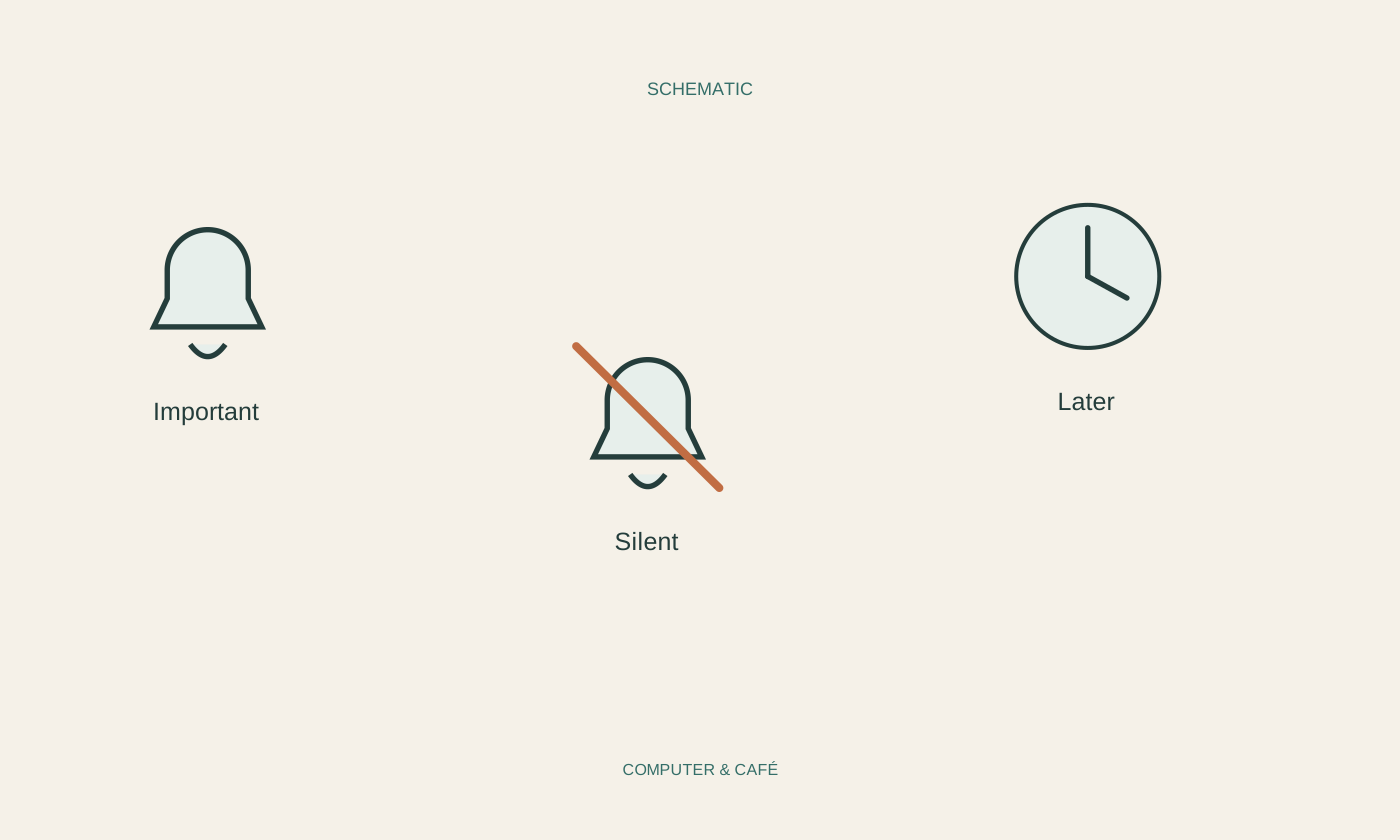
Reduce unnecessary notifications
Not every alert needs your attention immediately. A small selection of useful notifications can quieten the screen without hiding everything important.
Read the guide ↗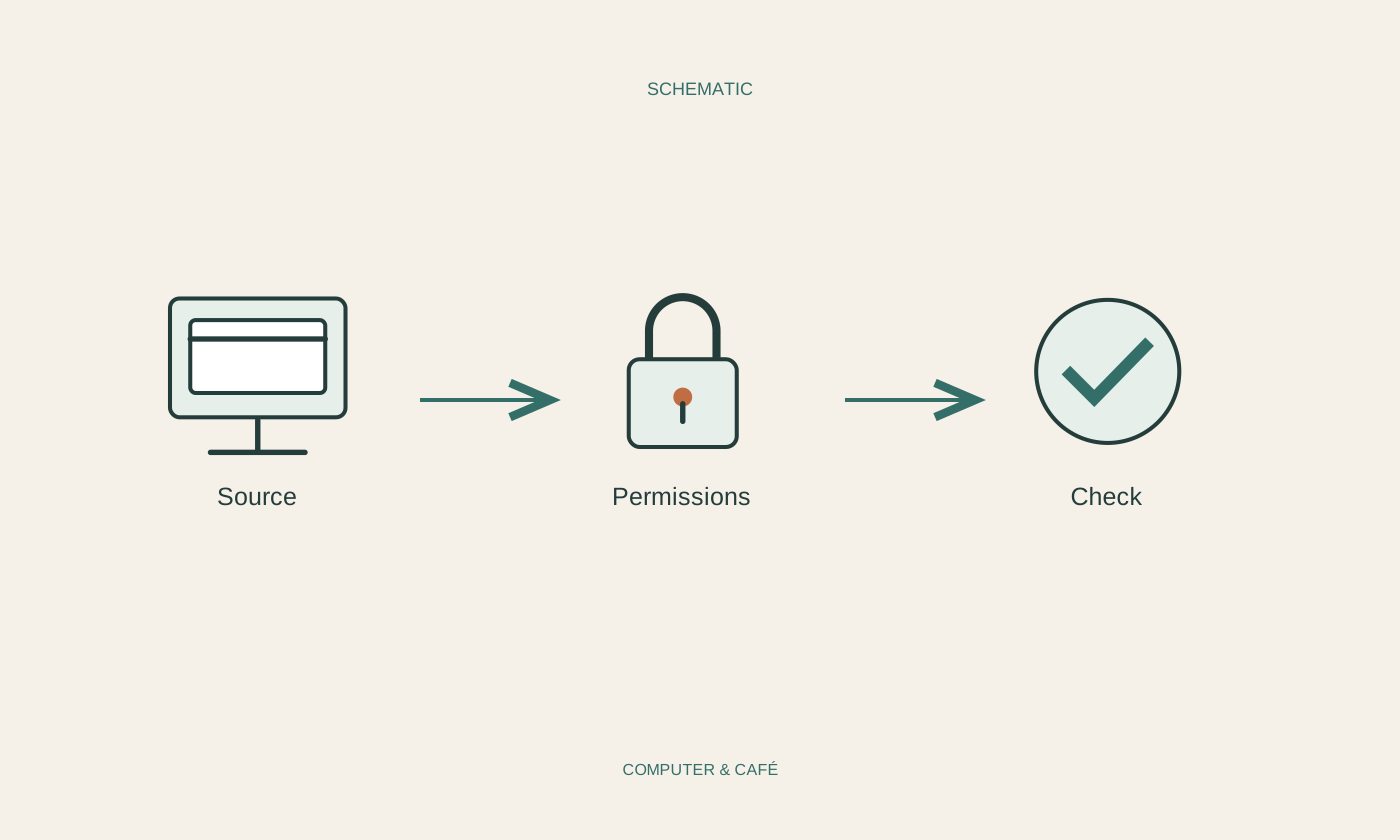
Check an app before installing it
Before installing an app, check its purpose, where it comes from and the access it requests. A polished icon cannot answer those questions.
Read the guide ↗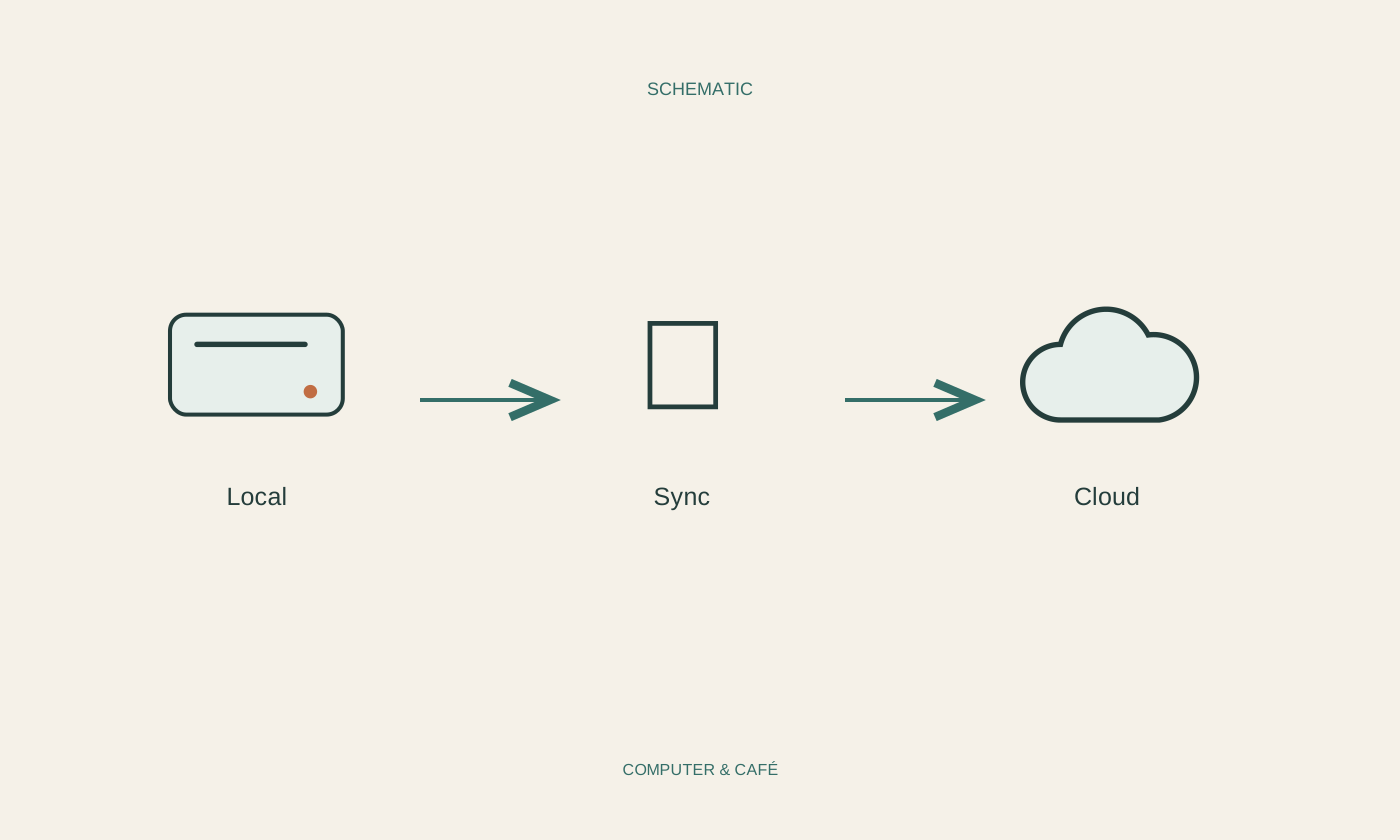
Distinguish local files from cloud files
A filename in a folder does not tell you where its contents are stored. Availability and synchronisation status explain what you are working with.
Read the guide ↗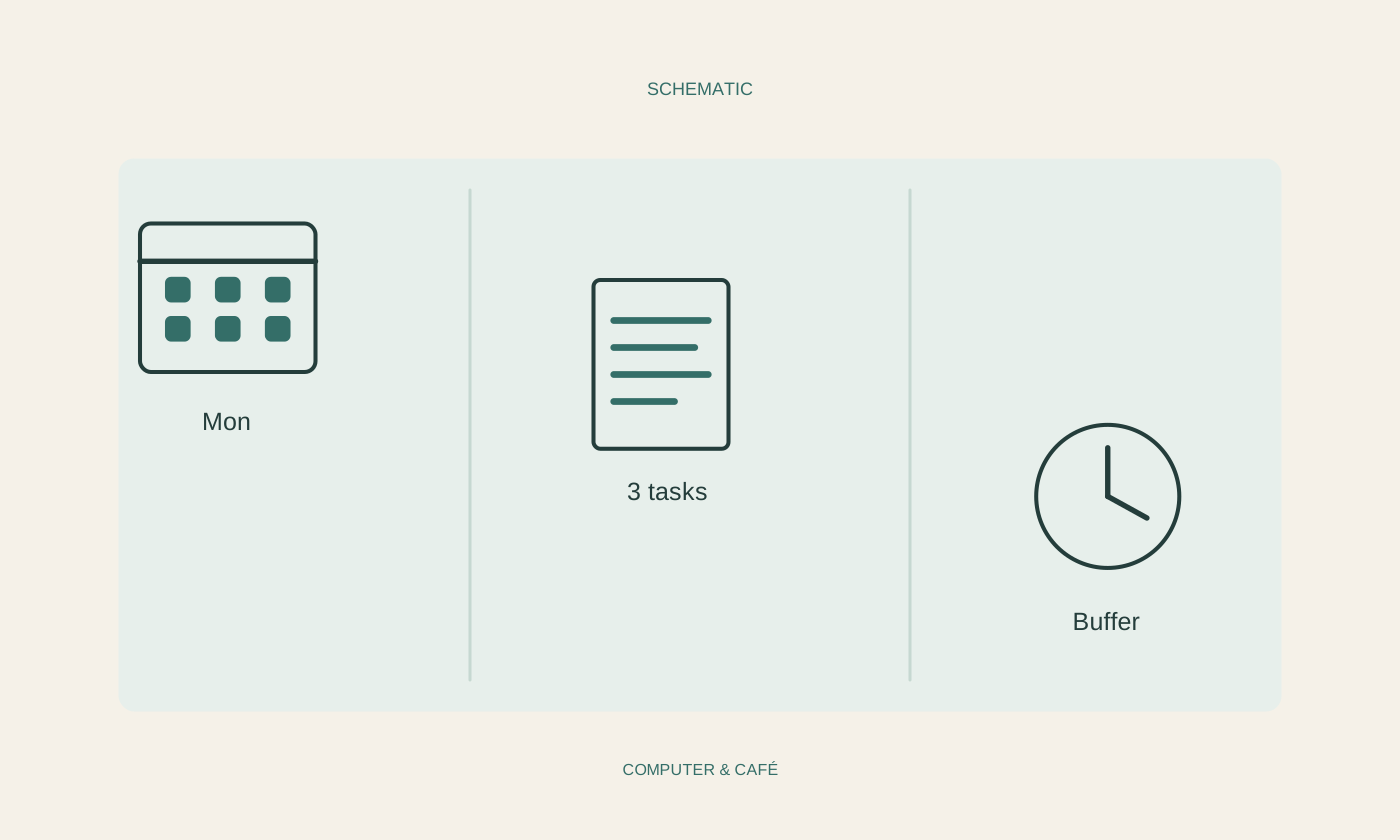
Keep a digital weekly plan simple
A weekly plan should make decisions easier. If maintaining it takes more effort than the tasks, fewer fields and clearer entries may help.
Read the guide ↗