Include the reason for the note
A note saying ask on Tuesday may be obvious now and puzzling a week later. Add who you need to ask, what the question concerns and which project it belongs to. Write a title that makes sense in search results without a preview. A date and subject are often enough to identify the context.
For a conversation, separate decisions from open questions. A word-for-word transcript is not always necessary. What matters is distinguishing something actually agreed from an idea that was merely discussed. Do not record another person's commitment when it was only mentioned as a possibility. That small distinction prevents notes from becoming a source of later misunderstanding.
Use one inbox and a few lasting places
Capture new thoughts in a known place rather than scattering them across apps, message drafts and text files. The inbox can be temporary. What makes it useful is a short regular review in which you attach notes to a project, turn them into actions or discard them. Without review, a capture area simply becomes another digital drawer.
Choose a few places based on real areas of work. One project can contain conversation notes, links and decisions together. Avoid inventing a new category for every idea. If the application provides tags, use them sparingly and consistently. Several different labels for the same subject can hinder retrieval just as much as having no filing arrangement at all.
Explain why a link is worth keeping
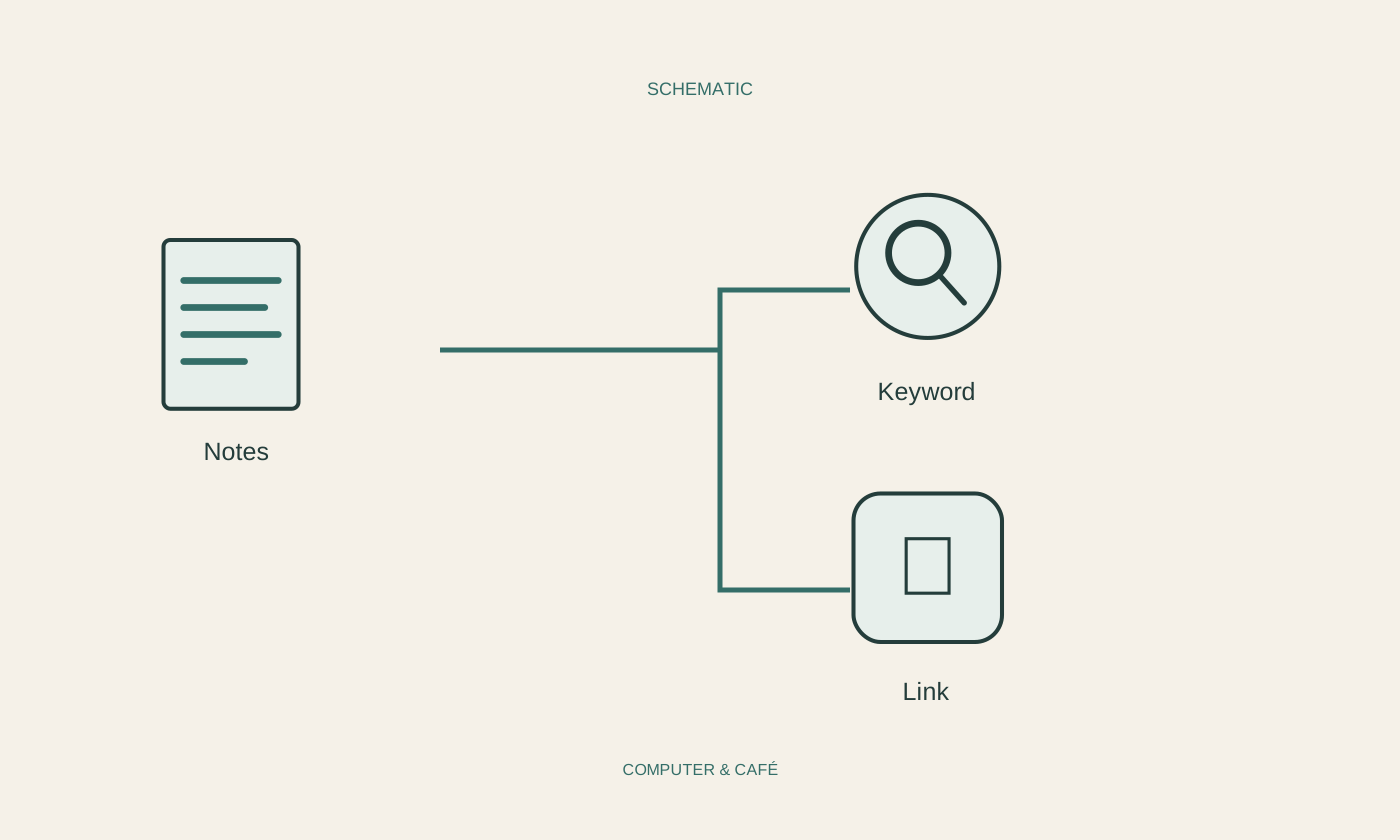
When saving a web address, add a sentence explaining its relevance. A bare link may not reveal which detail you planned to use. For important information, note when you viewed the page as well. Online content can change, so a later visit may not show exactly what you originally found.
A saved link is not an offline copy. If you need a document while travelling, keep a permitted local version and test it without a connection. Avoid pasting large amounts of material indiscriminately into notes. Your own short explanation with a clear reference is often easier to search and less likely to bury the action you meant to take.
Move actions out of buried paragraphs
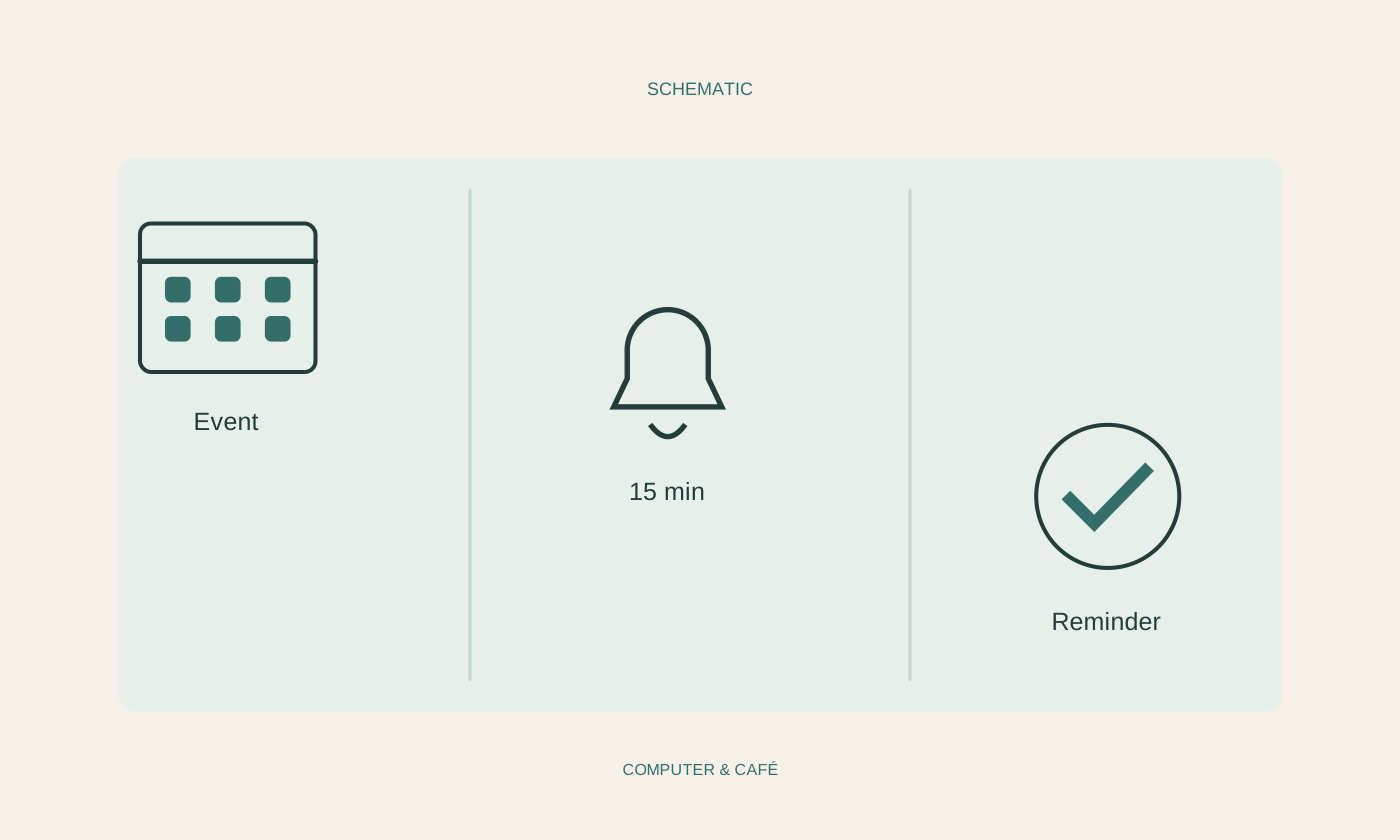
Something that must happen at a particular time should not exist only in the fifth paragraph of a long note. Put it in the task list or calendar you actually use and retain a connection to the detailed note. The note provides background; the task view makes sure the action reappears when needed.
Write a concrete next step rather than a large, undefined ambition. Check the shelf measurements is immediately actionable, whereas improve the study still requires several decisions. When others are involved, record responsibility only as it was genuinely agreed. Writing a task in your own notes does not automatically assign it to somebody else or tell them that you expect action.
Test retrieval and export
After a few days, try finding an older note using a word you remember. See whether the title and search function are sufficient. If not, improve a small number of labels instead of immediately reorganising the whole collection. Repeated successful retrieval is a better measure of the system than an especially attractive opening screen.
Also establish where the notes are stored and how to back them up or export them. Synchronisation alone does not protect against every accidental deletion. Test an export using unimportant material and open the result. For private information, choose appropriate access controls and avoid shared accounts whose other users might be able to inspect your entire collection.
Record context and next actions, maintain a few clear places and test both retrieval and export.