Define the problem in one sentence
Describe what you were trying to do and what happened instead. Saying that a PDF opens but its second page prints blank is more useful than saying the printer does not work. Identify the part of the task that fails without declaring a component broken. Keep observations separate from your guesses about the cause.
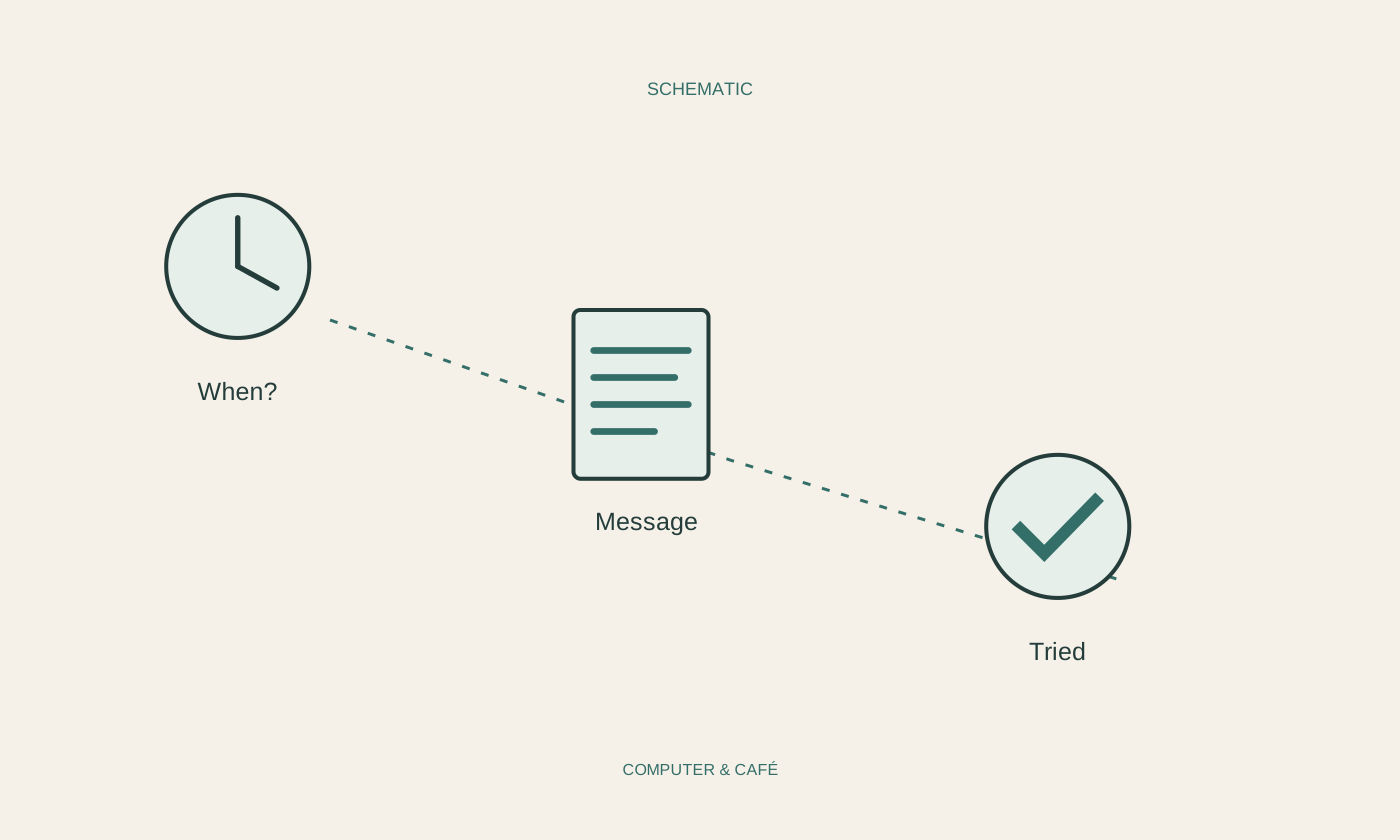
Add when the behaviour began and whether it happens consistently or occasionally. A problem after every start needs a different investigation from one interruption following a power failure. If you know of no connection, say so. An invented explanation is more likely to send the investigation in the wrong direction than an honest gap in the timeline.
Identify the device and environment
Have the manufacturer, exact model and operating system available. For software, include the program name and version; for accessories, describe how they connect. For example, note whether a printer uses Wi-Fi or a cable and whether a dock sits between it and the computer. These details often determine which instructions are appropriate.
Do not publish serial numbers, customer references or personal account details in an open forum. Official support may need some information through a protected channel, but a public problem description does not need every identifier. Passwords, recovery keys and full payment details do not belong in an ordinary support note or an unedited screenshot.
Write a short sequence that reaches the failure
List the few actions that lead to the problem. Begin from a known state and name the last command used. If failure occurs only with one file, describe its type and approximate size. You do not necessarily need to send sensitive contents to another person immediately in order to explain the symptom.
Record what still works as well. Other accessible websites or a second functioning printer can narrow the case considerably. Avoid listing every application you have ever installed. The aim is to explain the specific failure and help support choose a useful next experiment, rather than asking them to reconstruct the entire history of your computer.
Record attempts together with their outcomes
List the steps already taken and what each changed: restarting, comparing a cable or inspecting a particular setting. Avoid the phrase that you have tried everything. If several things changed simultaneously, record that too. Otherwise an apparent improvement may be incorrectly attributed to just one of those changes.
A screenshot can preserve the exact wording of a message. Crop to the relevant area and remove private information properly before sending it. Keep the error text separately when it is readable. For intermittent problems, the time of occurrence can also help support compare your observation with any records available on their side.
Use a contact route you can verify
Open the manufacturer's official support page directly or contact the established internal IT team. Do not call a number from an unexpected warning window demanding immediate help or remote access. For a work computer, follow the organisation's reporting process; speculative repair software can complicate investigation and conflict with its rules.
Leave room for notes during the conversation. Record which change was agreed and how it can be reversed. If a proposed action might erase data, establish its consequences before carrying it out. Useful support notes finish with a clear next action or result, not merely a collection of technical terms that you cannot connect to the original problem.
Describe the intended task, the actual result and the comparisons you tried. Observations are more valuable than a premature diagnosis.