Establish what the recipient needs
First ask whether the recipient needs every file at full quality. Smaller photographs or a PDF may be enough for a quick review, while a print provider may need the original resolution. Remove unnecessary intermediate versions and give the remaining files recognisable names. A small, clearly labelled selection is easier to understand than an unfiltered collection.
Check the total size and read any error message in full. Your provider's limit may differ from the recipient's limit, so a message that leaves your outbox is not guaranteed to arrive successfully. Keep any delivery-failure notice instead of repeating the same oversized attempt several times without changing the cause.
Make smaller copies when appropriate
If photographs are intended only for on-screen viewing, export smaller copies. Preserve the originals separately and check that important detail remains readable. A damage photograph or serial-number image needs useful detail more than it needs the smallest possible file. Open the exported copy before attaching it to your message.
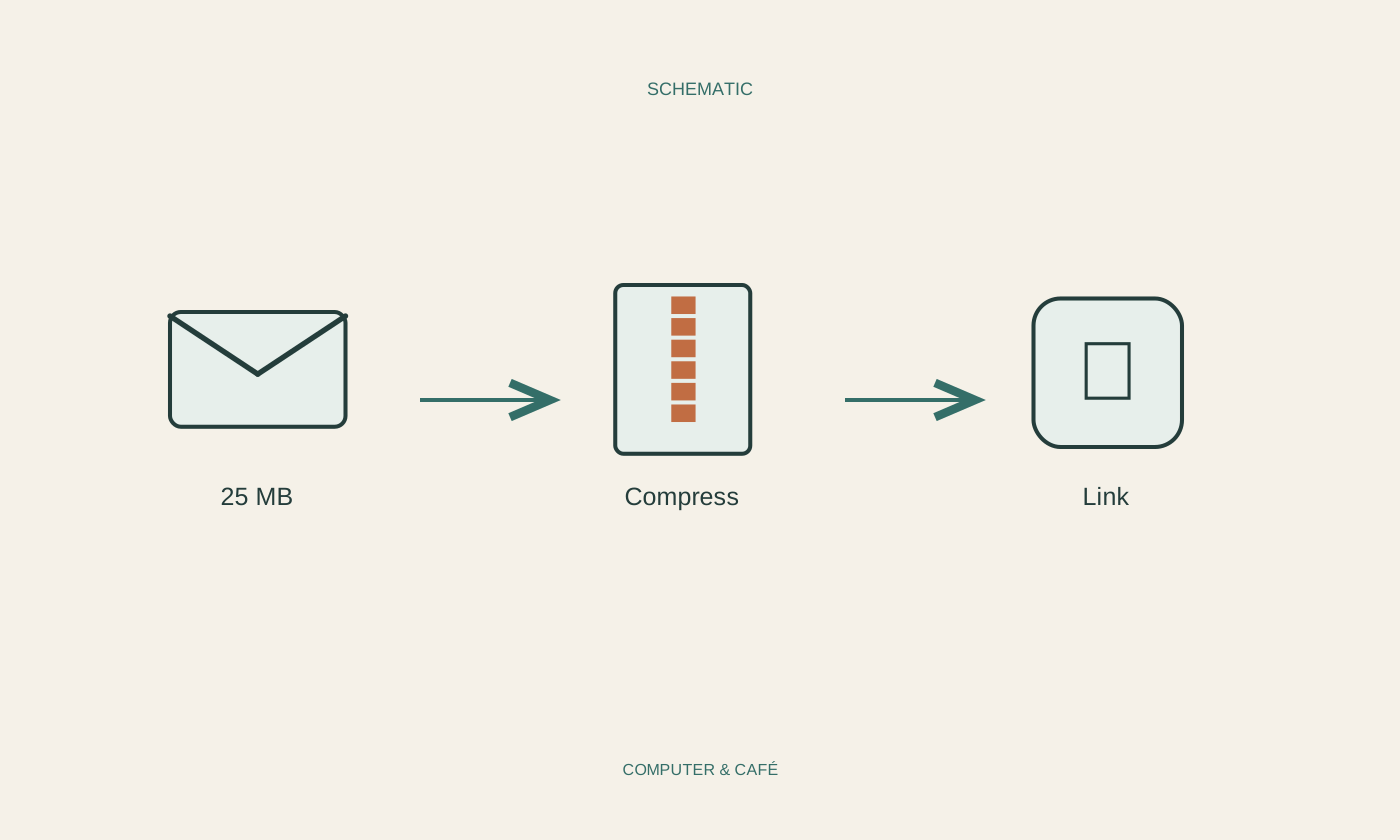
Already compressed formats such as JPEG may shrink very little when placed in a ZIP archive. An archive can still keep related files together, but do not assume a particular size saving. Check that the recipient can receive and open ZIP files. Some workplaces restrict particular attachment types, so an archive is not always the easiest route.
Set sharing permissions deliberately
For a larger collection, a trusted storage service can provide a link. Upload only the intended files into a clearly defined folder and inspect its permissions. Someone who only needs to read or download the material usually does not need editing access. Where practical, restrict the share to the actual intended recipients.
A link available to anyone who possesses it can be forwarded. Removing access later cannot retrieve copies that were already downloaded. Keep that distinction in mind for personal or confidential documents. Also check whether the service requires an account and whether the recipient is allowed to use it in their working environment before making it the only delivery route.
Explain the link in the message
Briefly describe the files, why you are sending a link and what you want the recipient to do with them. Mention a deadline only when it is genuinely agreed or technically configured. Do not invent an expiry date that the service does not enforce. A clear explanation remains useful when the message is opened several days later.
Check the recipient particularly carefully before sharing sensitive material. Test the link with the service's intended permission-checking tools or preview. A link working in your own signed-in account does not establish that somebody else can access it. If the process is unfamiliar, begin with a small, non-sensitive test share rather than your only urgent delivery.
Confirm access and close the task
For important documents, obtain confirmation that the files arrived and can be read. A successful send initially shows only that your system accepted the message. If the recipient cannot open the link, correct the relevant permission instead of immediately making the whole folder publicly accessible to anyone.
Remove unnecessary sharing access when the task is finished, unless continued access has been agreed. Keep your originals and the final delivered version clearly distinguishable. That makes it possible to answer which version was actually sent without searching the entire conversation and comparing several similarly named attachments. A tidy delivery is useful long after the original size problem has been solved.
Send only what is needed. For a sharing link, verify the recipient and access level before delivery.