Do not accept an erasure prompt immediately
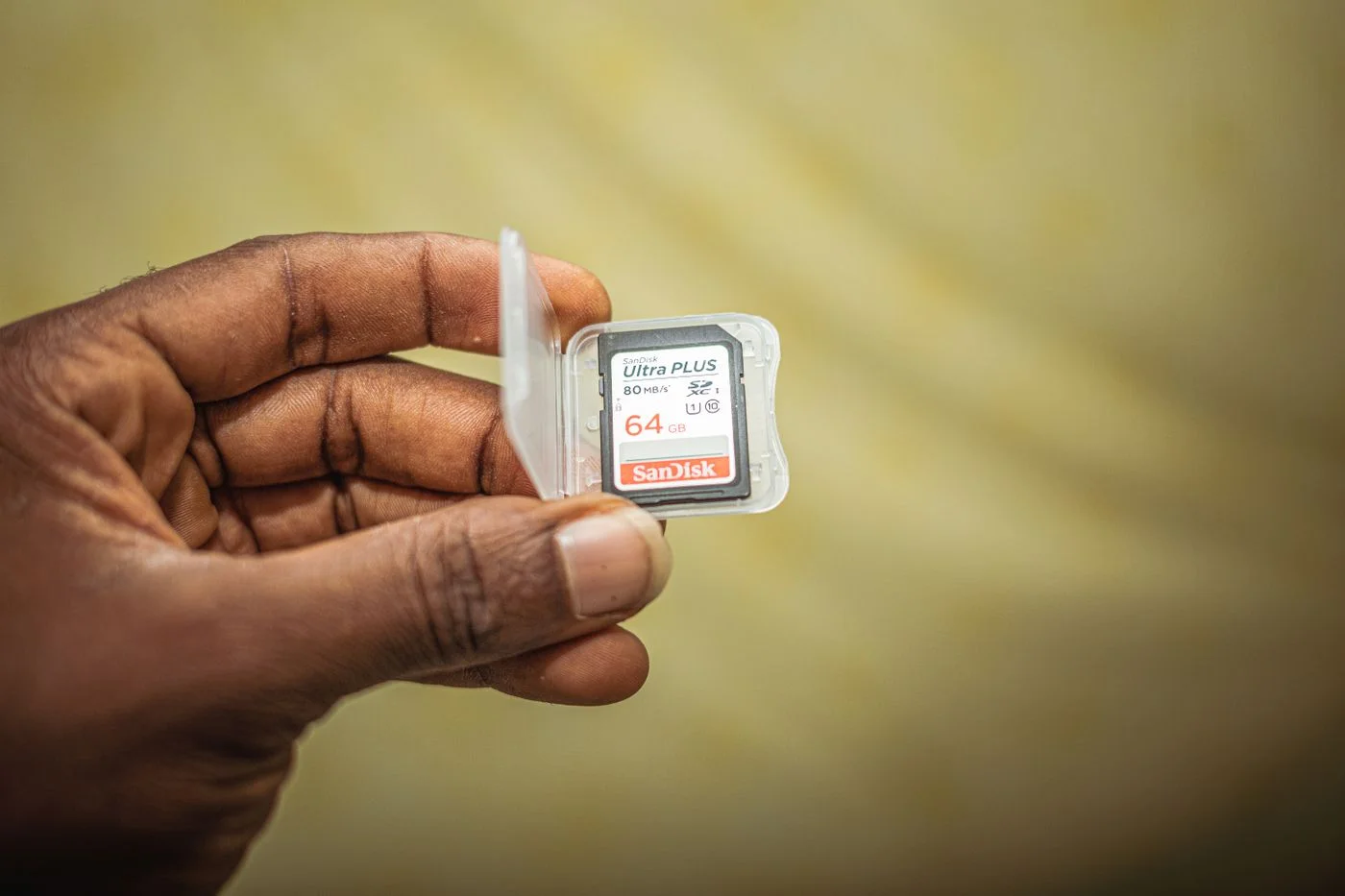
If the computer asks to format the card, cancel initially. That message does not establish that the card is empty. If it contains photographs or recordings without backups, avoid writing anything new and stop taking further pictures on it. Every proposed repair needs to be weighed against the value of the existing files.
Record the precise message and when the card last worked. Was it removed from a camera while writing was still happening, or left unused for a long time? These observations can help later. You do not need to guess the cause at this stage; a clear account of what happened is enough.
Check the card and reader combination
Confirm that the reader supports the card type and capacity. A physically matching shape does not guarantee every combination. For a microSD card in an adapter, gently check both connections. Insert it straight and without force, following the reader's markings. A damaged adapter can make the card appear to be the problem.
A write-protect slider on an SD adapter concerns writing and does not necessarily explain why a card fails to appear at all. Repeatedly moving it is not a general cure for reading problems. Instead, distinguish the reported state: not detected, readable but not writable, or visible with an access error. Those observations point towards different next checks.
Make a controlled reader comparison
Where possible, try another known compatible reader. Connect it directly to a suitable port rather than through several hubs and adapters. If another unimportant card works there, that is useful comparison evidence, but it does not by itself prove that the original card is beyond recovery.
If the original camera still displays the existing pictures, its documented transfer function may offer a route to copy them. Do not take new photographs or accept a speculative card-repair or formatting option while doing this. A visible thumbnail also does not guarantee that every complete photograph can be read successfully, so any resulting copies still need checking.
Copy readable files before doing anything else
As soon as the card becomes accessible, copy important material to a safe location. Do not move or delete the originals yet. Open a selection of copied photographs and videos, paying particular attention to the most recent recordings. A file listing or completed progress bar cannot entirely replace checking whether the actual contents are usable.
For irreplaceable pictures, keep a second separate backup as well. Only after checking the copies should you decide whether the card is suitable for further use. A card that repeatedly misbehaves should not receive the only record of another important event merely because it briefly worked after several attempts. Successful access is first an opportunity to protect the material already there.
Know when to stop experimenting
If the card is visibly damaged, unusually hot or still unreadable while holding valuable material, stop and consult a qualified recovery service. Do not bend it, open it or apply cleaning fluid without appropriate manufacturer instructions. Improvised physical interventions may reduce the chance of recovering files later.
If the card is known to contain nothing you need, the camera and card manufacturer's model-specific instructions may describe reinitialising it. Confirm exactly which storage device is selected. Formatting belongs after the decision about existing data, not at the beginning of every troubleshooting attempt. For future photographs, reliable transfer and prompt backup matter more than getting an uncertain card back into service quickly.
Do not format unbacked-up recordings. Compare the reader and make checked copies as soon as access is possible.