Describe the pattern carefully
Put the faulty page on a well-lit surface and describe the lines. Is colour missing, are marks dark, or does a pattern repeat at regular intervals? Does it run along or across the direction of paper movement? Check whether every page is affected and whether text and pictures show the same issue. Keep one representative sheet for later comparison. A precise description is more useful than saying the printer produces poor results. Handle freshly printed paper as the equipment requires, and avoid identifying a particular component solely from the direction of a line without further evidence.
Compare the source and a test page
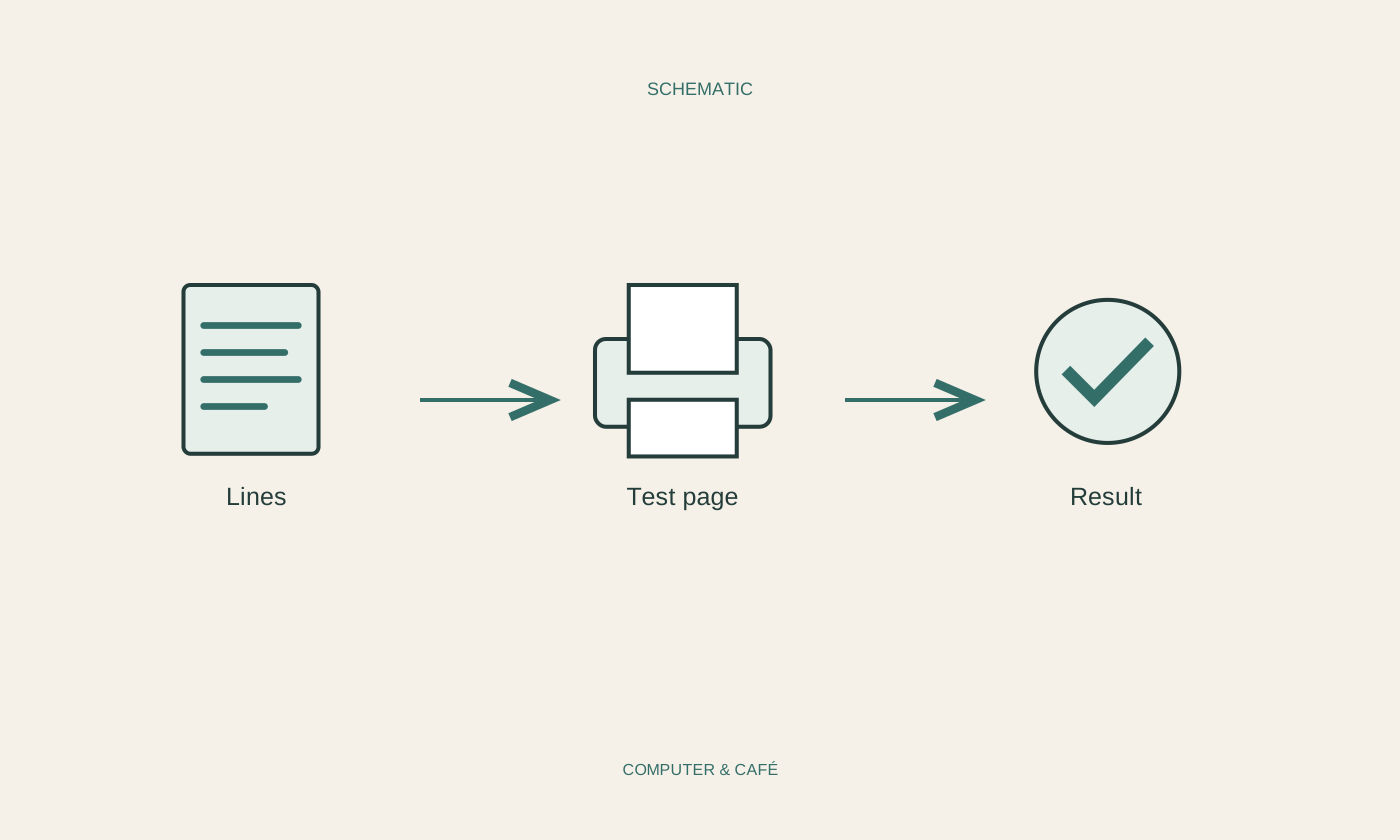
Open the document on screen and enlarge the affected area. A poor scan or damaged source picture may already contain lines. Next, print a simple page from another familiar file. If the printer offers an internal status or quality page, use it according to its instructions. A pattern appearing there makes the original application less likely to be the sole cause. If it is absent from the internal page, examine the document and print settings more closely. These comparisons narrow possibilities; they do not automatically prove that a particular mechanical component needs replacement.
Check paper and selected settings
For comparison, use paper the manufacturer considers suitable for the device and printing process. Check that the driver’s paper size and type match the loaded material. Damp, damaged or inappropriate paper can alter the result. Store it as specified and avoid changing several settings at once. Also see whether an economy or unusually fast mode is active. Compare quality using a deliberate, understandable selection. Keep the original faulty sheet beside the new result rather than judging the change from memory. This makes it easier to distinguish a genuine improvement from a different-looking but still defective print.
Perform only appropriate maintenance
Inkjet and laser printers require different procedures. Use only maintenance functions and accessible areas described for the exact model. On an inkjet, an intended nozzle check may provide clues; cleaning should follow the instructions rather than being repeated indefinitely. It can consume ink. Other printing methods have different limitations and delicate components. Do not open an assembly because a general online demonstration looks similar. Observe warnings about hot surfaces and required waiting periods. Avoid cleaning products, tools or contact with parts unless the manufacturer explicitly allows them in that area of the printer.
Assess the documented result
After one permitted maintenance step, print the same comparison page with the same settings. Look for a change in the specific pattern. If there is no improvement, do not repeat unlimited cycles or immediately buy several replacement supplies. Collect the model, materials, maintenance steps and representative pages for support. If a consumable was recently installed, check its fitting instructions and any transport protection. Confirm a later clean sheet with another ordinary print. This evaluates the problem through visible results and helps avoid confusing a temporary change with a dependable solution to the fault that prompted the investigation.
Compare sources and test pages first; maintain the printer only as its exact model instructions describe.