Begin with places you return to
Save the pages you genuinely use repeatedly: a library catalogue, journey planner or official help page for a familiar application. The collection does not need to represent everything you have ever found interesting. Its first job is to shorten reliable routes to recurring tasks that already form part of your day.
Before saving a page, open it and check the address. For accounts and payment services in particular, establish that it is the real provider's page. Bookmarking an incorrect address does not make it trustworthy. Avoid saving temporary sign-in or sharing links that might contain private access information rather than an ordinary reusable page address.
Name links for the moment you need them
An automatically suggested page title can be long and unhelpful. Shorten it while retaining the purpose. Library renewals may be more useful in daily work than an organisation's full name followed by a slogan. Keep enough distinction between similar providers that you do not have to open several entries to identify the right one.
Avoid naming a link after a temporary detail that will soon change. It should still make sense months later. For a time-limited project, include the project name. That makes it easier to see which entries belong together and which can be reviewed once the project ends, instead of allowing every completed research task to remain indefinitely.
Use a few places with distinct jobs
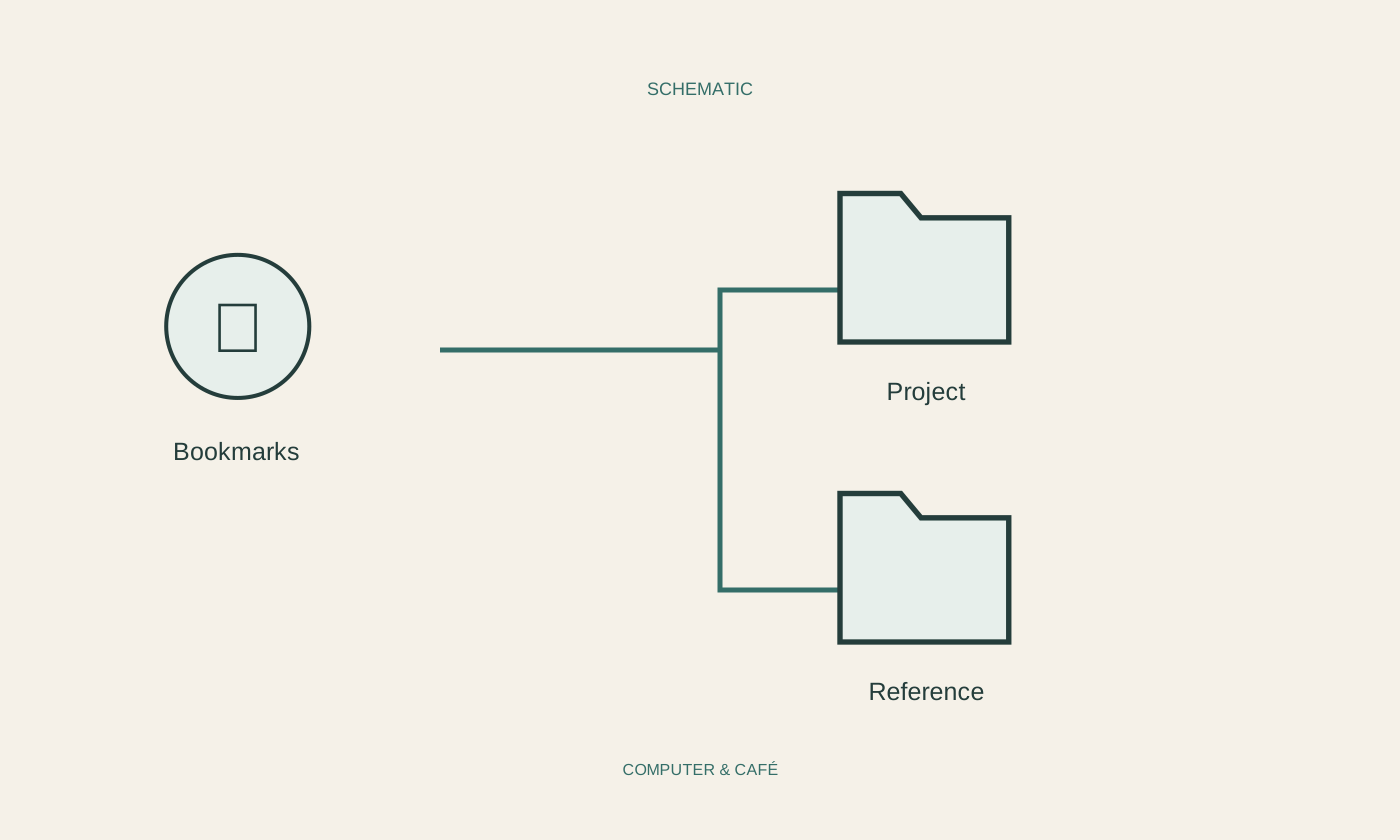
A short visible bookmarks bar works well for frequent destinations. Less regular links can live in a few subject folders. Do not invent a perfect subcategory for every new page immediately. Deep nesting demands effort both when saving and when retrieving, without automatically making the collection clearer.
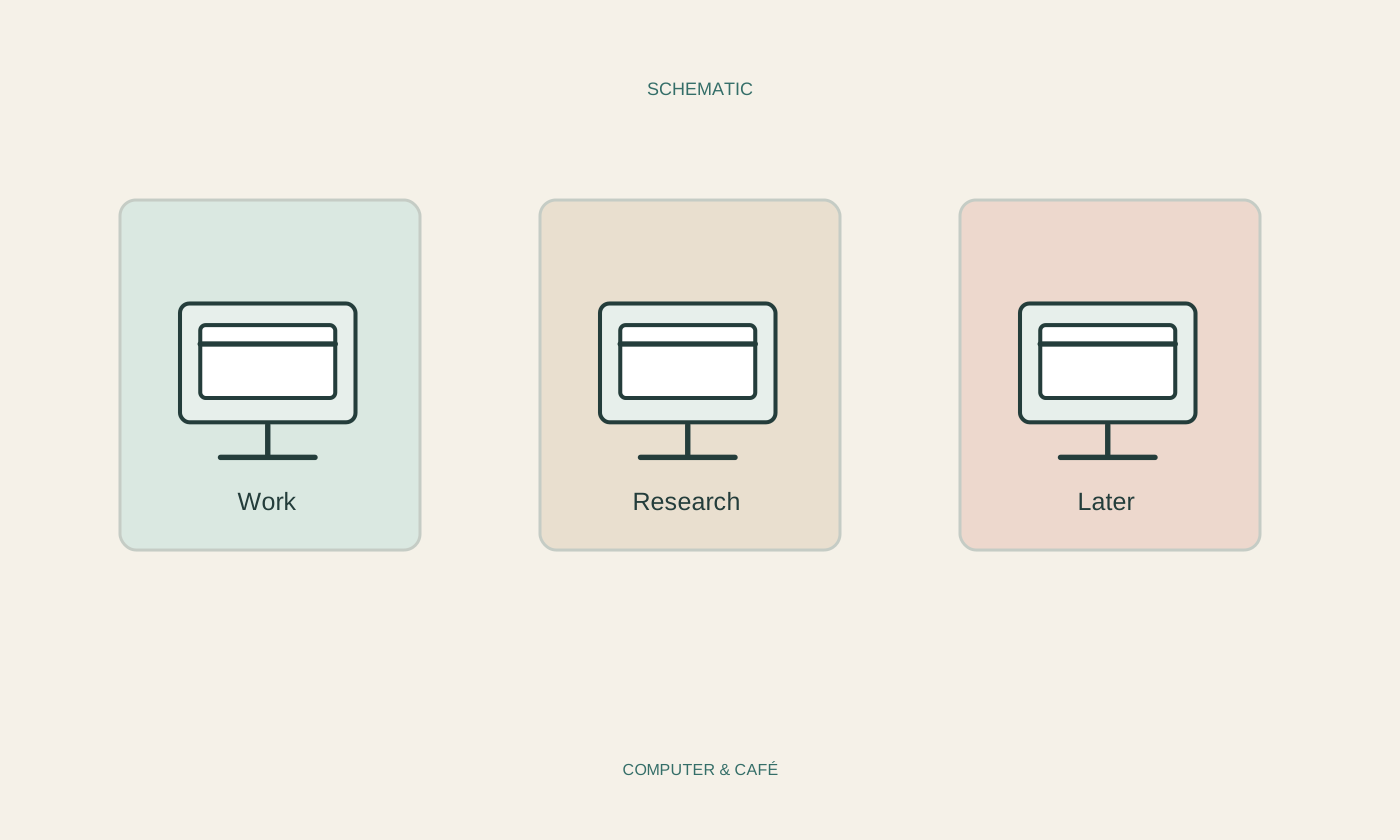
Separate temporary research from lasting reference points. A folder for a current home search can disappear when the search ends, while official document portals remain. If the browser offers bookmark search or tags, try them on a few entries first. Use only as much organisation as you are realistically willing to maintain during ordinary work.
Remember what an address does not preserve
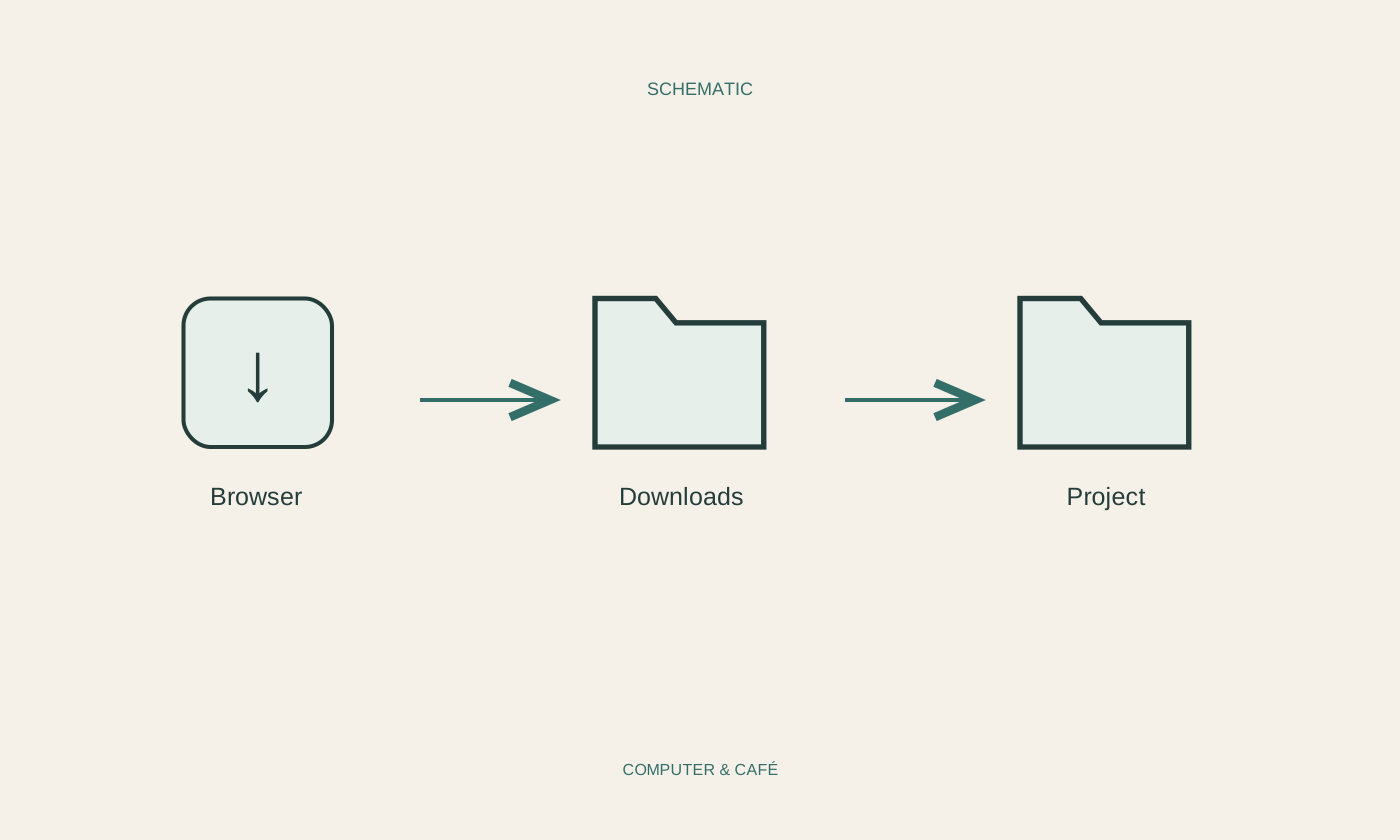
A bookmark is not a dependable copy of the page's contents. Its publisher can change the text, move the page or remove it altogether. An important invoice or required manual may therefore need its own permitted download. Inspect that file separately and give it a name that identifies the actual document.
Set up synchronisation between devices deliberately too. Check which browser account is involved and whether personal and work collections should remain separate. On a shared computer, descriptive bookmark names can reveal private interests or account relationships. Do not place a personal collection there without understanding who can access the browser profile and its saved information.
Revisit the collection occasionally
From time to time, open the entries in one manageable folder. Remove finished projects and replace obsolete addresses with verified current pages. When a link disappears, look through the known official provider rather than assuming that a similar-looking replacement site is equivalent. The original purpose helps you decide what is worth retaining.
Before changing browsers, exporting bookmarks may be useful. Follow the browser's import and export guidance and store the resulting file according to its private contents. After importing, check several important links and the folder arrangement. A modest collection you understand remains more useful than an enormous archive whose reliability and purpose you can no longer judge.
Save recurring tasks under useful names. Bookmarks are addresses, not backups or guaranteed offline copies.