Define the shared task precisely
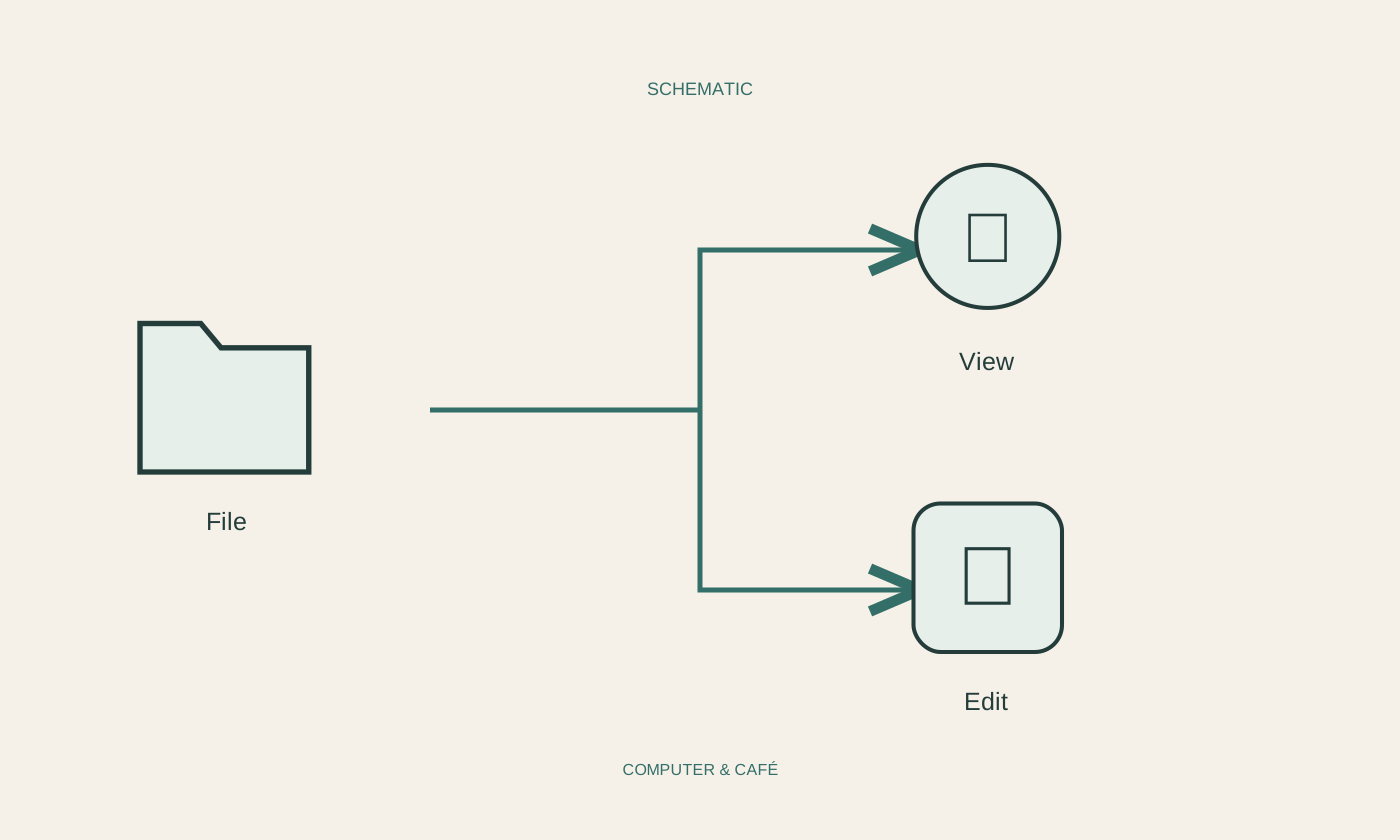
First establish whether the other person needs to read, comment on or actually change the contents. Broad editing permission is usually unnecessary for viewing a finished document. Check whether you are sharing one file or an entire folder. A folder may later gain contents that were not part of your original sharing decision, so its scope deserves particular attention.
Open the actual file before sharing and inspect it. Remove private details in an appropriate working copy if the original must remain unchanged. Consider additional pages, comments and embedded information as well as the visible first page. Suitable access settings do not replace checking whether the document itself is intended for the recipient. A narrowly shared file can still contain material you did not mean to send.
Check recipients and link scope
Read the whole sharing dialog. Some links are restricted to named people, while others can be used by anyone who possesses the link. A broadly accessible link can be forwarded. If the contents are intended only for particular recipients, choose an appropriately restricted option where the service provides one. Do not infer the scope from the appearance of the copied address.
Check recipient addresses carefully, especially when names are similar or contacts are suggested automatically. Organisational policies may limit available options in work services. Avoid bypassing those rules by moving the file to a personal account. Find out the approved method instead. Remember that a sensitive filename mentioned in the accompanying message may reveal information even when the file itself is protected.
Verify the access that actually exists
After creating the share, inspect the displayed access list and the type of rights granted. An older share may still allow access even when the new link is more restricted. Therefore, review more than the most recent switch you changed. When several people are involved, explicitly agree who is responsible for the final version and where that version will be kept.
During a first collaboration, ask for brief confirmation that the file opens and the intended functions are available. Do not send extra passwords through the same unprotected channel. Testing with your own account does not necessarily establish the recipient’s rights. If sign-in fails, check which recipient account is being used before responding by opening the file to everyone.
Review access when the work ends
Use the end of a collaboration as an opportunity to review unnecessary access and links. Remove permissions no longer needed through the service’s supported controls. For recurring work, schedule a short review. This prevents a link sent months ago from quietly remaining the permanent entrance to a folder whose contents have continued to grow beyond the original assignment.
Understand the limit of revocation: ending a share does not retrieve copies already downloaded or prevent screenshots taken earlier. Share sensitive material deliberately from the outset. Keep important starting versions independently of a collaboratively edited collection. Sharing, version history and backup serve different purposes; none automatically replaces the other two. A clear end to access is one part of managing the document, rather than proof that every copy has disappeared.
Grant only the access needed and remember that downloaded copies cannot be recalled.