Identify the action being requested
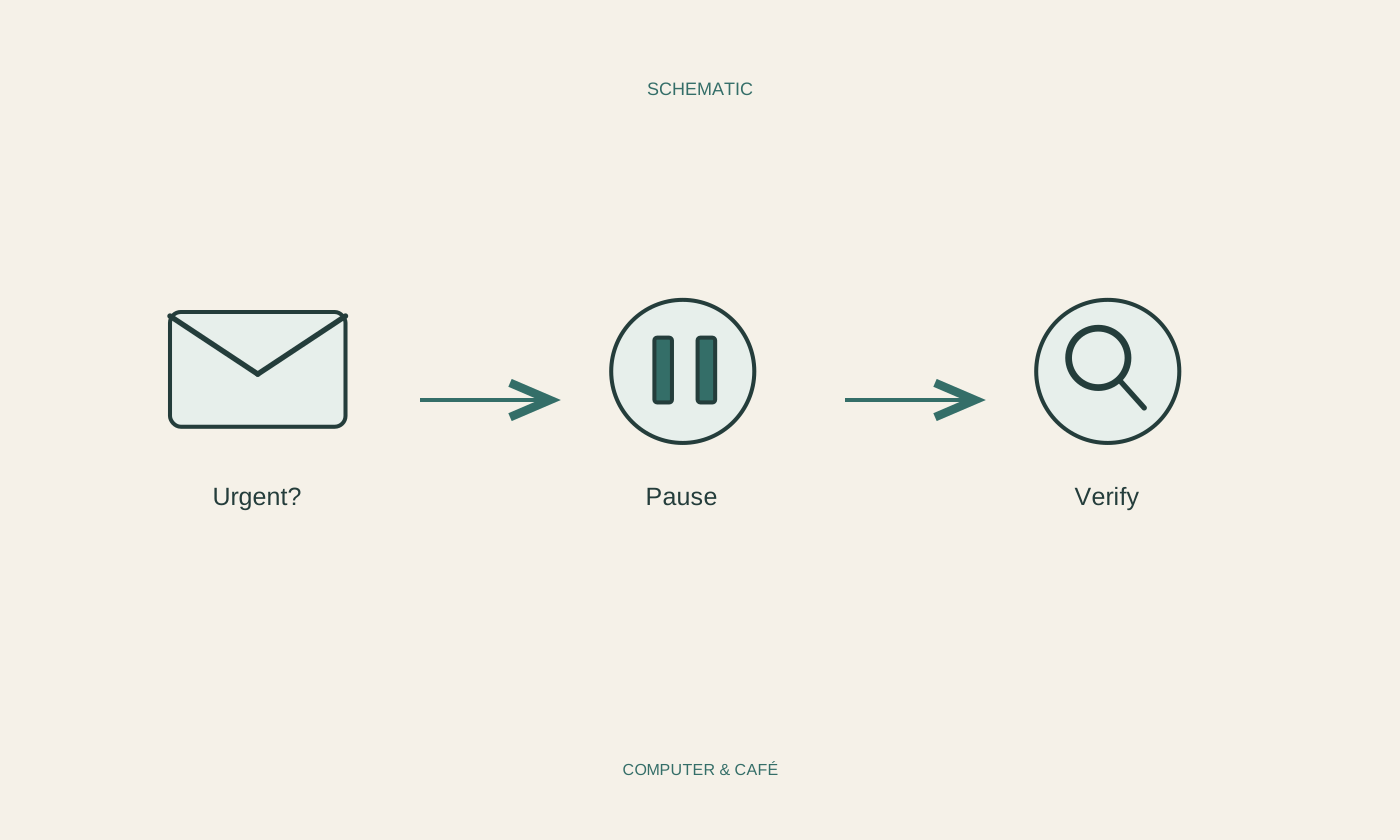
First read what the message wants you to do. Is it asking for a payment, a password, an opened attachment or approval of a sign-in? Urgent wording does not establish that a request is legitimate. A pause is particularly useful when a message tries to change your normal routine, such as replacing familiar payment details or introducing an unexpected verification step.
Consider the sender address, the account mentioned and the circumstances together. A familiar display name or matching logo is not enough. Conversely, one typing error does not prove fraud. The important question is whether the request fits a recognisable event and can be confirmed independently. Do not reply with personal details merely to discover who is behind it.
Reach the organisation by your own route
Open the familiar application or enter the service’s official address yourself. Check whether an actual notice, invoice or security alert appears there. If you need to call, use a number you already know or obtain one from an independently opened official source. Telephone numbers and links supplied in the questionable message do not provide independent confirmation of that same message.
For a supposed family request, use an established contact method. Ask about the specific issue rather than simply calling the new number back. A voice, profile picture or familiar detail should not replace checking. Allow yourself time, especially when secrecy or immediate payment is demanded. A legitimate situation can normally be discussed outside this one unexpected conversation.
Hold back attachments and approvals
Do not download an unexpected attachment merely to investigate it out of curiosity. If a document was expected, confirm the sender and purpose through the independent route. A familiar file extension or ordinary filename does not guarantee safety. On a work device, follow your organisation’s reporting process instead of forwarding the file to colleagues so they can try opening it.
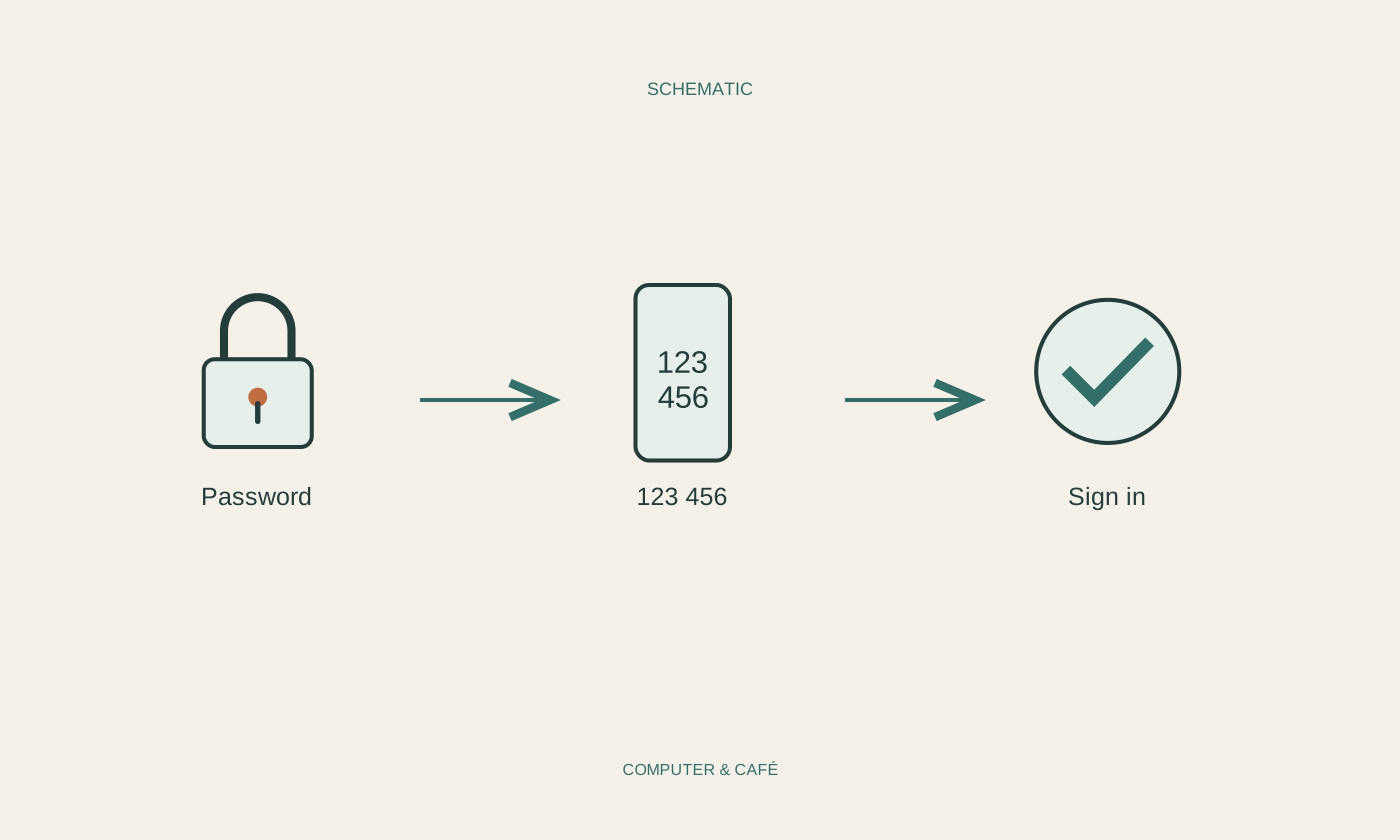
Do not pass on verification codes or approve a sign-in you did not initiate. Additional verification can make attacks harder, but does not make every message trustworthy. Where possible, retain the necessary timing and sender information for a report without opening more of the suspicious content. Keep that record factual: it should support investigation rather than present a guessed explanation as an established cause.
Respond if you have already acted
If you entered sign-in details, reach the affected service through an independent trusted route and follow its process for a potentially compromised account. Change affected passwords and review available session and security controls. If you reused that password elsewhere, those accounts need attention too. Be clear about what happened rather than assuming that changing one setting has resolved every possible consequence.
For a work account, promptly inform the responsible team and describe your actions accurately. After a payment, contact the payment provider or bank using known official channels. Do not assume recovery is guaranteed, and distrust unsolicited rescue offers. Record which information or files may be involved. An honest description is more useful than hiding the incident out of embarrassment and trying to solve everything alone.
Open the familiar service independently and verify the issue instead of using the message as your route in.