Prepare the material before the call
Open the file or application you intend to demonstrate and inspect what is visible. Close private messages, unnecessary browser tabs and unrelated documents. Consider the desktop, open side panels and recent-file lists too. An apparently harmless filename may reveal more than expected. Use prepared sample data instead of genuine customer details or sign-in information wherever that is practical.
Decide the order of the explanation in advance. If you must switch between applications, open them deliberately and move unrelated material out of the way. Keep private notes somewhere outside the area being shared. An uncluttered workspace supports confidentiality and also saves the audience from watching long searches through a confusing collection of windows.
Check notifications and audio separately
Review the available ways to reduce notifications temporarily. A new message can appear at the edge of the screen even when its application seems closed. Also check whether the meeting software is sending computer audio in addition to the microphone. The choices vary by application and platform, so read the controls rather than assuming that all sound is either included or excluded.
Avoid playing private media while audio sharing is active. If you need to demonstrate a sound or video, test the required setting beforehand using unimportant material. Note which temporary changes you want to reverse after the call. Preventing a visible notification is useful preparation, but does not replace inspecting the actual shared content and confirming who is attending.
Choose the smallest suitable area
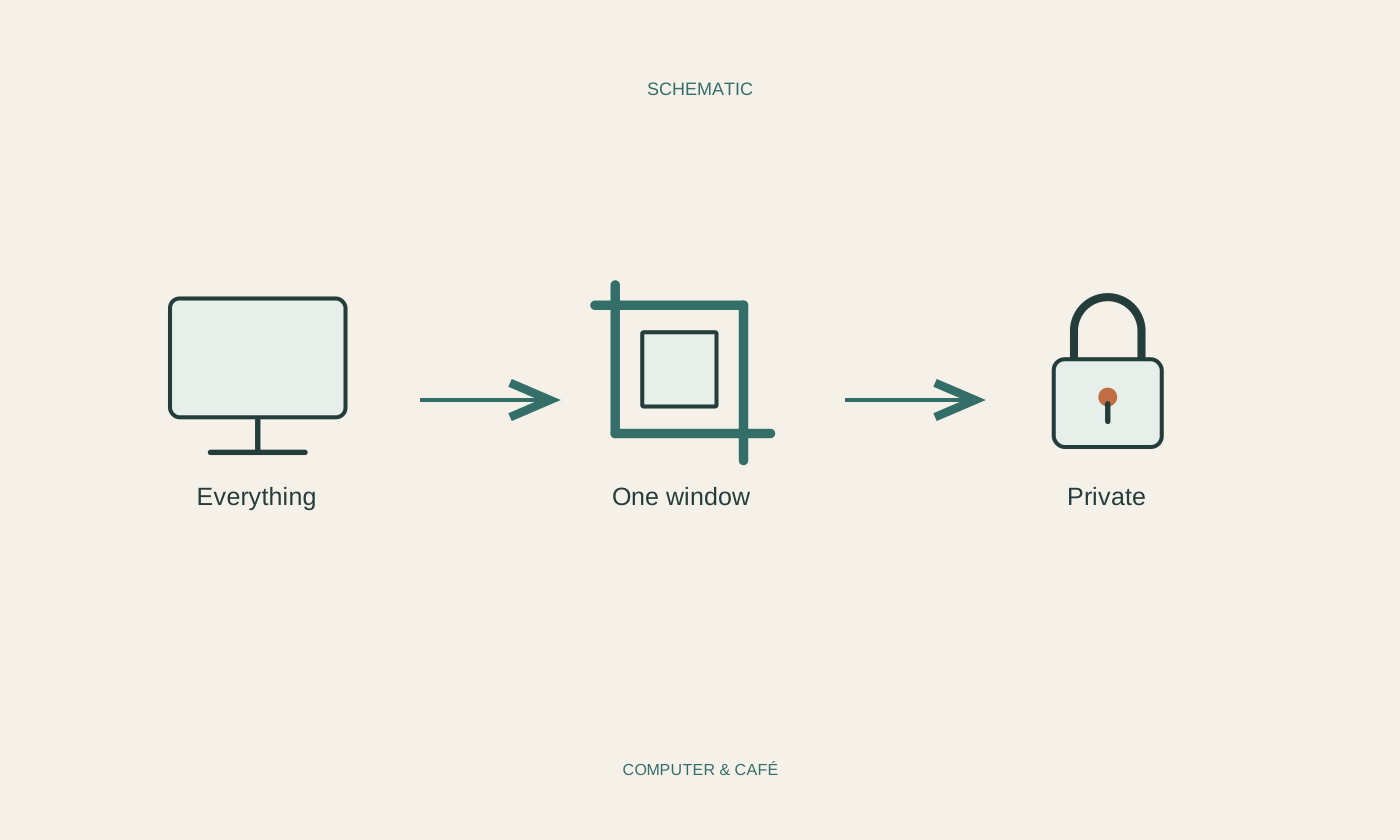
Where possible, share the particular window needed for the explanation rather than the entire screen. Read the preview carefully, especially with several monitors. A display number does not tell you whether the correct document is currently on it. Enlarge the content inside the application so participants can read it without having to interpret a tiny version of your whole workspace.
After starting, check the sharing indicator and request a brief confirmation of what is visible. Your own small preview does not make every situation obvious. If you need an extra dialog or another application, deliberately check whether the existing share includes it. Do not hurriedly switch to the whole desktop merely because one detail initially fails to appear.
Make the end of sharing explicit
Stop screen sharing with the designated control and check its status before opening private messages or account settings. Minimising a meeting is not the same as ending a share. If you accidentally reveal something, first stop the transmission and describe factually what may have become visible. Avoid exposing additional information while trying to explain the original mistake.
After the conversation, close sample files and restore notification settings you intentionally changed. If you also shared files or links, review their permissions separately. Ending screen transmission does not end a persistent file share. Do not assume information already seen can be recalled. Clear preparation and a deliberate finish are more useful than hoping afterwards that nobody noticed an unexpected detail.
Share the required area where possible and stop sharing before reopening private material.