Begin with one recognisable event
Choose an outing, birthday or month containing a modest number of pictures. Trying to reorganise an entire family history in one weekend creates confusing intermediate versions. Copy the relevant files into a working folder first. Leave the source locations intact for now and note which devices or family members contributed material. This makes it easier to investigate a missing photograph later.
Distinguish a folder on your drive from an album inside a photo application. An album may simply refer to pictures stored elsewhere. Use an unimportant example to learn whether moving or deleting changes the album membership or the underlying file. That distinction matters before you start removing apparent duplicates.
Name folders around memories
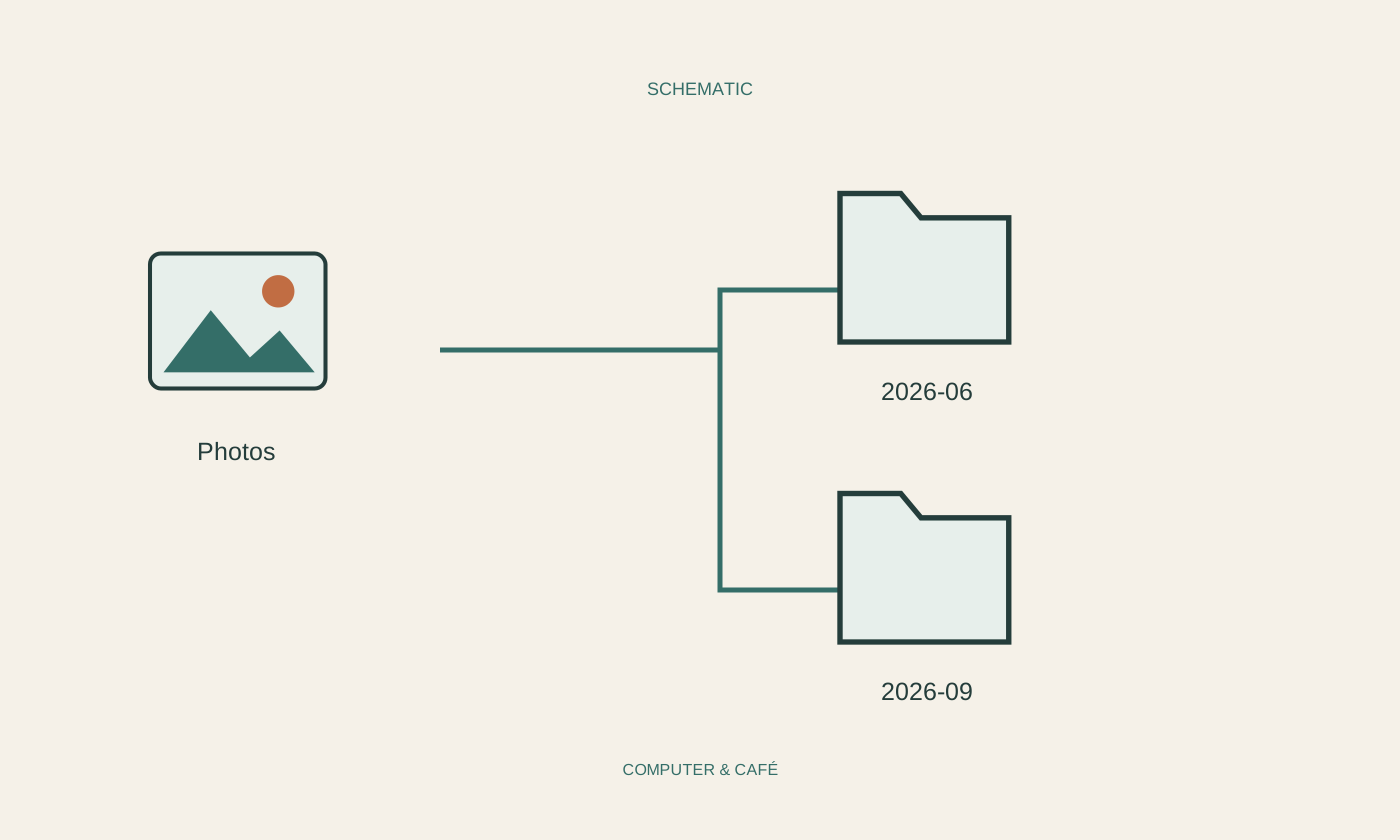
A folder such as 2026-06_coast reveals both the period and the occasion. Year, month and, where useful, day make chronological sorting straightforward. If a date is uncertain, use an approximate description and a clear note rather than inventing a precise capture date. Keep the naming approach simple enough that another family member can understand it without your explanation.
Initially retain the filenames supplied by the camera. If several devices use the same names, keep their imports in separate subfolders or add an identifying suffix when copying. Do not overwrite a file just because its name already exists. Matching names establish neither identical contents nor equal image quality.
Check dates against the pictures
Sort the working copies by capture date and see whether the order fits the event. A camera clock set incorrectly, a different time zone or scans of old prints can disrupt the sequence. A file’s modification date is not automatically the date the photograph was taken. Check several recognisable moments before making any large change to timestamps.
Record known names and places in a short companion note or the description fields offered by your photo application. Keep the note with the collection. Sensitive details about other people do not belong in a publicly shared album without their agreement. Organising a private archive and publishing selected pictures are separate decisions.
Separate selections from originals
Create a separate selection for pictures you want to show or print. Edit copies, or use an application whose handling of originals you understand. A small crop prepared for a message should not quietly replace the only complete photograph. Check the resolution of exported files too, particularly when a picture may later be printed at a larger size.
For similar images, compare faces, sharpness and the edges of the frame. Do not automatically discard everything a search tool labels similar. A sequence may contain worthwhile differences. Keep uncertain cases in a review area and decide later, instead of making irreversible deletions while you are still organising.
Finish with a recoverable copy
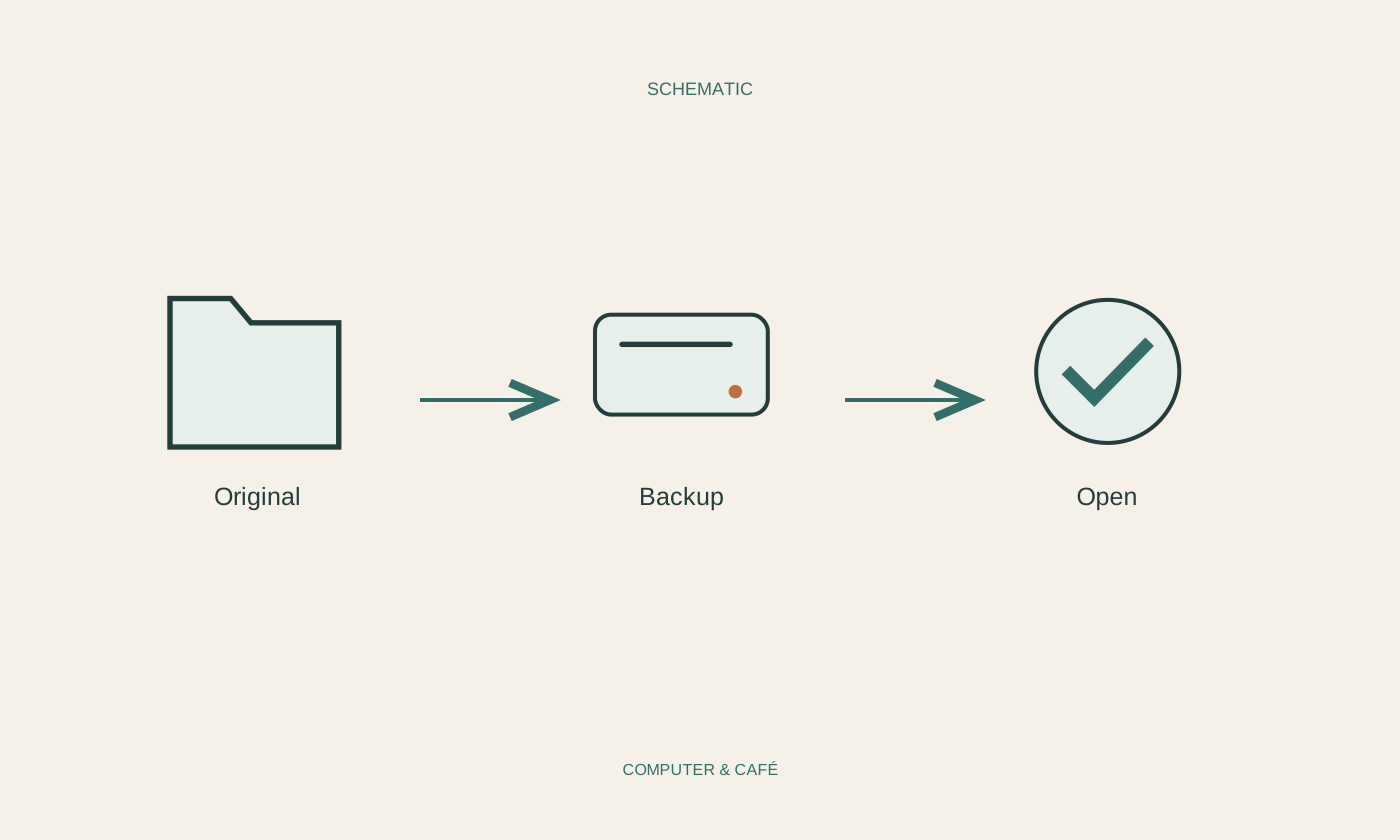
Back up the organised event folder somewhere independent of the working device. Open several pictures from that backup and check companion notes and any unusual file formats as well. A synchronised gallery alone does not protect against every accidental deletion. The backup must contain the actual originals, rather than only preview images or links to files held elsewhere.
Consider removing old working copies only after checking both the new arrangement and a usable backup. Safely eject and disconnect an external backup drive when it is not needed. Write down where the collection lives and when it was last backed up. The arrangement should remain understandable after a long break.
Start with one event and check the copies, dates and backup before removing anything.