Select what the journey actually needs
Gather the documents you will genuinely need while travelling: booking confirmations, addresses, directions and tickets supplied by the issuer where appropriate. Verify details directly with the organisation that issued them. A screenshot you make yourself is not automatically a valid replacement for identification, an original document or a ticket that uses a changing code.
Arrange the selection around the order of the journey. A short filename containing the date and destination is more useful on a small phone screen than a lengthy internal booking reference. Avoid making unnecessary copies of especially sensitive documents. Every extra storage location increases the effort needed to keep track of them. Note which items require the official application or their original paper form.
Create genuine local copies
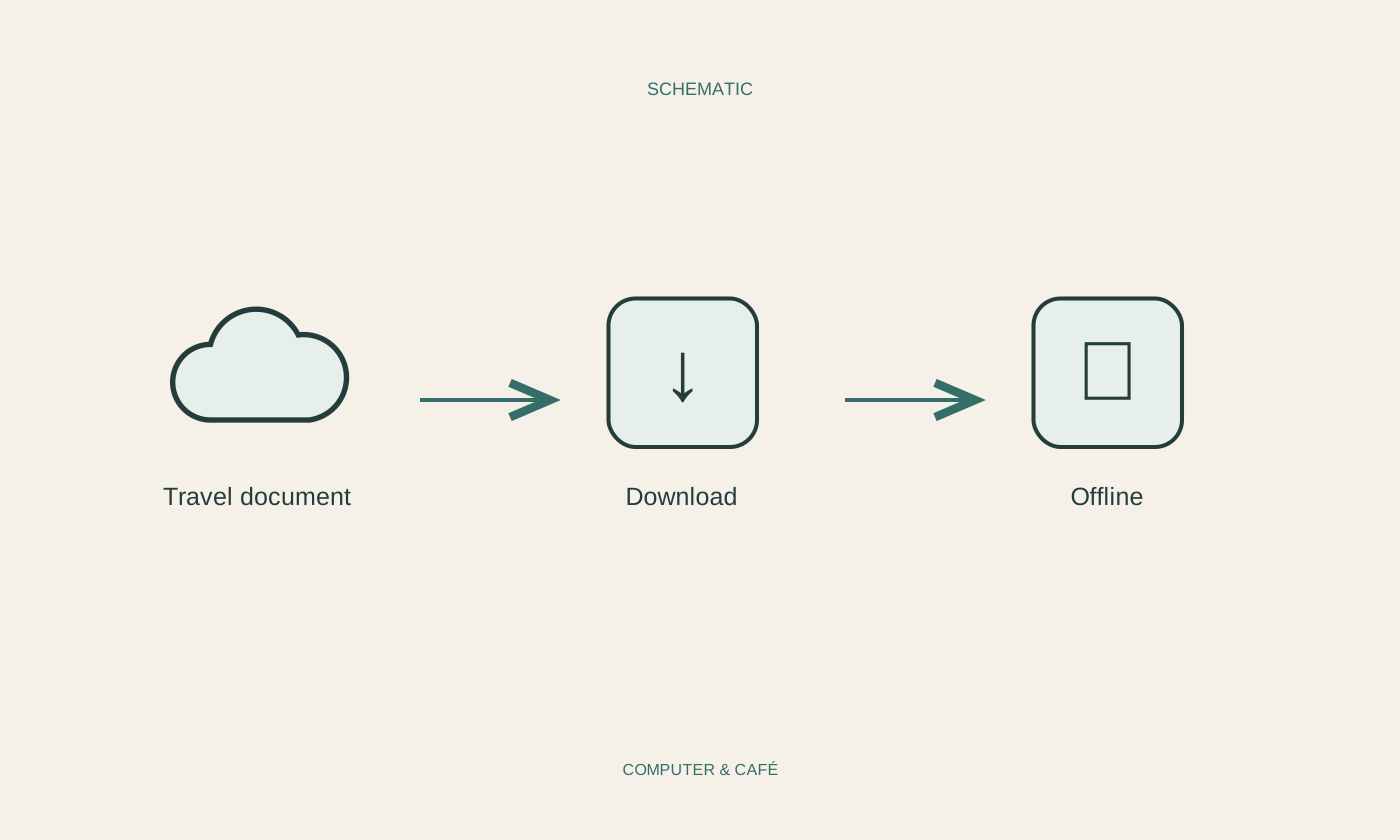
Use the application’s download or offline feature. Wait for it to finish and check where the result is stored. In OneDrive for Windows, a file available only online differs from one explicitly kept on the device. A bookmark pointing to a webpage is likewise not a saved copy of the page’s contents. Seeing an item in a list does not prove that its contents have downloaded.
Try opening the document in the application you intend to use during the journey. A PDF might be stored locally while an appropriate reader has not yet been set up. Inspect attachments, additional pages and small map labels. Download these files in advance on a familiar network instead of searching for the correct account on a station platform.
Run the test without a network
Temporarily turn connectivity off, for example by enabling flight mode and also disabling Wi-Fi. Reopen every important document from its intended folder. Check readability and move between pages. A screen that was already open may still display cached content; what matters is whether you can retrieve the information again when you need it. Allow enough time to fix failures before travelling.
Consider a flat battery or a missing device too. An appropriate additional option might be a paper copy of selected addresses or a second protected device. Do not keep unprotected passwords alongside sensitive documents. Check whether signing in again requires confirmation available only on the very device you could lose during the journey. Recovery arrangements should not depend on that single point of failure.
Keep versions recognisable
Shortly before departure, check whether times, meeting points or bookings have changed. Deliberately replace outdated working copies and test the replacement again. An offline document does not update merely because you downloaded it once. Continue to use the travel provider’s designated information channels for current changes, especially where the journey depends on a live status or a revised ticket.
Afterwards, remove local copies you no longer need according to your retention needs, and review any sharing links you sent. A useful receipt can move into your organised document collection. A temporary image containing sensitive details need not remain indefinitely in several download folders. Preparation therefore involves more than downloading: it includes a clear selection, a genuine offline test and a later clean-up.
Open needed documents in flight mode and retain required originals and independent ways to regain access.