Save the working state deliberately
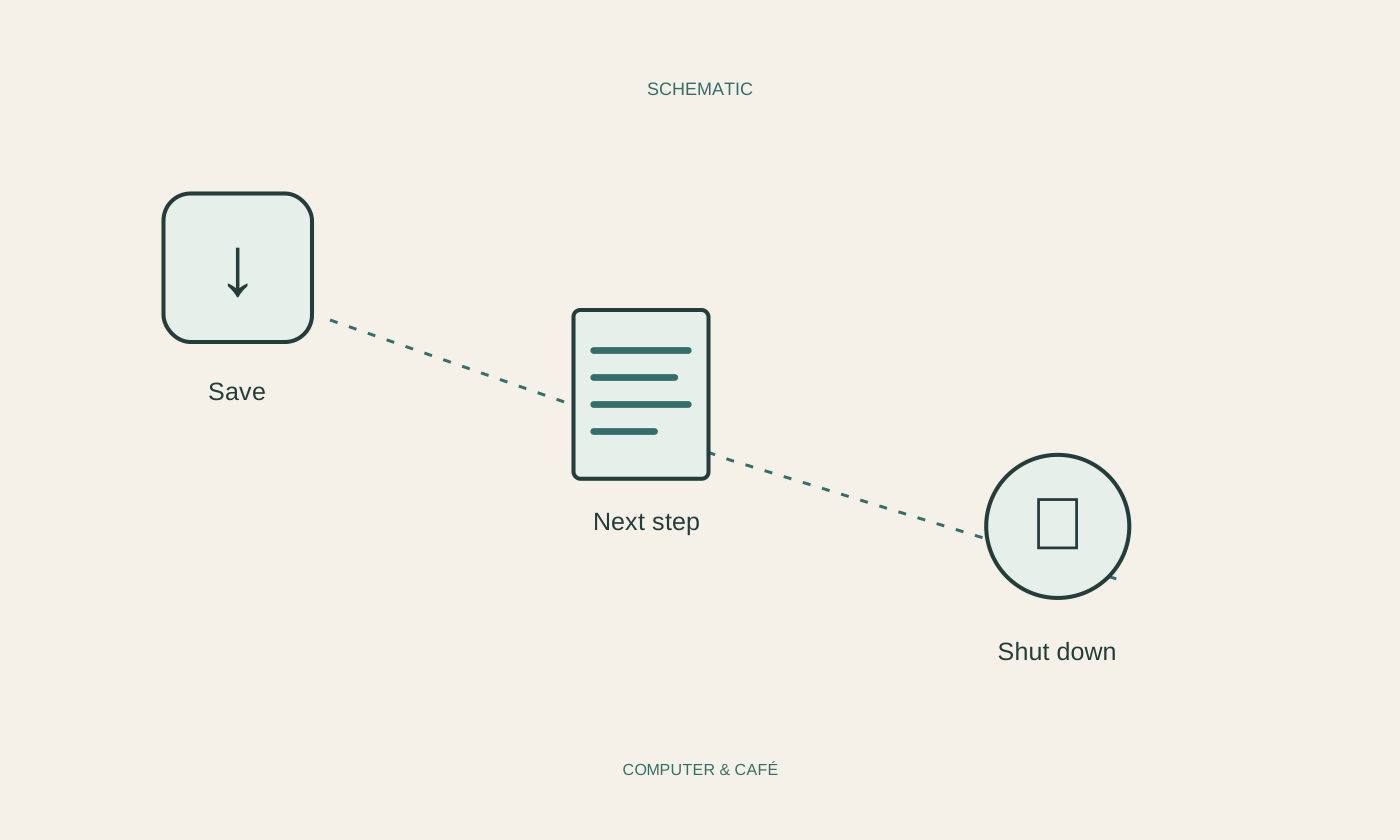
Review the documents still open and decide which changes need to be preserved. Save important files in their intended locations instead of relying on the accidental arrangement of open windows. A visible document may still contain unsaved changes. Read closing prompts carefully, especially when several similar versions are open and it is easy to select the wrong response.
For shared or online documents, inspect the displayed saving or synchronisation status. A connection may have failed without making your work disappear immediately. Do not finish merely because the latest words are still visible on screen. If a message is unclear, keep an appropriate additional working copy and establish the state before closing the only open draft. The purpose is a usable saved result, not just fewer windows.
Leave a short trail for tomorrow
Write a concrete next action for the most important unfinished task. Continue quotation is less useful than check prices in row seven, then send the draft. Refer to the correct filename or folder without unnecessarily repeating confidential information in an open note. A small clue can save substantial searching when you return after a break or a busy morning.
Keep unresolved questions separate from completed steps. If an error message made you stop, record its precise wording and what triggered it. Avoid turning the note into a long list of every possible computer improvement. Finishing should make restarting easier, not immediately begin another work session. Deliberately choose what you will actually need tomorrow and what can remain outside the immediate plan.
Consider backups and running operations
Check whether a scheduled backup has finished and whether it reports errors. A connected drive alone does not establish that a current backup exists. Continue your regular recovery tests; an evening status check does not replace them. When an external backup drive is no longer needed, use the appropriate eject procedure and then disconnect it rather than leaving it attached unnecessarily.
Look for running transfers or updates before removing power or connectivity. Follow operating-system messages when a process needs more time. Do not interrupt simply through impatience. Arrange necessary updates so a requested restart does not unexpectedly consume the next important appointment. Managed devices follow the organisation’s maintenance rules, which may specify when a computer should remain available for scheduled work.
Finish the workspace and access
End active screen shares and check whether a temporary remote-help session remains connected. Lock or end the session according to your setting and the computer’s intended next use. Sleep, sign-out and shutdown are different operations. Choose the appropriate one deliberately instead of merely waiting for the display to dim and assuming that access or background activity has ended.
Put required accessories in a known place and remove loose objects around the keyboard. Keep ventilation openings clear and drinks away from the equipment. Before packing a laptop, follow its transport guidance and check its actual state. The desk does not need to be completely empty. Saved work, a clear next step and appropriately ended access are enough to make tomorrow’s beginning understandable.
Save, check and note the next action: a clear finish makes returning easier.