Agree what the selection is for
Decide whether you are choosing pictures for a small album, prints, a message to relatives or a presentation. Different purposes need different decisions. A pleasing detail may work in a small screen view but not at a particular print size. Limit the first round to one event so that comparing and discussing the pictures remains manageable for everyone involved.
Agree who makes the final choice and how uncertain pictures will be marked. Looking together does not require everyone to access the entire private collection. For photographs of other people, consider the intended audience. Especially personal images should not accidentally enter a publicly accessible selection simply because sharing one large folder seems quicker than preparing a considered group of pictures.
Keep originals outside the working area
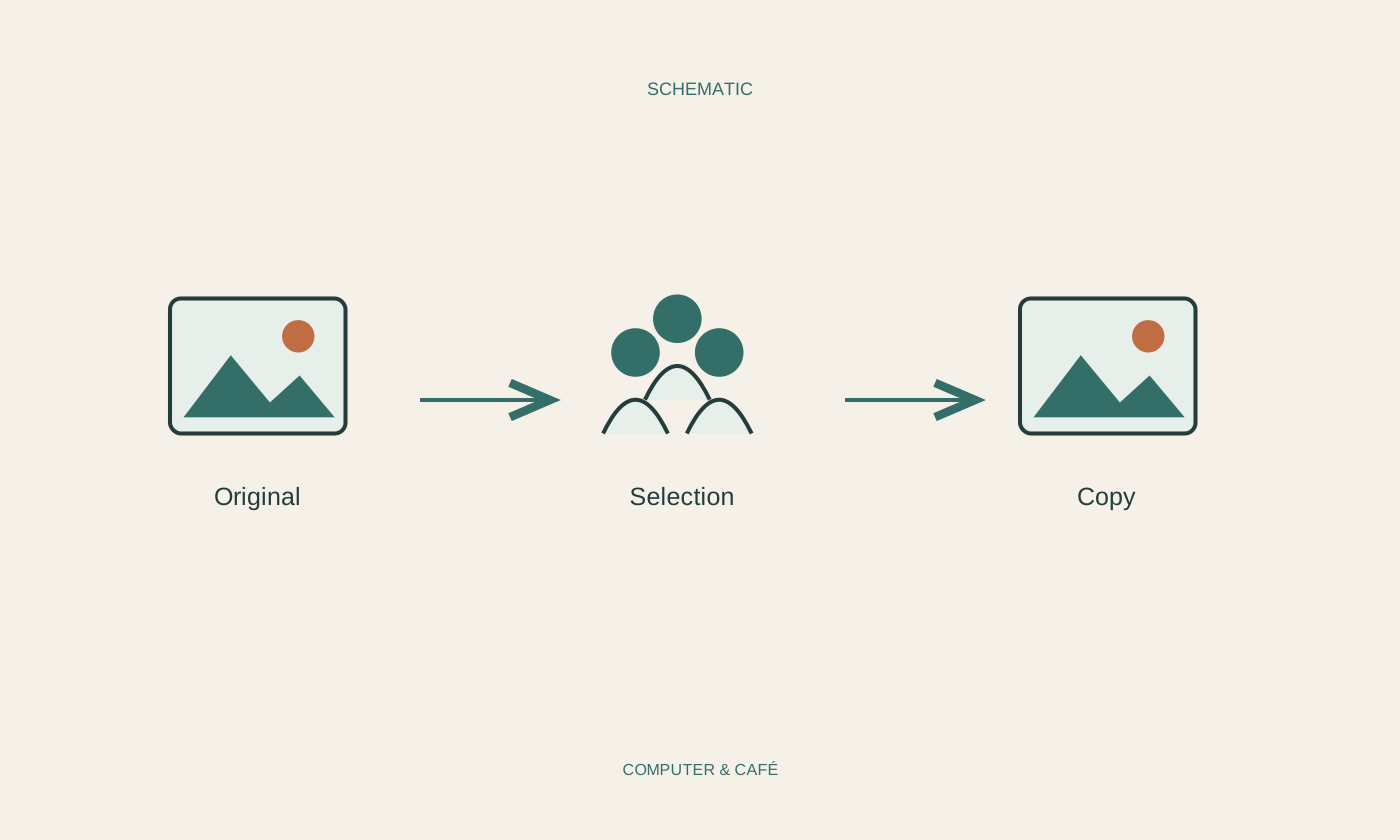
Create a working area for the selection and leave the original collection unchanged. Depending on the photo application, an album may only refer to existing pictures, while an export creates additional files. Test that difference with an unimportant example before moving or deleting images inside the application. Similar-looking controls can have very different consequences for the underlying files.
Label the selection recognisably, perhaps with a date or short event name. Avoid repeatedly copying the same pictures into new unnamed folders. If edited versions are created, retain an understandable relationship to the original. A cropped sharing image should not replace the only complete photograph. Establish independent backup before extensive changes, rather than waiting until an accidental deletion makes its absence obvious.
Use a few clear selection markers
Use a simple distinction such as selected, possible and not for this purpose. The last group need not be deleted; a picture may remain valuable for another project. Compare similar shots for faces, sharpness and frame edges rather than choosing the first thumbnail you see. Open the important candidates at a larger size before making the final decision.
If several people choose independently, keep their responses separate and combine them afterwards. Simultaneous renaming and deleting in one folder makes the process difficult to understand. Viewing access with a separate feedback route may be enough for selection; editing permission needs a specific purpose. Attach short comments to recognisable image names so it remains clear which version a remark concerns.
Check the exported copies at their destination
Export the final selection for the agreed purpose. Reopen the exported files to check resolution, orientation and visible cropping. Prints must meet the requirements of the chosen print service; a tiny messaging preview is not a reliable quality check for that use. Give the export folder a clear name so that nobody later mistakes it for the complete original archive.
For a sharing link, check recipients and rights. Removing the link later cannot retrieve copies already downloaded. Keep the selection decision with its purpose and retain unchanged originals in their organised collection. Review unnecessary working copies once the project is finished. The collaboration should leave a clear selection, rather than several contradictory folders all claiming to contain the final photographs.
Leave originals untouched and treat selection, editing and sharing as separate steps.