Distinguish the receipt from the message
Check which document the purchase actually provides as a receipt. An order confirmation, dispatch message and invoice can contain different information. Do not automatically save only the first message if a more complete document arrives later. Keep related paperwork recognisably together without collecting every promotional email that happened to come from the same supplier.
Open attachments only when the sender and circumstances make sense. An unexpected supposed receipt deserves the same scrutiny as another unusual message. If uncertain, reach your familiar customer account independently. Notice where a downloaded file is saved. The browser’s download list can help locate it, but is neither a permanent filing system nor an independent backup of your records.
Use a searchable name rather than a number
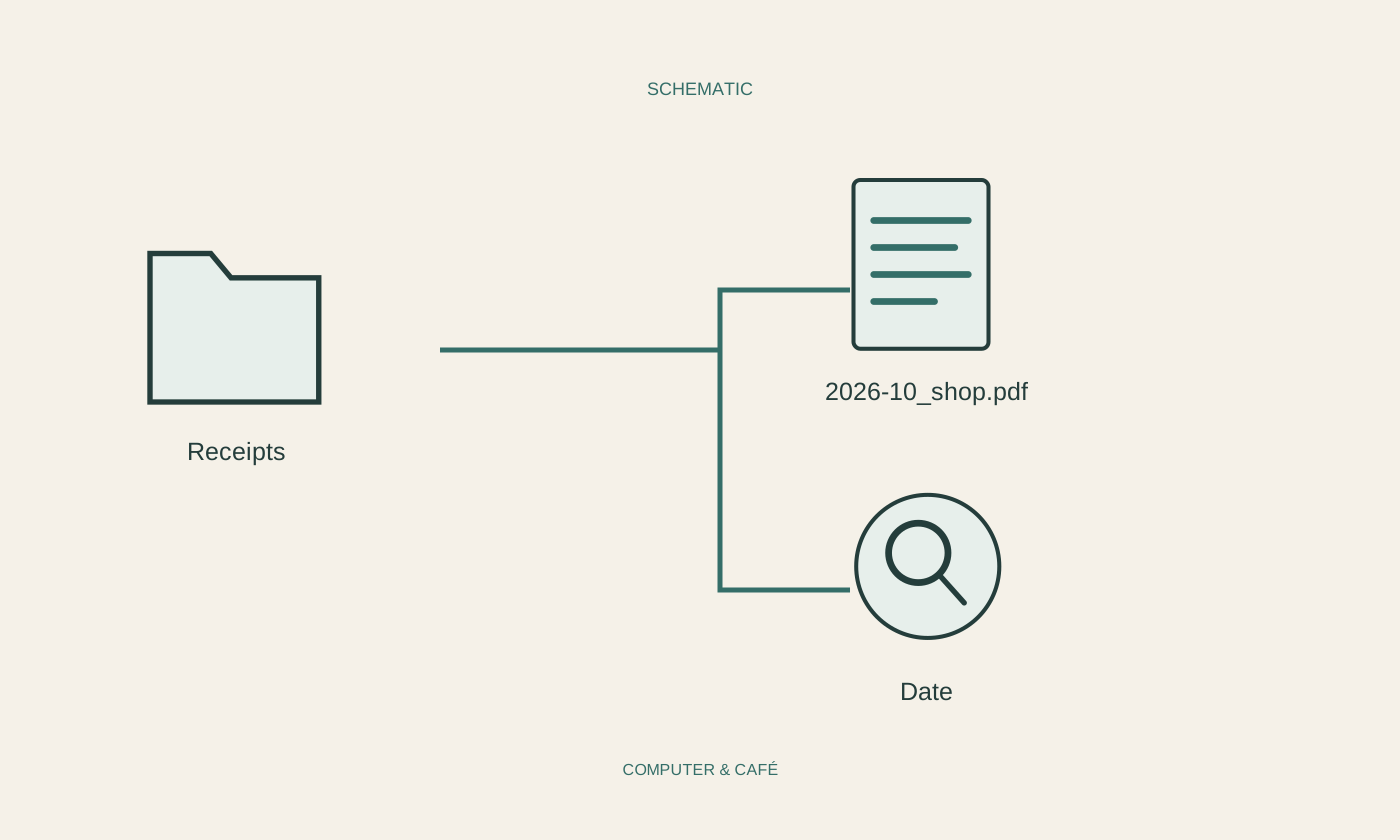
Name the saved file, for example, 2026-10-08_bicycle-light_shop.pdf. The useful feature is being able to recognise the date, item and, where relevant, supplier. An internal invoice number can be helpful as an addition, but should not be the only meaningful clue. Avoid putting confidential extra details into filenames if the folder might later be shared with someone else.
Choose a few suitable folders, perhaps by year and broad area of household life. Occasional personal receipts rarely require a complicated accounting hierarchy. Decide where unchecked downloads first arrive and clear that intake area regularly. If several people use the collection, agree a common naming approach. A manageable system everyone uses is better than a perfect arrangement abandoned after a fortnight.
Check readability and completeness
Open the receipt from its final folder and inspect every page. The date, item, amount and supplier should be readable. For scanned paper receipts, look particularly for faint print and cropped edges. Automatic text recognition can assist searching but may misread numbers; the visible document remains important for checking what has actually been preserved. Do not rely solely on a search result.
Establish whether the saved file is genuinely local or merely references an online collection. Test opening without an internet connection if needed. Retain paper originals until their continuing importance is clear. This practical filing method does not determine legal retention duties, tax suitability or a claim against a seller. Those questions depend on applicable requirements and the particular transaction.
Test protection and retrieval together
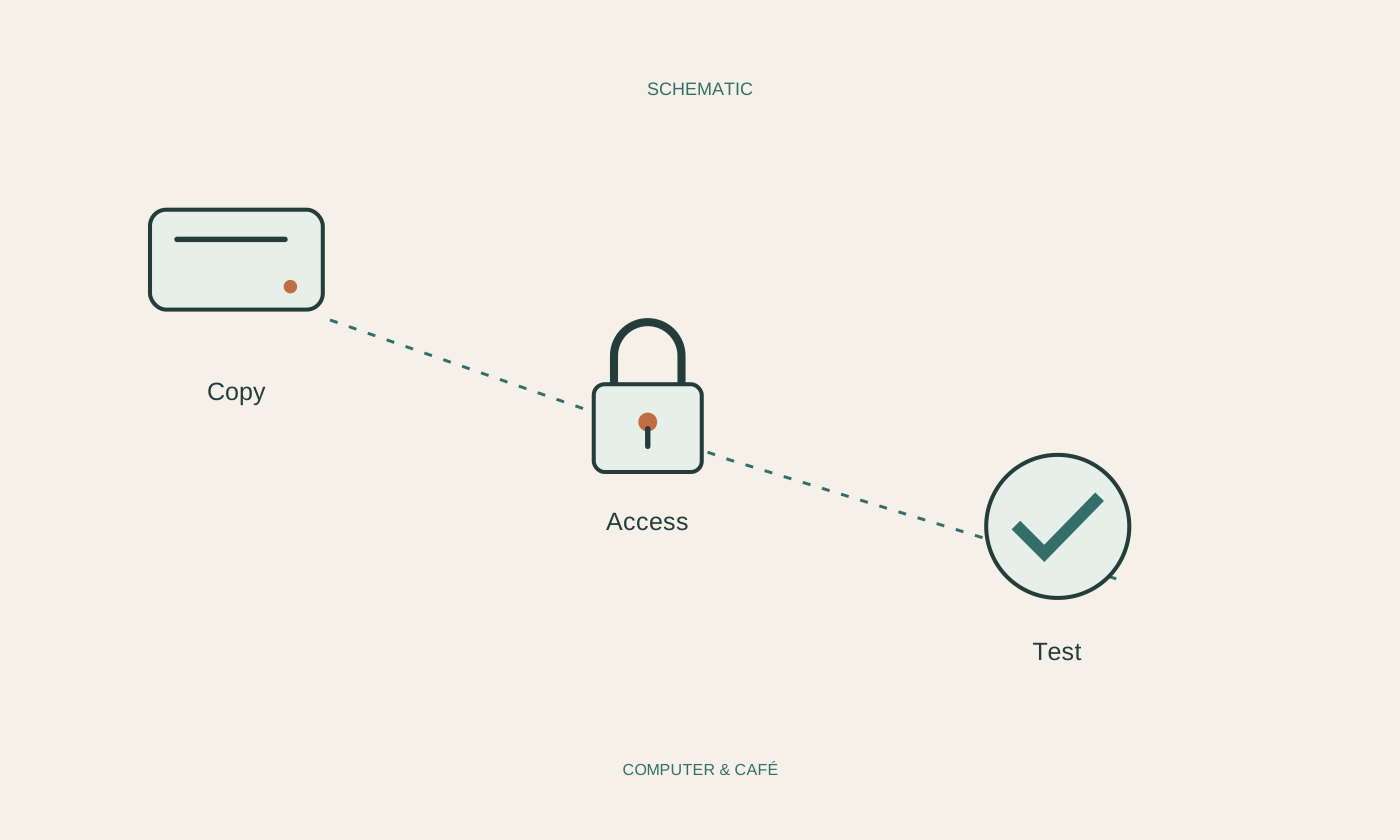
Include the receipt folder in a suitable independent backup. Invoices may reveal addresses, customer identifiers and other personal information, so a general public sharing link rarely suits a private household collection. Review existing permissions, especially when the folder sits inside a larger shared area. Its protection is determined by actual access settings, not by an unobtrusive name.
Occasionally try a small retrieval exercise: can you find the receipt for a particular item without returning to the original email? Does the backed-up copy open? If searching takes too long, improve the name or location using that real example. Remove unnecessary working copies only after checking. Filing demonstrates its value when one specific receipt is needed months later, rather than at the moment a file is saved.
Save readable receipts under clear names and check that they remain available outside the inbox.