Decide what the recipient needs to do
Consider how the other person will use the document. PDF may suit reading or printing. Collaborative editing may instead call for the editable file or an appropriate shared document. A PDF is not automatically unchangeable, confidential or accessible. It often preserves an intended page layout, but it may still be copied, annotated or edited. Decide which version belongs in the recipient’s hands and whether every personal detail is necessary. Save the original separately so future revisions can be made in the proper source document instead of struggling to edit a distribution copy.
Prepare the original document
Review headings, paragraphs, page breaks and the readability of tables and pictures. Remove accidental blank lines, comments or draft material that should not appear in the final version. If changes have been tracked, deliberately decide which to accept and what should remain visible. A quick glance at the source document does not replace that decision. Where possible, use genuine headings and meaningful alternative text for important images. Suitable export settings may preserve these structures and improve usability. They do not arise automatically just because text has been made large, bold or colourful on the screen.
Use the export settings deliberately
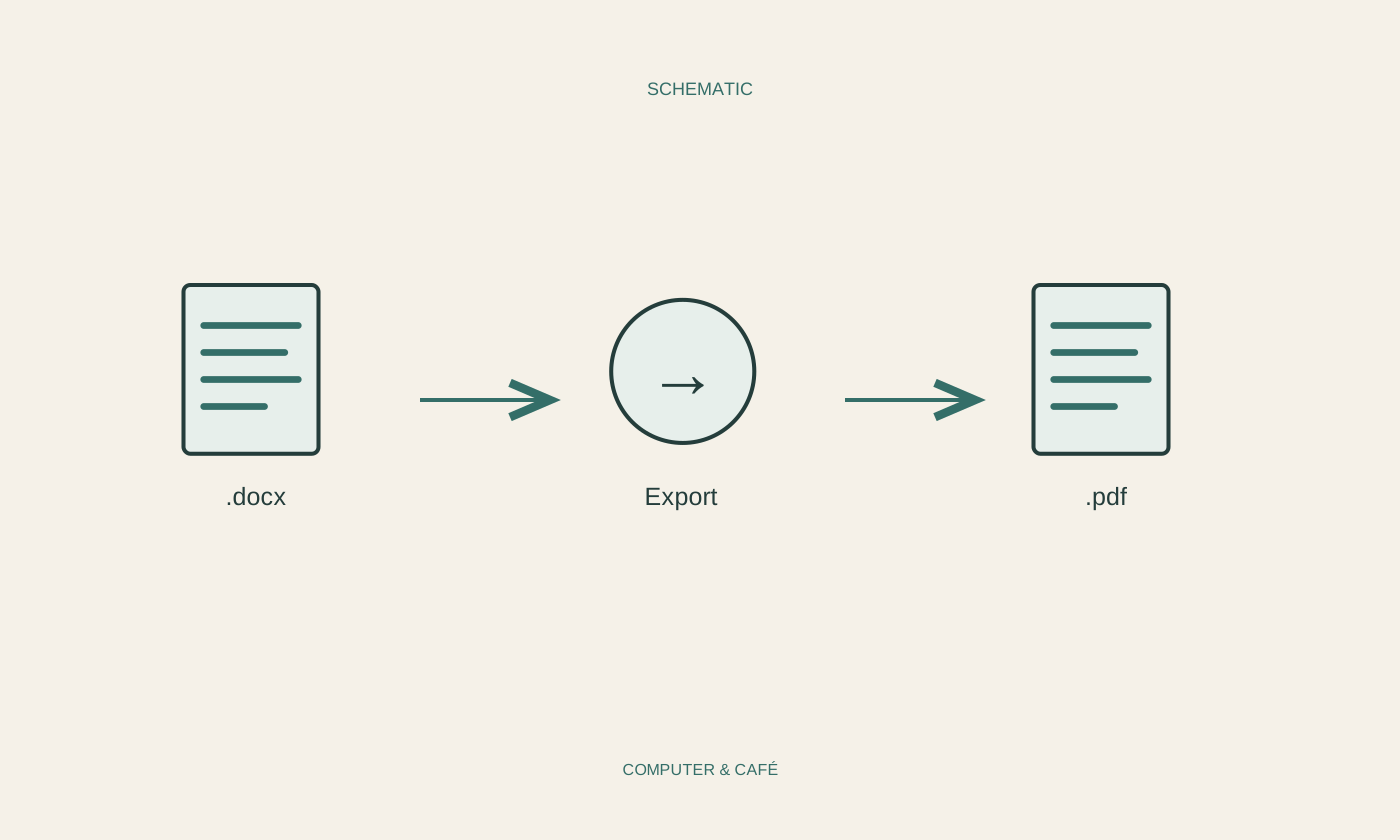
Choose the application’s intended PDF export function. Menus vary, so consult its current help where necessary. Check the page range: are you exporting the whole document or a selection? Consider image quality and document-structure settings too. Excessive image reduction can make details unreadable, while unnecessary resolution increases file size. Save the PDF under a clear name in a known folder, keeping it distinguishable from the editable source. If you use a PDF printer instead of an export function, the available structural options may differ. Inspect the result accordingly rather than assuming both routes produce an identical document.
Open the finished pages again
Dismiss the export message and reopen the PDF you just saved. Inspect the first and last pages and pages containing tables, images or unusual breaks. Look for clipped lines, changed characters and unexpected blank pages. For a longer document, check the page count and search for a distinctive term if searchable text is expected. View it at an ordinary reading size too; a tiny whole-page preview can hide illegible labels. For important printed material, try one representative page before producing many copies. Successful export only confirms that a file was created, not that every detail is correct.
Complete delivery appropriately
Before attaching the file, check its name, size and recipient. Large documents may be better delivered through a controlled sharing link than repeated email attempts. Choose permissions deliberately and verify that the recipient can reach the intended version. Confidential material needs an appropriate delivery method; the format alone does not protect it. If a password is used, follow the agreed method for supplying it separately. Keep the sent version clearly associated with its original. Later, you can identify what was actually delivered instead of exporting a draft again and discovering that it has changed since the earlier message.
Export, reopen and check the pages before sending.