Begin in the browser
If you have just downloaded something, open that browser’s download list. It normally shows the filename, progress and an option to reveal the saved location. Confirm that the transfer finished. An entry in the list does not always mean the file remains in its original location. If it was moved or deleted later, the history entry may still exist. Compare the browser information with the folder actually opened on the computer. When several downloads look alike, their times can help distinguish the item you just received from an older file that started with the same name.
Understand the file before opening it
Recall what you requested and which website supplied it. An unexpected installer is not an appropriate substitute for a PDF you wanted. Examine the full filename, including its extension where visible, and take browser warnings seriously. Do not open a suspicious file experimentally to discover what it contains. If uncertain, return to the official website through a known route. Descriptions in advertisements or redirected links can be misleading. A convincing filename alone establishes neither the origin nor the safety of a download, so compare it with the task you were actually trying to complete.
Put important material in its proper place
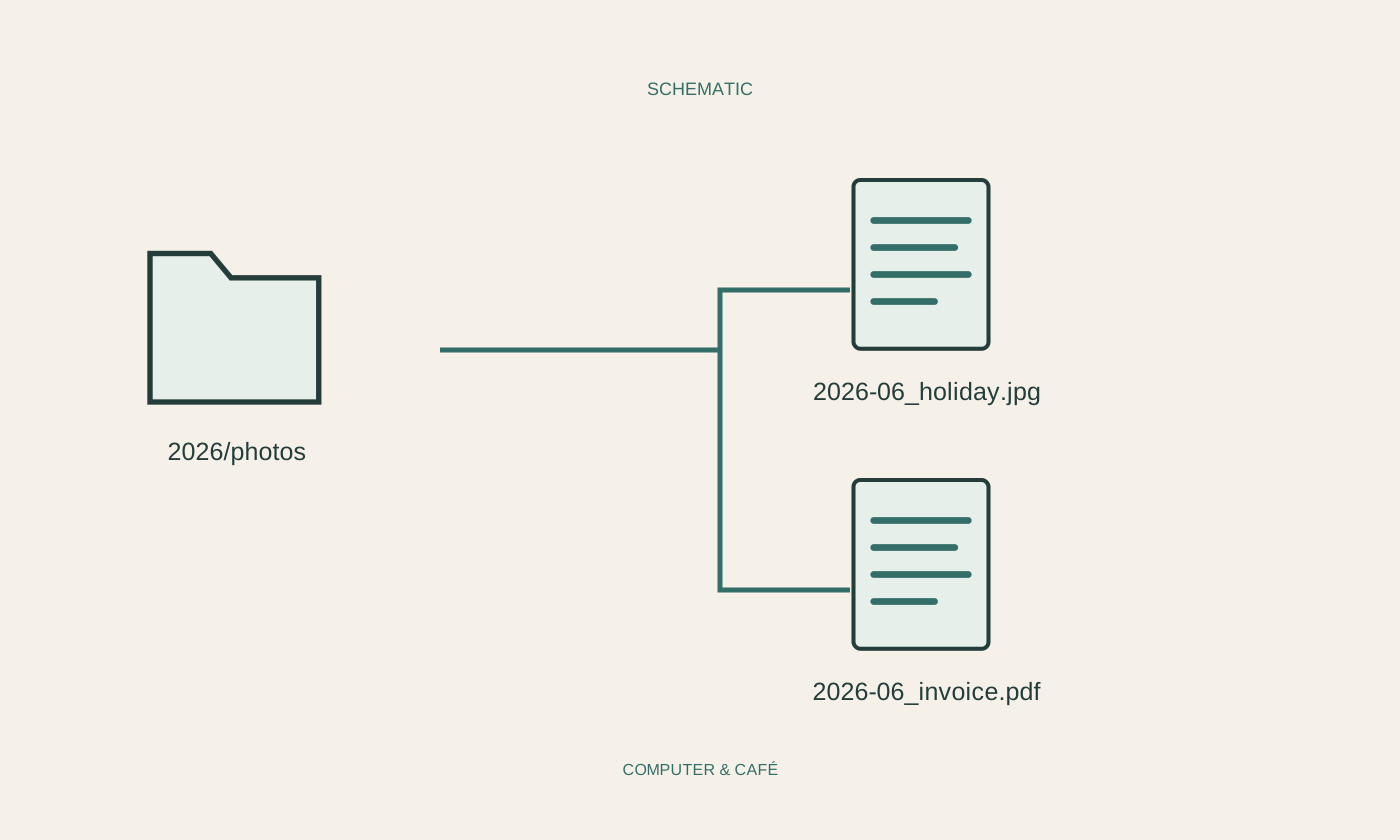
Open an expected, trusted download and confirm that it contains the document you need. Then save or move it into the appropriate subject folder, perhaps for a trip or a particular device. Give it a meaningful name if needed, leaving the extension unchanged. If the document came from a cloud service, also check whether the destination is local or synchronised. Cleaning Downloads later should not remove your only copy. For important records, suitable backup belongs to the filing process itself rather than being postponed until the next major clean-up, when you may no longer remember where the original came from.
Compare apparent duplicates carefully
Repeated downloads often gain a suffix or number. That suggests several similarly named files but does not prove their contents are identical. An updated receipt or revised manual may use the same original name. For important documents, compare content, date and origin. Remove older versions only once you understand their role. Installation packages may become unnecessary after successful setup, while separate licence records may still need keeping. Distinguish these cases. Avoid automatically deleting everything older than a chosen age until you understand which kinds of files regularly collect in the folder and whether they have already been preserved elsewhere.
Use a small routine instead of a big clear-out
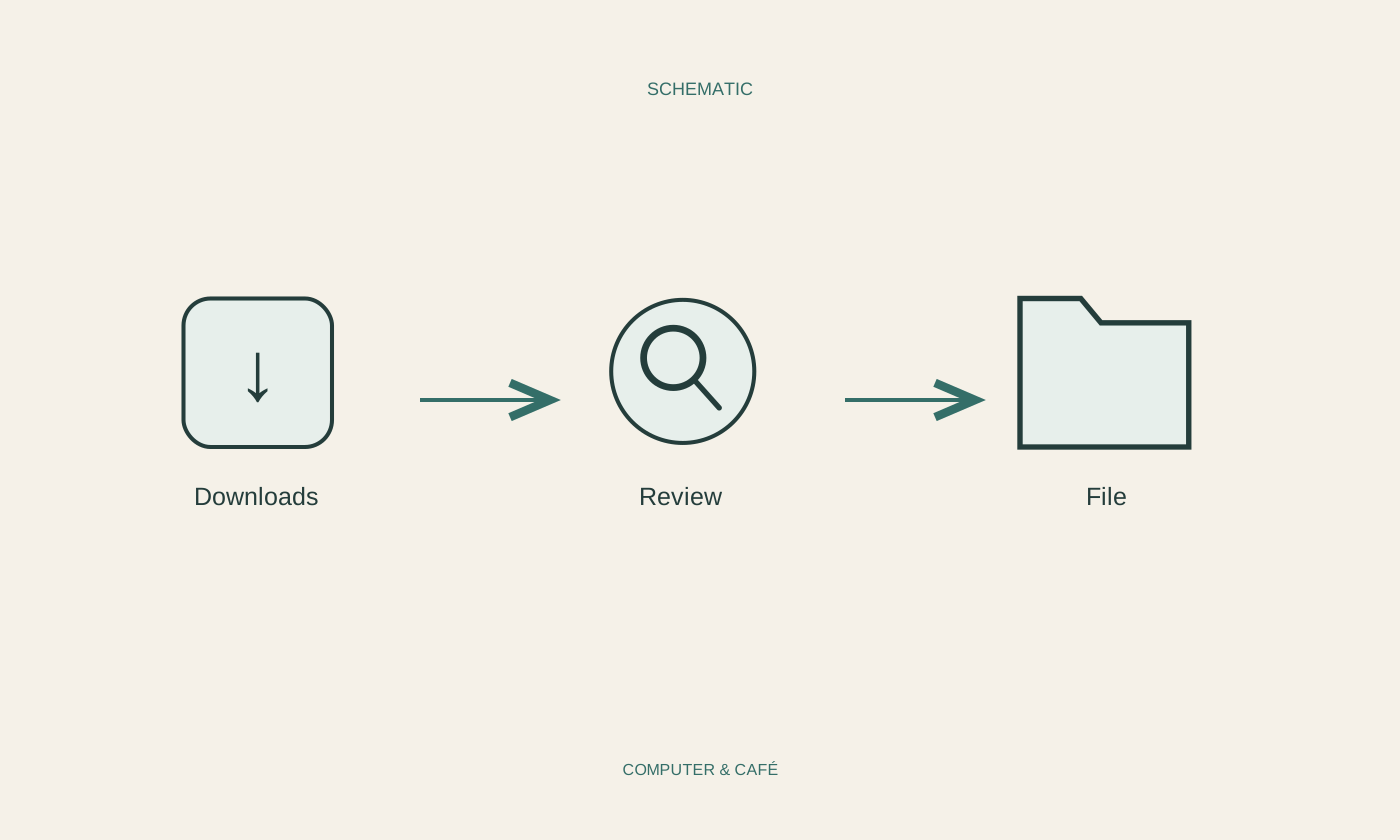
Review Downloads regularly and organise the newly arrived items. For some workflows, the browser option to ask for a destination before each download is helpful. Someone receiving many similar files each day may prefer a fixed inbox followed by a filing session. Choose the process you will actually follow. Afterwards, use an ordinary search to check that a newly filed document can be found again. Do not immediately empty the recycle bin during every clean-up if you remain uncertain. A short review period makes accidentally removed documents easier to notice before their temporary recovery route disappears.
Use Downloads as an inbox and deliberately file important, checked documents by subject.