Prepare the paper and equipment
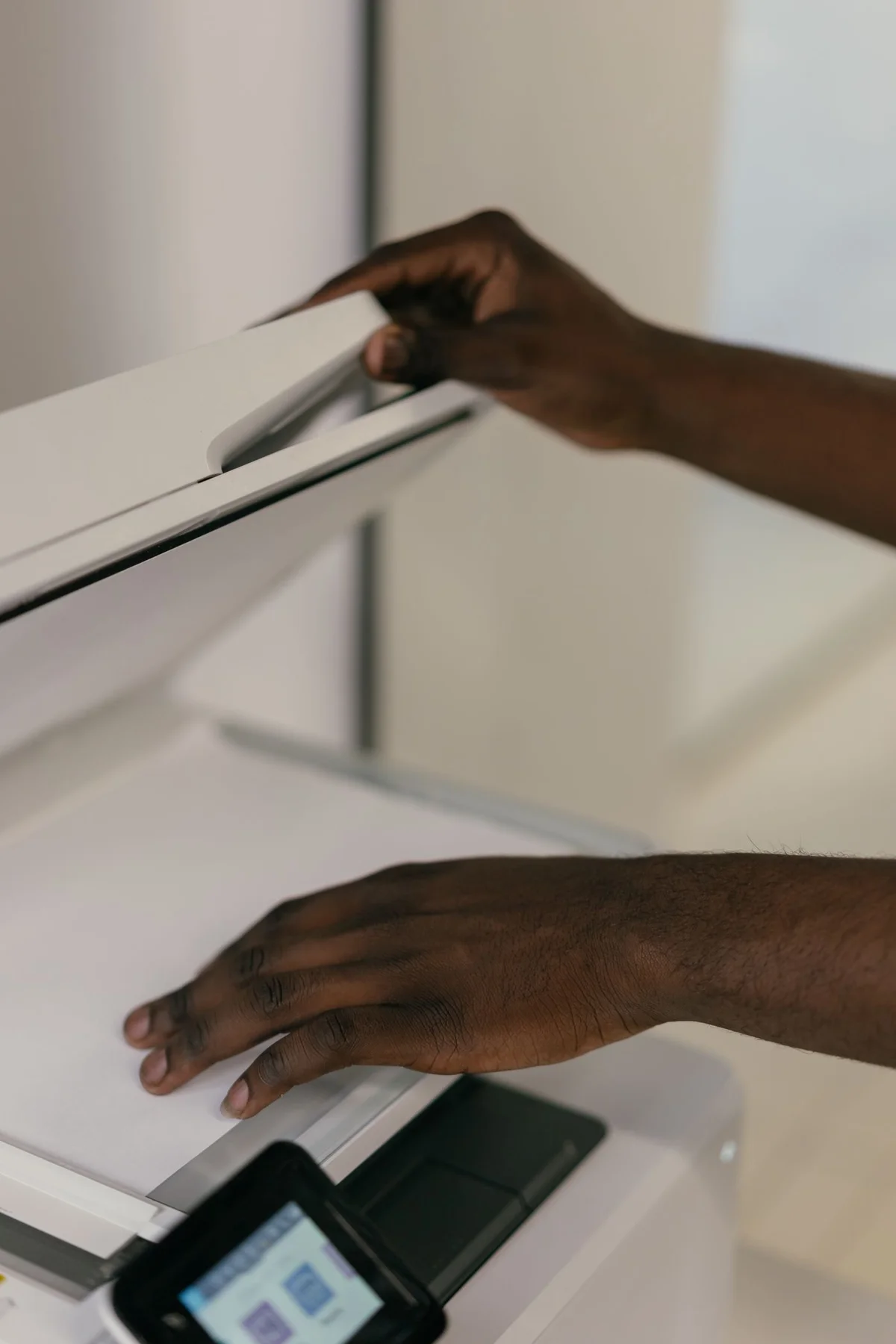
Gather only the papers belonging to one related task. Remove staples or other obstructions where the scanner’s instructions require it, and check whether fragile originals are suitable for an automatic feeder. A flatbed may be preferable for delicate pages. Clean the glass only according to the manufacturer’s guidance. Dust or smears can appear on every scan and resemble a problem with the document. Align the page against the guides without pressing it awkwardly. Before starting, establish which side faces up or down and whether the chosen process captures reverse sides as well as the front.
Decide what the result should be
A single PDF is often more manageable for a multipage document than numerous separate images. An image format may suit later picture editing. Choose colour, greyscale or monochrome according to the material. A coloured annotation or faint stamp may disappear with an unsuitable setting. Begin with an ordinary document preset and inspect a test page before processing a large stack. Higher resolution often increases file size without improving every task. Small print and particular details deserve a targeted comparison, rather than assuming that the highest available setting is always necessary or produces the most useful document.
Check the preview and boundaries
Use a preview if the application provides one. Confirm that all edges are included and the sheet is straight. Automatic cropping can remove a marginal note or page number. Reduce the captured area only while preserving relevant content. If the stack contains different page sizes, do not assume one selection fits them all. Scan a representative page and inspect it at normal reading size. Look for shadows near folds, reflections and faint text. First correct the original’s placement or the basic scanning settings instead of expecting later image editing to recover information that was never captured clearly.
Review the pages as one document
After scanning, check order, page count and completeness. Reverse sides with little text are easily missed in double-sided papers. Rotate incorrectly oriented pages and verify that the saved result retains the change. If using text recognition, compare some names, numbers and special characters with the original. Searchable text is useful but does not guarantee accurate recognition. Preserve the visible page image in an understandable form. For important details, do not rely exclusively on automatically recognised text, especially with poor print quality, handwriting or unusual fonts that may lead to plausible-looking but incorrect words or figures.
Save deliberately and retain originals appropriately
Name the finished document by purpose and a meaningful date, then place it in the intended subject folder. Reopen the saved file before beginning the next stack. Back up important records as well. Whether a paper original should be retained depends on the document and its purpose; a scan is not automatically a legally equivalent replacement. Before processing personal records through a cloud service, understand its actual data handling and settings. Local scanning may be simpler for some tasks. Keep the technical act of digitising separate from the later decision about which originals can be discarded or destroyed.
Check boundaries, reverse sides, order and the saved file before putting originals away.