Separate a firm clue from a guess
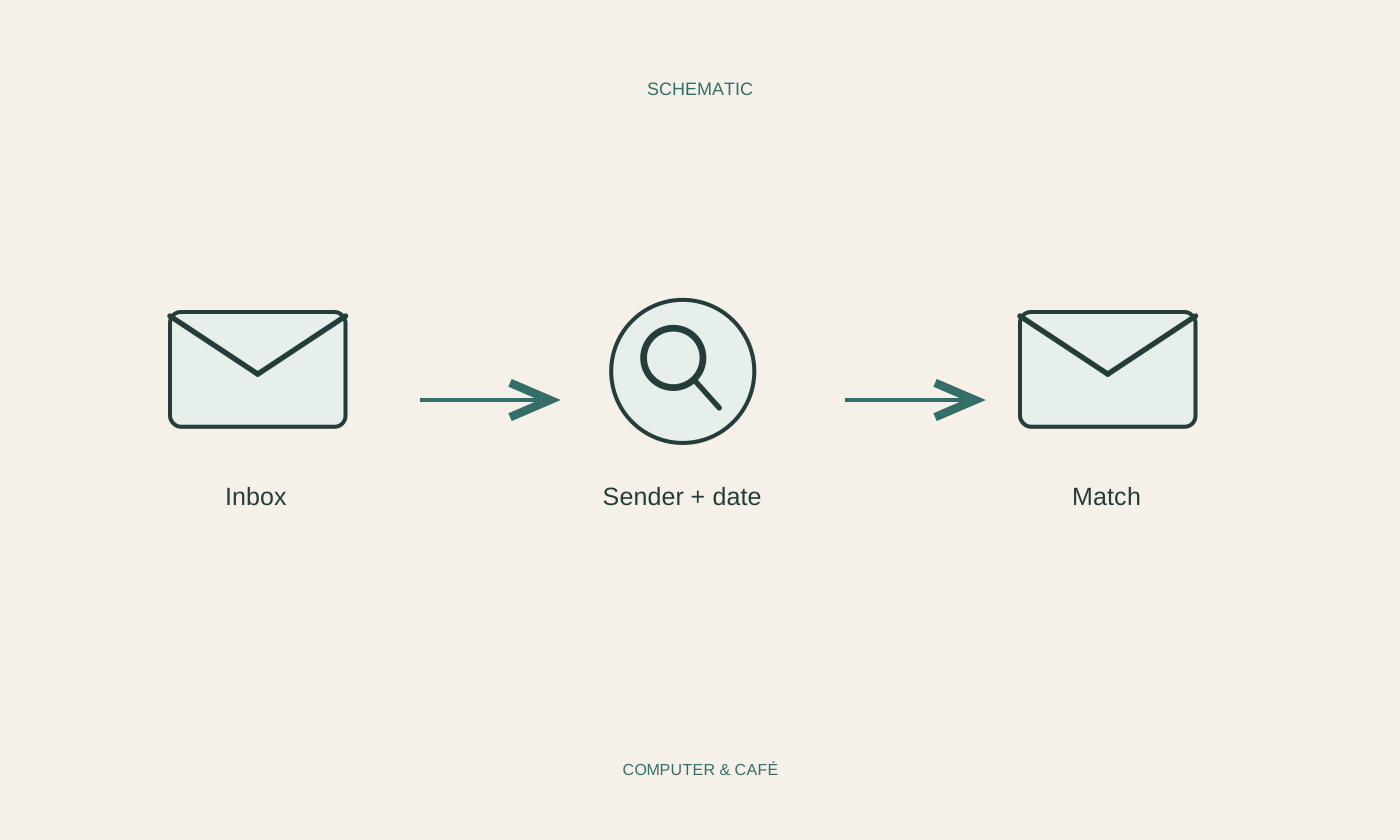
Before searching, identify what you actually know: the sender, approximate month, an unusual word or the kind of attachment. A project name you remember accurately can be more useful than a guessed full subject line. Begin with one or two clues and inspect the results before adding more restrictions.
For an invoice, the supplier's name may work better than the word invoice alone. Remember that the message might have arrived under a company name rather than your contact's personal name. Write down plausible variants briefly. This prevents repeating the same unsuccessful search with almost identical wording while overlooking a more useful clue.
Choose the search scope deliberately
Check whether the search covers the open folder or the whole account. An archived conversation may not appear in an inbox-only search. If several accounts are configured, also check which one is active. Personal and work addresses can contain similar subjects and senders without containing the same messages.
Look in sent mail where useful. Your reply may include the original text or a reference that identifies the conversation. Trash and spam may have separate search behaviour and retention limits. Do not assume a deleted message remains there indefinitely. Your mail service's own help explains the treatment of these folders and any relevant limitations.
Add filters one at a time
Use the available sender, date and attachment fields instead of guessing complex search commands immediately. Exact syntax varies between services. Instructions written for a different program can produce no results or an unexpected selection. Visible filters are often the clearest way to narrow an initial search without losing track of what you asked for.
Start with a slightly wider date range when your memory is approximate. An order placed in late March might produce a dispatch message in April. If too many results remain, add a distinctive word or sender. If none remain, remove the latest restriction. That reveals which condition may have excluded the message you need.
Verify the contents of a likely result
Open a plausible result and check its date, recipient and context. A matching subject does not prove that it is the right version. Long conversations may contain similarly named attachments with different editing states. Read the accompanying message before forwarding a found attachment as if it were the final agreed document.
Do not download every result without inspection. Unexpected attachments deserve caution even when they appear in a familiar mailbox. For an important receipt, inspect the content and save the actual required file somewhere suitable. Search helps retrieve messages; it does not independently establish the authenticity or safety of everything it finds.
Make the next retrieval easier
If you need a message regularly, give it an appropriate marker or associate it with a manageable project. A note containing sender, date and subject may be enough for a task. Avoid creating a large new folder hierarchy solely because one message was difficult to locate.
If the search remains unsuccessful, request another copy through a known contact route and describe the material precisely. First check whether it was sent to this account at all. Recognising a mistaken assumption about the destination can be a useful outcome. It is usually more productive than continuing to scroll through the same folder in the hope that the message will eventually appear.
Start with a reliable clue, choose the correct account scope and add filters gradually.