Measure the space you actually have
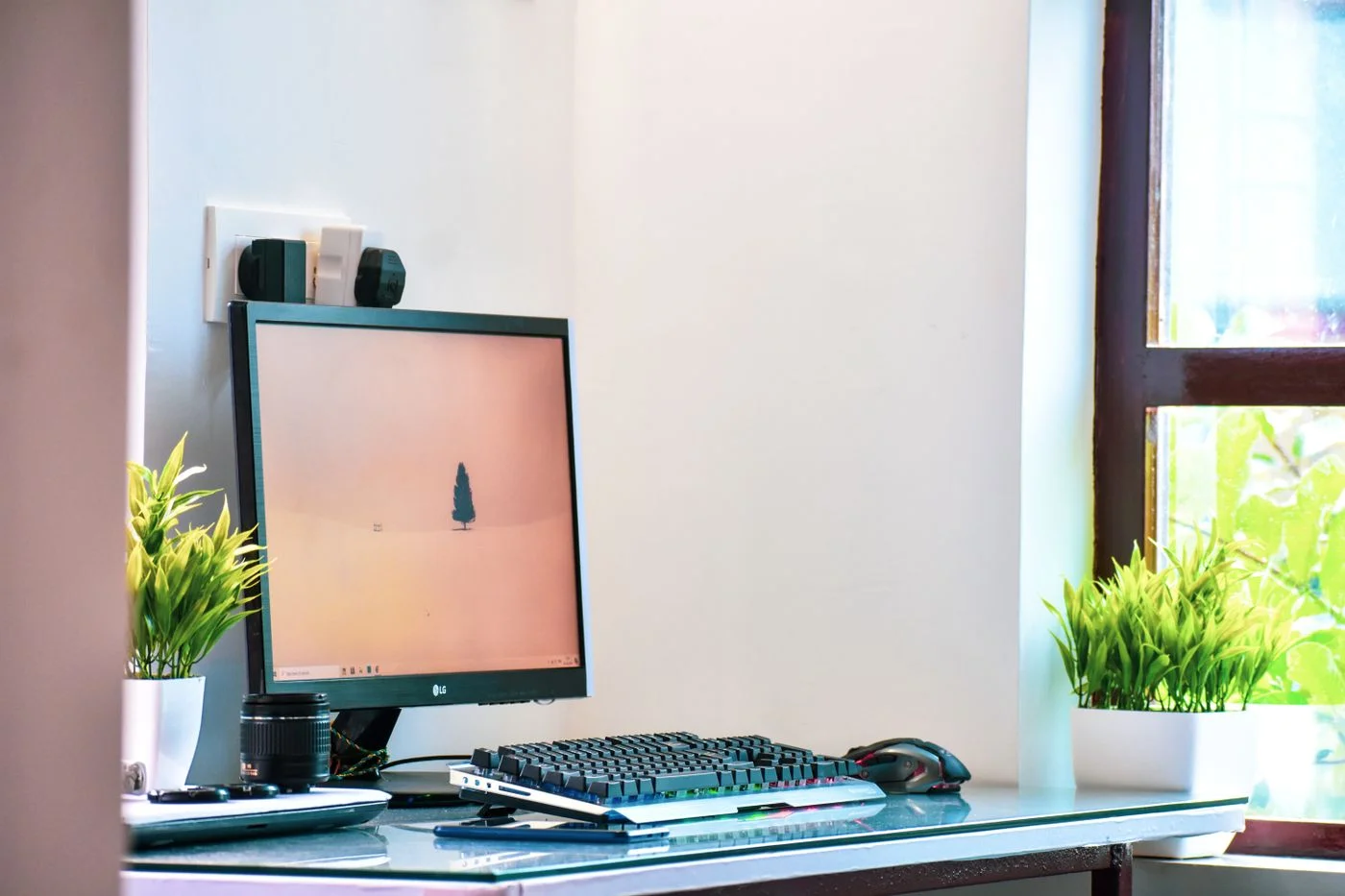
Measure the desk’s width and depth, and examine the space behind and underneath it. A monitor stand, projecting cables and an open drawer require room that product photographs can easily hide. Note which objects must be on the desk together during an ordinary task. The aim is to understand the working area rather than only the empty rectangle of the tabletop.
Separate daily essentials from accessories used occasionally. A card reader or pile of old paperwork need not permanently occupy the area in front of the keyboard. Try arrangements with existing objects or paper outlines before buying new supports. Measurements are a starting point; hands, cables and working materials still need enough room in actual use, without objects being pushed inadvertently over the edge.
Arrange viewing and controls together
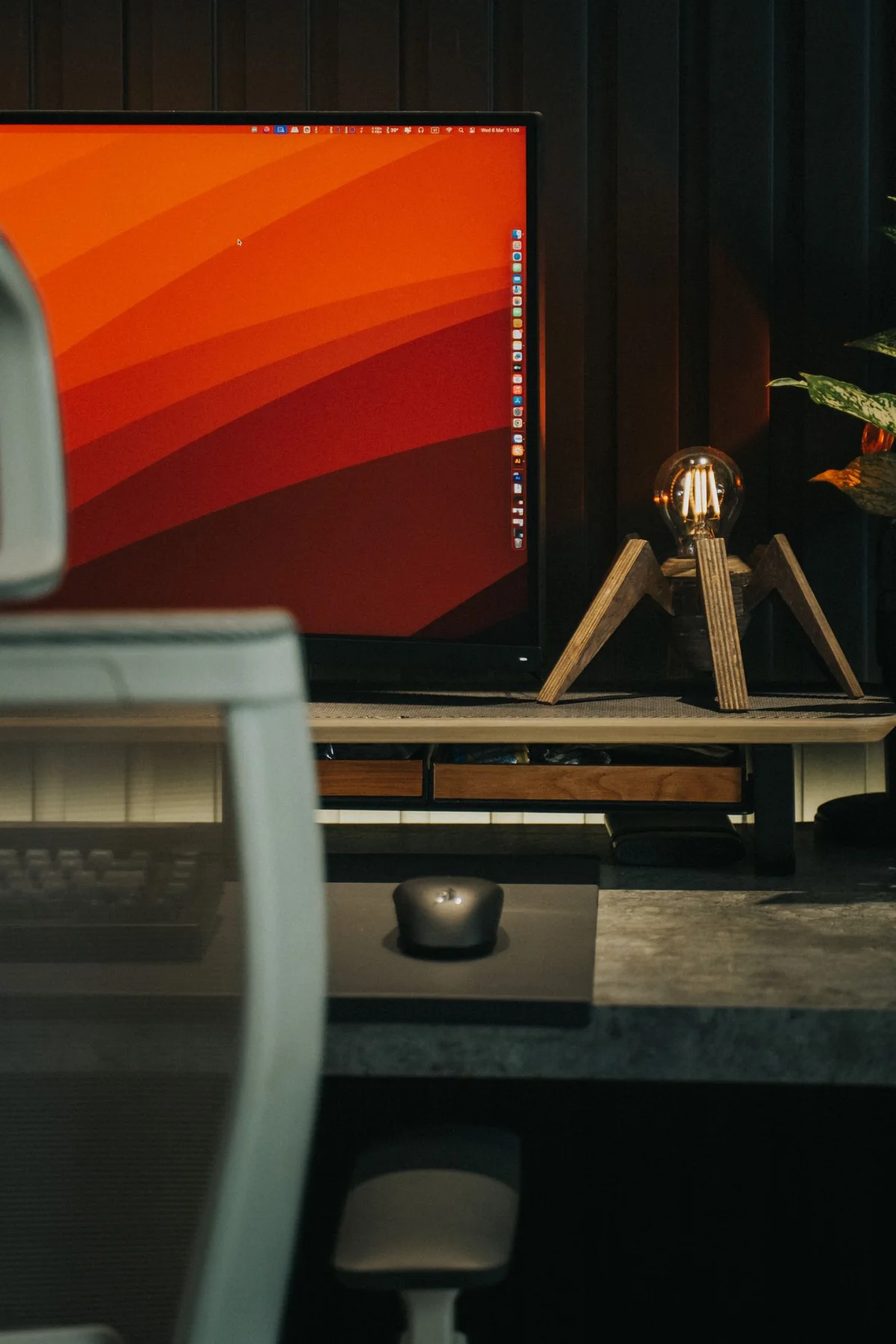
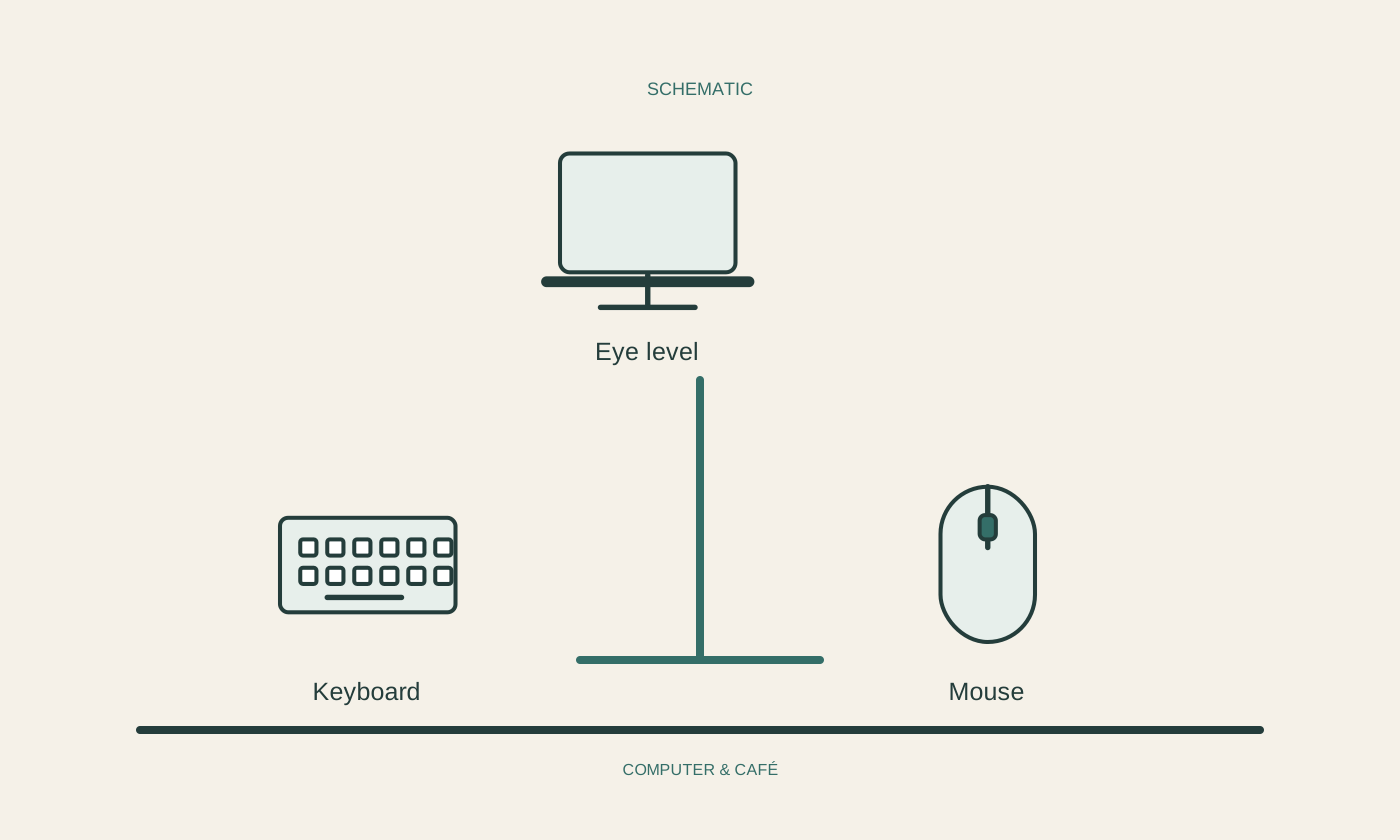
Position the main screen so you can view it comfortably from your usual sitting position. Check text size and viewing direction with a real document. A larger monitor does not automatically solve a space problem if its stand consumes the available depth or the screen ends up awkwardly close to the desk edge. Consider the complete arrangement rather than one dimension.
Place keyboard and mouse where paper piles and cables do not restrict their use. If you raise a laptop on a stand, include external input devices in the plan. The laptop’s elevated keyboard is not automatically a suitable surface for prolonged typing. Change one part at a time and compare the same task afterwards. These are practical adjustments, not medical prescriptions, and should follow your actual use.
Give papers and cables their own routes
Reserve a small area for documents that need to stay open during work. One intake place for unchecked papers prevents several ambiguous piles from developing. Return completed paperwork to its intended storage location instead of merely moving it to the other side of the desk. The useful distinction is between current material and stored material, not between neat and untidy piles.
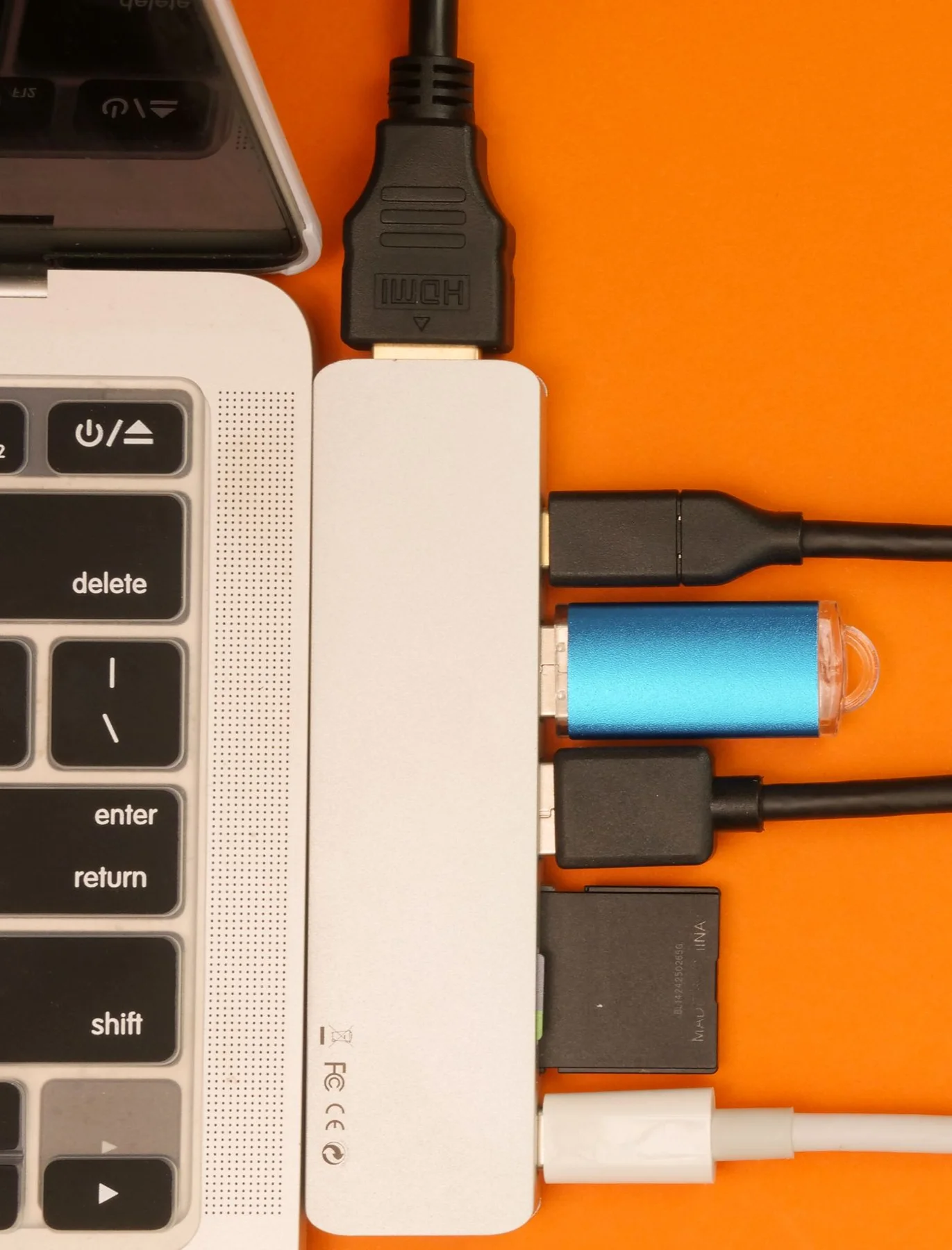
Route cables along an understandable path and leave enough slack for normal movement. Do not stretch connections tightly across the front edge. Keep adapters and ventilation openings clear and follow device instructions. Label similar cables at both ends where helpful. A small desk benefits especially from connections you can unplug without dragging another device or lifting the entire arrangement of paperwork.
Try the arrangement in everyday work
Complete a typical task from opening and consulting material through writing and, where needed, printing. Notice which objects you repeatedly move. Check reflections under the lighting present at your normal working time. A screen position that seems pleasant in the evening may behave differently with daylight coming from the side, so one quick glance is not a complete trial.
Record recurring obstacles and fix those first. A different monitor stand or removal of unused objects may be enough; alternatively, the desk may need a different division of space. Add accessories only for an identified need. Keep drinks separate from sensitive equipment. A useful small workspace lets frequent tasks happen without constant rearrangement, rather than displaying a particular number of organising products.
Try an ordinary task at the arranged desk before adding more accessories.