Establish how the photographs will be used
Ask whether the pictures are for on-screen viewing, printing or further editing. A quick review may not require the camera's full resolution, while a quality print or subsequent editing may depend on it. Do not reduce every file to the same specification without understanding the recipient's purpose.
Select the pictures that actually contribute. Five informative photographs can explain a situation better than thirty nearly identical ones. Remove blurred or accidental selections from the sending set without immediately deleting them from your original archive. Selection is a separate decision and often saves more effort than trying to compress a large, poorly chosen collection as aggressively as possible.
Work on a separate set of copies
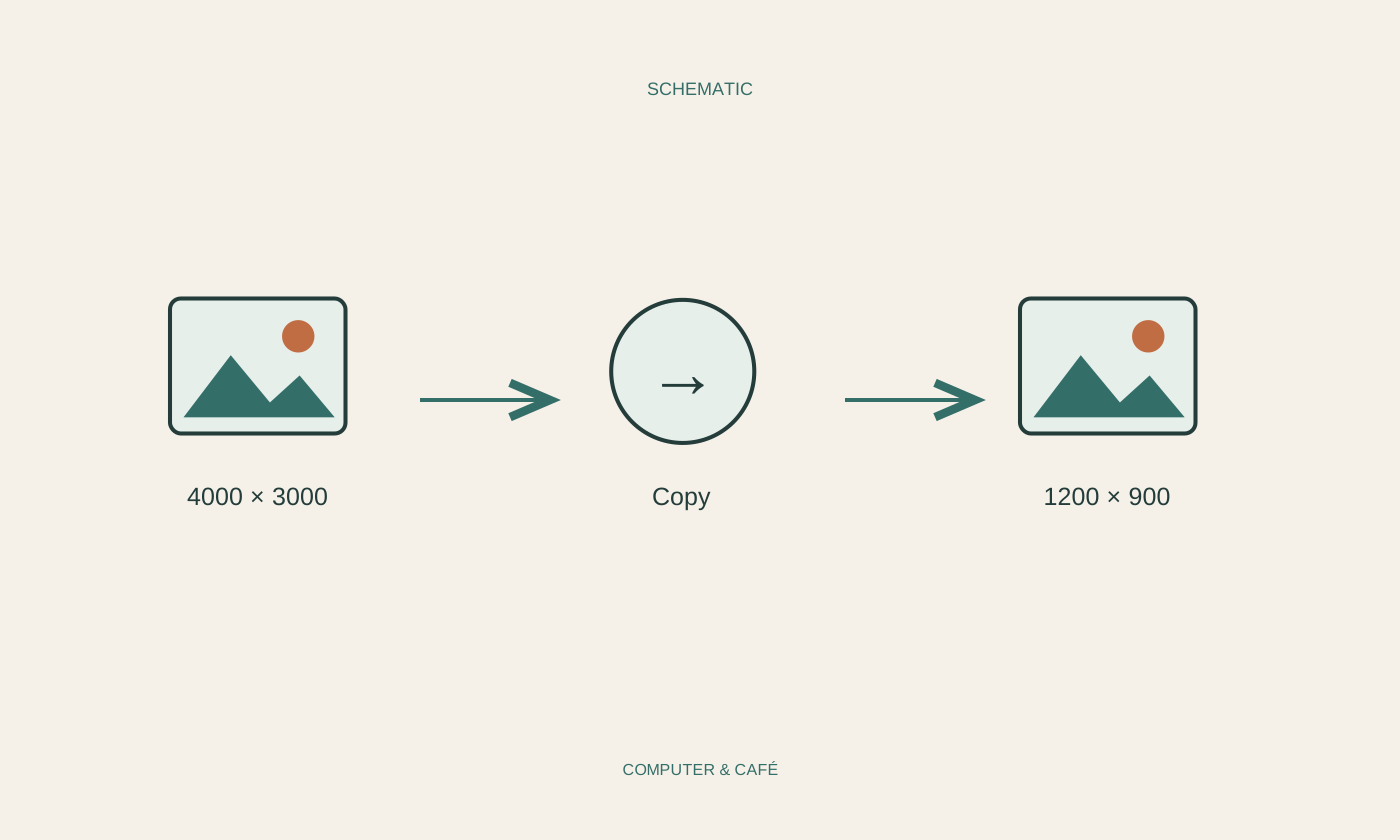
Create a folder for the versions you intend to send and copy the selected photographs into it. Name it after the occasion or recipient so the reason for these smaller files remains clear. Use a trusted local image application that can adjust dimensions and export quality. Private photographs do not need to be uploaded to an unfamiliar website merely to make them smaller.
Before saving, check whether the application intends to overwrite the original. Choose a new name or its export function where appropriate. Enlarging a reduced picture later cannot reliably restore lost detail. Keep the unchanged source files even when the smaller versions are entirely adequate for the present delivery.
Distinguish dimensions from compression quality
Pixel dimensions describe how many picture elements the image contains. Reducing width and height can substantially reduce file size. Preserve the aspect ratio so faces and objects are not stretched. Cropping removes part of the picture; resizing changes the dimensions of what remains. Choose the operation that corresponds to your actual aim.
A quality or compression setting can also affect size and visible detail, depending on the format. Do not immediately choose the lowest value. Try a representative photograph and inspect fine textures, lettering and edges. Saving an already heavily compressed picture again cannot improve its quality. Repeated lossy editing can introduce further visible changes, so return to an original when preparing a different version.
Judge the result by its important details
Open the saved copy and inspect the information the photograph is supposed to communicate. Damage must remain visible in a product photograph; required lines must remain legible in a document image. A pleasant overall appearance is not enough if the decisive area has become indistinct. Enlarge that area during your check.
Then compare file size and the combined size of all intended attachments. There is no single correct target for every mail provider and recipient. Check the service's limits and leave some room. If full originals are required but too large, an appropriately restricted sharing link may suit the task better than sacrificing more detail through repeated reductions.
Attach the versions you actually checked
When attaching files, deliberately select the folder containing the inspected sending copies. Check names and quantity so that large originals or additional private photographs do not join the message accidentally. Where relevant, inspect metadata such as location information with a suitable application and remove details you do not intend to share.
Briefly explain that the photographs were reduced and whether originals remain available on request. Say this only if you still possess them. Keep the delivered selection identifiable until the matter is finished. You can then connect a follow-up question to the correct image without searching through several almost identical versions and guessing which one the recipient received.
Keep originals, create separate sending copies and inspect their important details before attaching them.