Begin with a familiar piece of text
Open a longer text you already know instead of learning a new application and unfamiliar material simultaneously. Determine whether it is a webpage, an electronic book or a PDF with fixed pages. These respond differently to magnification. Adaptable book text can reflow its lines, while a fixed PDF may require sideways movement when enlarged. Choose a reading view suited to the material. A tablet does not automatically make every document designed for large paper pages comfortable to read. Test several representative pages, including tables or illustrations, before deciding that the format will suit a lengthy reading session.
Adjust text and display gradually
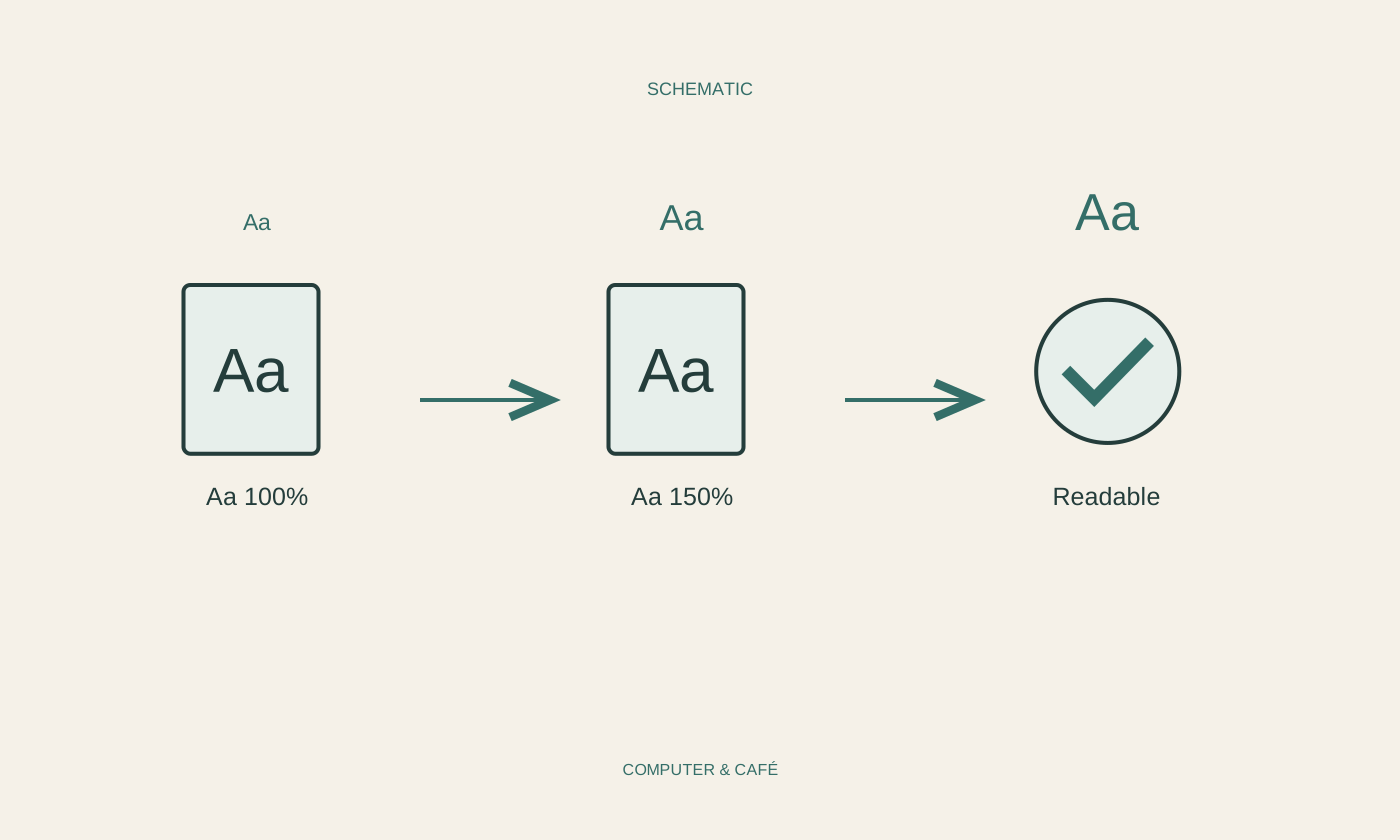
Change font size, line spacing or margins where the application permits. Alter one value and read several paragraphs afterwards. Very large characters in a narrow area can produce many short lines; the goal is an understandable reading flow. Compare portrait and landscape orientation if useful. Set brightness for the surroundings and reduce strong reflections. A dark appearance may suit some preferences but is not better in every situation. Ensure links, highlights and pictures remain visible. Record a suitable combination if several people share the tablet, so a preference can be restored without repeatedly trying every option from the beginning.
Support the device securely
Avoid holding the tablet in a tense position for an unnecessarily long period. A stable support or suitable stand can help at a table if the device cannot slip. Check the viewing angle and access to page-turning controls. Do not balance it on loose objects that tip when touched. Reading on a sofa differs from working at a desk; adapt the arrangement rather than forcing the same position everywhere. Change position when needed and take breaks. An accessory’s marketing description does not guarantee that one stand fits every person or tablet, so assess the actual arrangement.
Make documents genuinely available offline
If you intend to read without reliable connectivity, explicitly download the required content. A visible book cover or filename in a cloud application does not prove the complete material is stored locally. Wait for downloading to finish, then test it without an internet connection. Check later chapters, illustrations and attachments where they matter. Some services impose particular sign-in or usage conditions; understand the application before travelling. Keep important documents available through another suitable route if a flat battery or lost device would otherwise remove access entirely. Offline preparation is most useful when tested before the connection disappears.
Create a quiet reading routine
Arrange important titles or documents so they are easy to reach. Use bookmarks or a saved reading position where the application supports them reliably. Test whether the position returns after closing and reopening. Limit notifications for the intended reading period according to your needs while preserving necessary availability. Charge the tablet in an appropriate location and keep liquids away. After a settings change or update, briefly check whether the familiar display remains intact. This keeps the device a straightforward reading aid rather than turning every session into another setup exercise, and leaves attention available for the material itself.
Match display and support to the text, and test offline documents before you need them.